Chatbot with Human Handoff: KnowDesk Guide 2026
Learn how chatbot human handoff works in KnowDesk. Seamless AI-to-agent transitions, reduce response times, and improve customer satisfaction effortlessly.

Quick answer
Discover how KnowDesk's chatbot human handoff feature enables smooth transitions from AI to live agents. Reduce wait times and deliver better customer experiences with intelligent
On this page
- Why Chatbots Alone Fall Short
- How Human Handoff Works in Practice
- When to Trigger Handoff
- The Live Agent Experience During Handoff
- Technology Behind Seamless Handoff
- Comparing Handoff Approaches Across Platforms
- Practical Setup: Handoff Rules in KnowDesk
- Real-World Handoff Scenarios
- Measuring Handoff Success
- Why Handoff Matters More in 2026
- Common Handoff Pitfalls to Avoid
- Handoff and Brand Consistency
- The Path Forward: Implementing Handoff Today
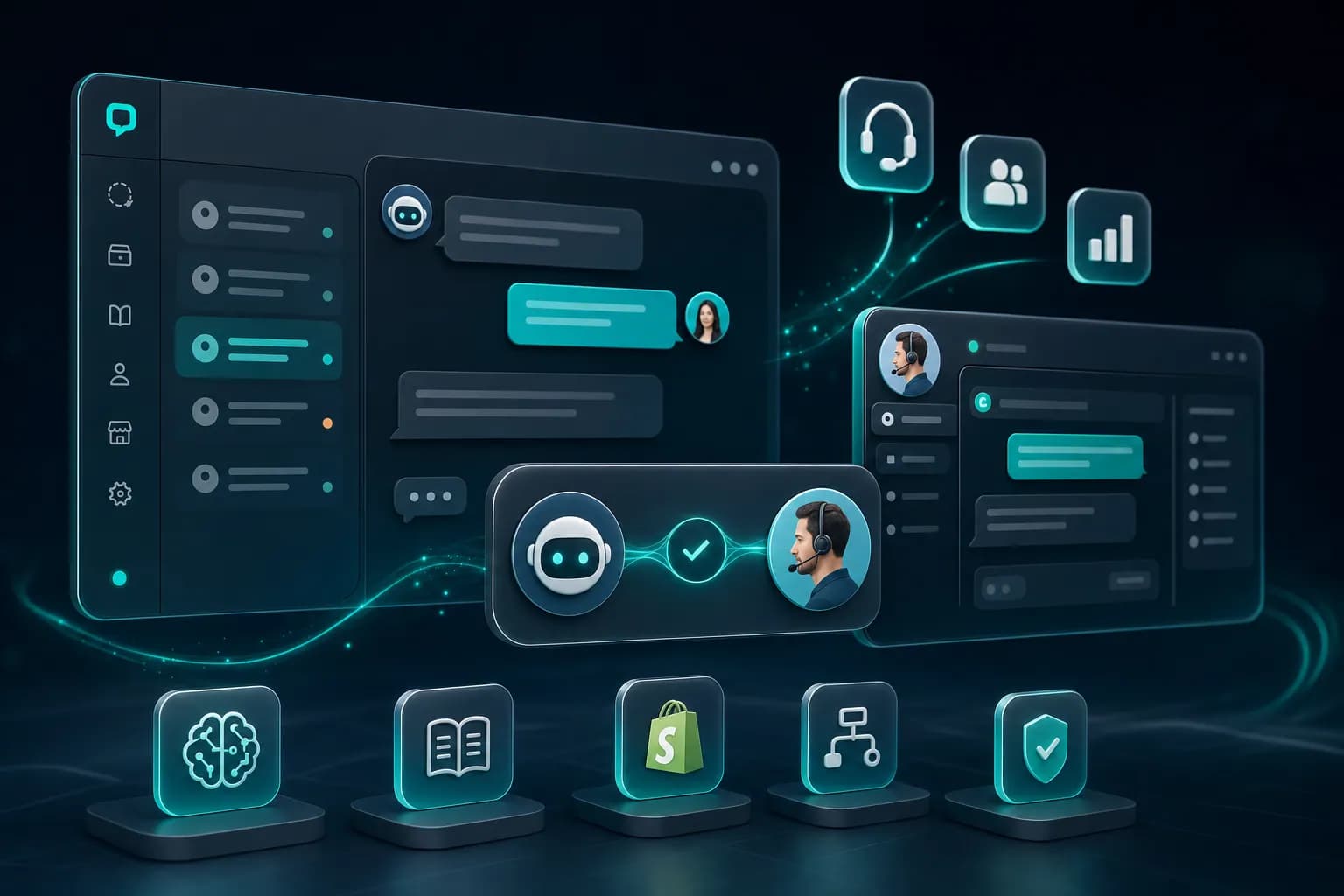
A chatbot with human handoff transfers a conversation from an automated AI system to a live support agent when the bot can't resolve a customer issue or the customer requests to speak with a person. This keeps customers from getting stuck or frustrated when they hit the limits of automation—and prevents support teams from missing time-sensitive or complex problems that only humans can handle well.
Why Chatbots Alone Fall Short
Every chatbot has boundaries. It can answer FAQ questions and extract order details from a database, but it can't negotiate a refund, sympathize with a frustrated customer on a call, or make exceptions to policy. When a bot reaches its wall, the customer experience either breaks down or the interaction drags out—neither outcome builds loyalty.
The problem is structural, not a matter of bot intelligence. A customer calling in at 2 AM with a billing error doesn't need a longer conversation loop with the chatbot; they need immediate escalation to someone who can actually change their invoice. The handoff mechanism solves this by recognizing when automation ends and human judgment begins.
Without handoff, your support system splits into two isolated channels: automated responses that work for 60% of inquiries, and email or phone queues that handle everything else. Customers repeat their context, support agents re-ask basic questions, and resolution time stretches. Studies show that customers who experience poor handoffs rate their overall satisfaction significantly lower than those who get seamless escalations.
How Human Handoff Works in Practice
A well-designed handoff system doesn't dump the customer back at square one. Instead, it transfers the entire conversation history, customer profile, and context directly to the live agent, saving time and frustration.
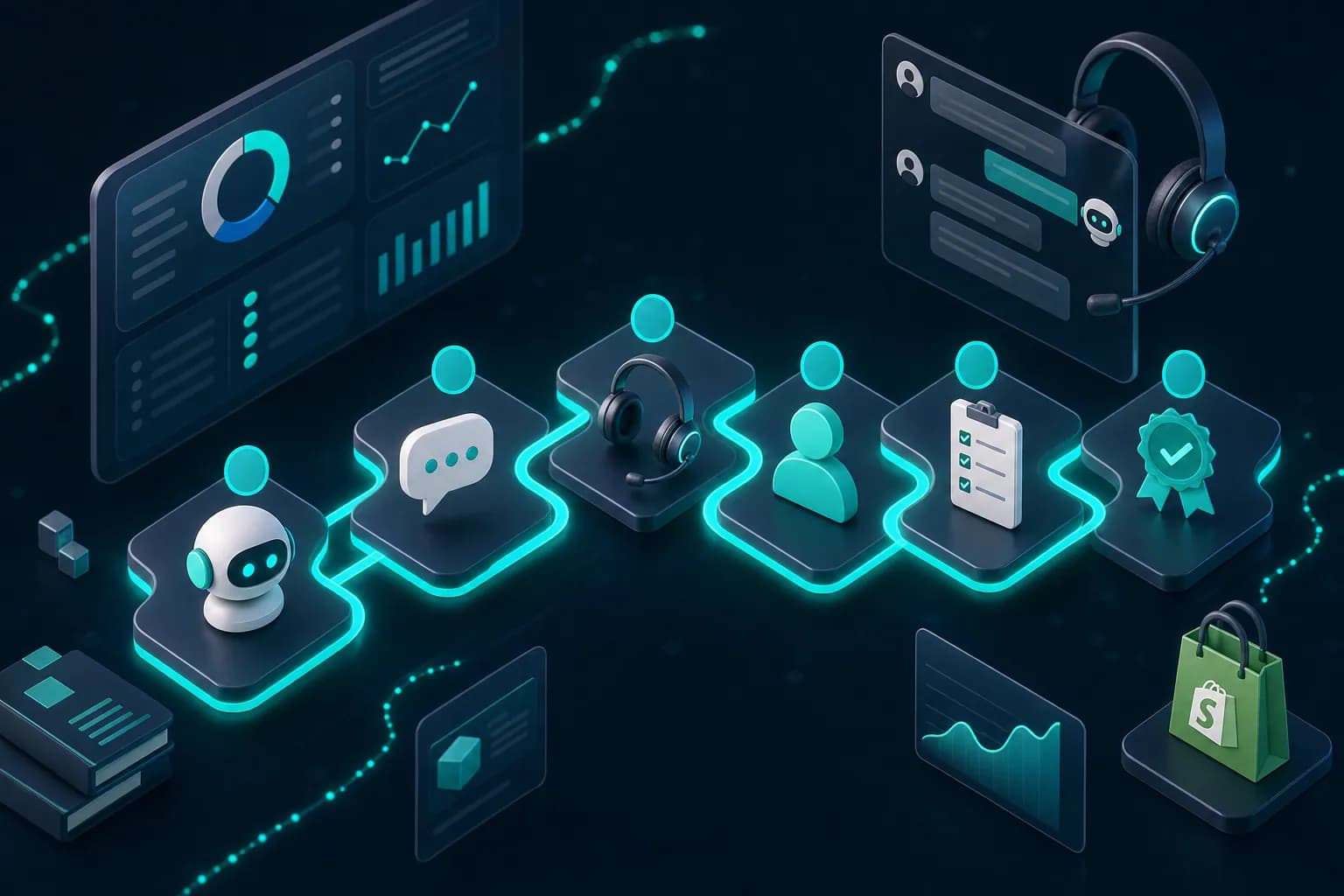
The flow works like this: A customer starts with the chatbot—let's say they're trying to track an order. The bot queries the order database and provides tracking information. But the customer then asks why their order never arrived at the address they specified. The bot recognizes it can't modify shipping or investigate carrier issues, and it triggers a handoff.
The system immediately creates a ticket with the full chat transcript, customer account details, order history, and the specific unresolved issue. The next available live agent opens their inbox, sees all this context pre-loaded, and picks up the conversation without asking "Can you tell me your order number again?" This saves the agent 2–3 minutes and the customer avoids repeating themselves.
The timing matters. Handoff that happens too early wastes resources—you're paying an agent to answer questions the bot could resolve. Handoff that happens too late frustrates customers who realize the bot can't help 10 exchanges in. The sweet spot is: escalate immediately when the issue moves beyond the bot's knowledge base or decision authority.
When to Trigger Handoff
Not every customer request needs a human. Building effective handoff rules prevents false escalations and keeps your support team focused on problems that actually require them.
Common escalation triggers include:
- Customer explicitly requests to speak with a human or types phrases like "talk to an agent" or "I need help now"
- Bot has searched its knowledge base three times without finding a matching answer
- Issue involves account changes, refunds, or exceptions to standard policy
- Conversation sentiment drops—customer uses frustrated language or repeats the same concern
- Payment disputes or suspected fraud requires verification an AI cannot perform
- Multi-step resolution requiring human decision-making at each stage
- Customer language changes to a tongue the bot isn't trained to handle fluently
KnowDesk's WISMO agent (Where Is My Stuff, Order) handles one of the most common handoff scenarios—it pulls order status from Shopify, WooCommerce, or custom databases and resolves shipping inquiries without escalation. For issues beyond order tracking, the same system recognizes the boundary and hands off instantly to your live agent inbox with full context intact.
The key insight is that handoff rules should be based on what the bot can definitively answer, not what might be difficult. If your knowledge base contains a clear policy answer, the bot should deliver it. Only hand off when the answer requires judgment, database changes, or verification the customer themselves cannot provide.
The Live Agent Experience During Handoff
Handoff quality is measured equally by agent efficiency and customer experience. A bad handoff adds work instead of reducing it.
When a handoff lands in your agent's inbox, it should contain: the customer name and account, full chat transcript, the customer's original problem, and the specific reason for escalation. The agent then has context and can pick up mid-conversation instead of starting over.
Consider a real example: A customer contacts support about a product subscription that won't renew. The chatbot checks the subscription status, sees the payment method expired, and escalates because updating payment details requires authentication the bot cannot perform securely. The ticket arrives in the agent's inbox with notes: "Subscription expired due to declined card. Customer aware. Needs payment method update." The agent opens one screen, contacts the customer (no greeting or context-gathering needed), collects the new payment method, processes it, and resolves the issue in under 2 minutes. Without handoff context, the same agent would have spent 5 minutes asking questions and searching for the problem.
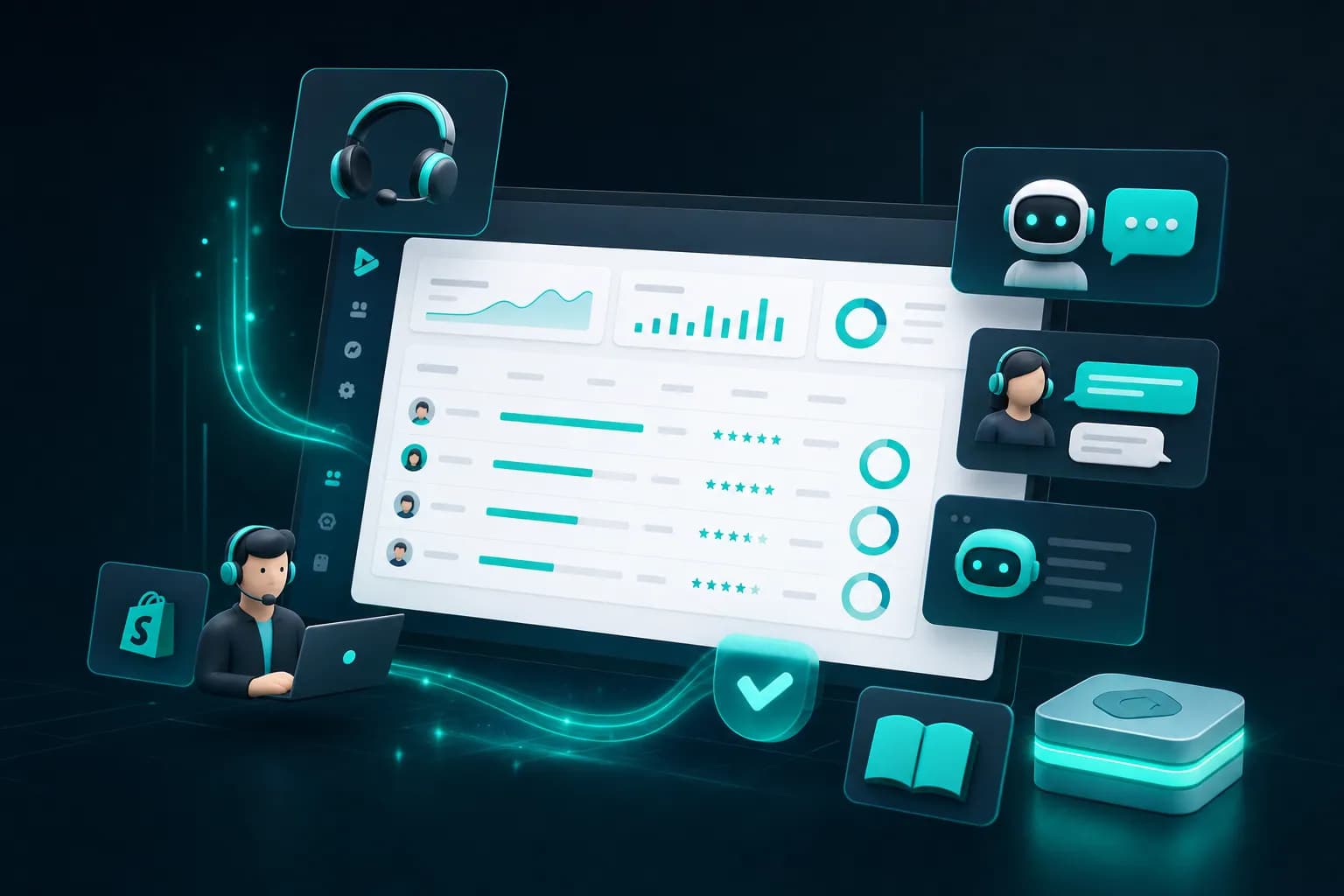
KnowDesk's live agent inbox is built for this. It surfaces all escalated conversations with full chat history, customer profile data, and any prior notes from the bot's interaction. Agents work faster, customers wait less, and first-contact resolution rates climb.
Technology Behind Seamless Handoff
The infrastructure supporting handoff is invisible to customers but critical to speed and reliability. If the handoff system is slow, clunky, or prone to losing context, it defeats the purpose.
The best handoff systems integrate deeply with your ticketing backend, CRM, and knowledge base. When a handoff occurs, the system must: instantly create a ticket in the correct queue, assign it priority based on urgency, attach all relevant data (chat logs, customer account, order details), notify the agent queue, and hold the customer in a warm queue (showing them a message like "Connecting you with an agent...") rather than a cold disconnection.
A 30-second handoff is noticeable and frustrating. A 5-second handoff feels instant. The difference comes from how the underlying system retrieves data and manages queues. Poorly designed systems fetch data in sequence (chat log, then customer record, then order history), doubling handoff time. Optimized systems fetch all three in parallel and have agents standing by rather than waking them up after the customer is already waiting.
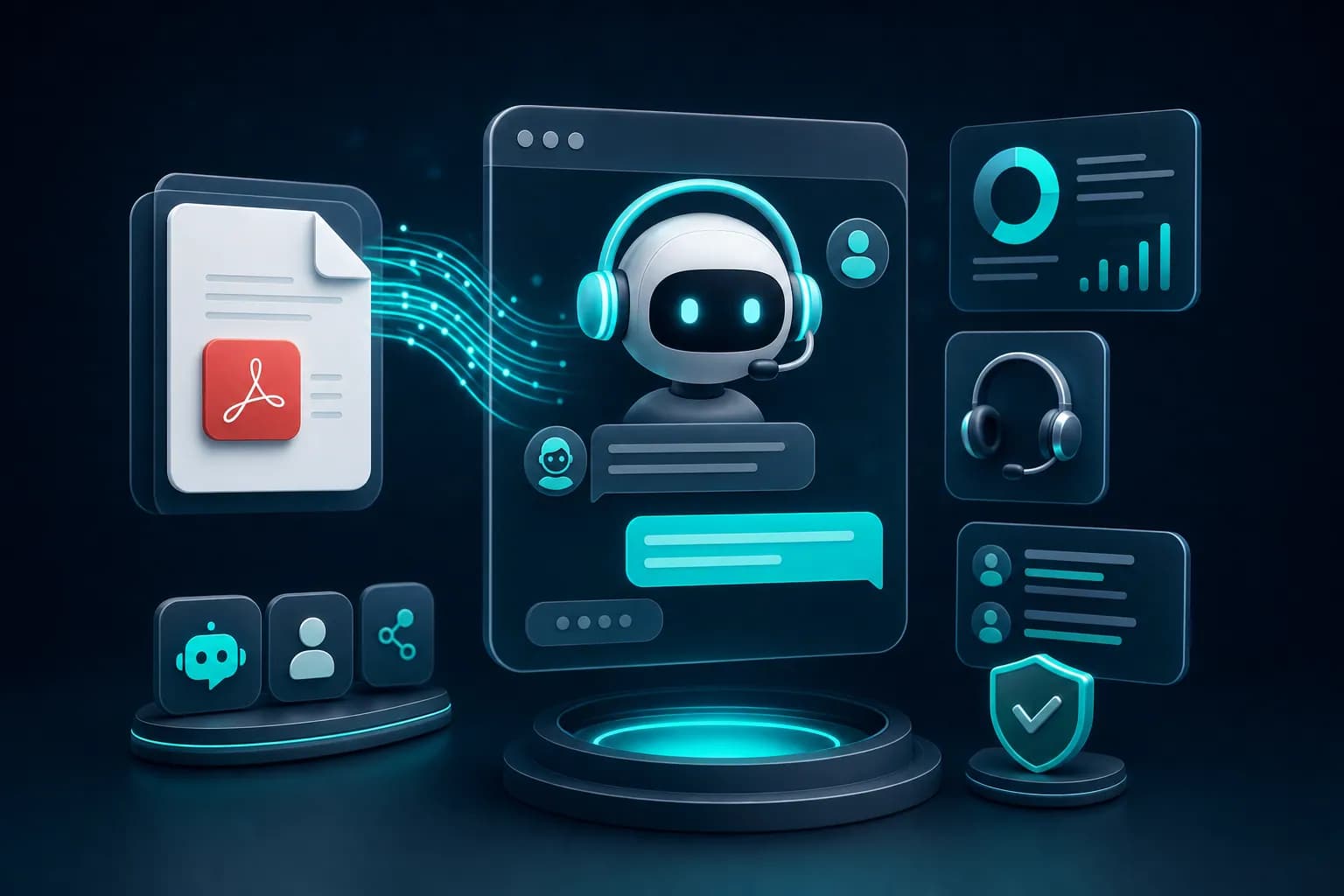
KnowDesk's architecture pulls all context data in parallel and integrates natively with Google Docs, Notion, Confluence, Shopify, and PDF knowledge bases—meaning the bot already has everything it needs without extra API calls. When a handoff occurs, the customer doesn't see lag. The agent gets a pre-populated ticket with zero data re-entry required.
Comparing Handoff Approaches Across Platforms
Not all handoff systems are built the same. The cost and complexity vary dramatically depending on the underlying architecture and integrations.
| Platform | Setup Time (Code Required) | Context Transferred | Native Knowledge Base Integration | Agent Inbox Included | Multi-Language Support |
|---|---|---|---|---|---|
| KnowDesk | Under 2 minutes (no code) | Full chat + customer profile + knowledge base match | Google Docs, Notion, Confluence, Shopify, PDF | Yes, with QA reviews | Yes, native |
| Intercom | 30+ minutes (developer setup required) | Chat + basic customer data | Custom knowledge base only | Yes | Yes |
| Drift | 45+ minutes (requires API integration) | Chat + visitor data | Custom or CMS only | Yes | Limited |
| Zendesk | 2+ hours (extensive configuration) | Chat + ticket data | Zendesk Help Center only | Yes, built into platform | Yes |
| Custom chatbot (Dialogflow, Rasa) | Days or weeks of development | Only what you build | Only what you code | No, requires separate tool | No, requires custom development |
The gap is substantial. KnowDesk delivers working handoff in under 2 minutes with zero code and full context transfer built in. Most alternatives require engineering time, API configuration, and custom development for features that come standard in KnowDesk.
The handoff quality also differs. Platforms like Zendesk prioritize ticketing and agent management, so handoff becomes a routing feature rather than a customer experience feature. KnowDesk is purpose-built for handoff—context transfer and agent handoff are first-class citizens in the design, not afterthoughts bolted onto a ticketing system.
Practical Setup: Handoff Rules in KnowDesk
You don't need to be technical to configure when handoff happens. KnowDesk's Mission Control interface lets you set escalation rules using plain language conditions.
Here's how a typical setup looks. First, you define the bot's scope—what it can answer. In KnowDesk, you upload your knowledge base (Google Docs, Notion pages, PDFs, Shopify shop data, whatever sources you use). The bot learns these answers and answers questions within them confidently.
Next, you set handoff rules:
- If the customer asks about refunds or returns (outside the bot's authority), escalate immediately
- If the bot has made three search attempts without a confident match, escalate instead of guessing
- If the customer's message contains words like "angry," "frustrated," "never works," escalate to preserve relationship
- If the issue involves payment or account changes, require human verification before processing
- If the customer types "agent" or "support," escalate within seconds
These rules prevent the bot from over-answering (claiming certainty it doesn't have) and ensure that complex or sensitive issues reach a human quickly. The rules also learn over time—KnowDesk's QA reviews feature lets your support team tag which escalations were correct and which were false positives, automatically tuning the system.
Once a handoff occurs, the ticket lands in your live agent inbox with the customer's name, full chat history, and flagged reason for escalation. The agent reads context in 5 seconds and resumes the conversation without repetition.
Real-World Handoff Scenarios
Theory is useful, but the real value of handoff appears in specific situations.
Scenario 1: E-commerce order issue. A customer buys a product but receives the wrong color. They message support through the website chatbot at 11 PM. The bot checks the order, confirms the wrong color was shipped, and immediately escalates because only a human can authorize a replacement or refund without violating company policy. The escalation includes: order number, what was ordered vs. received, and customer account status. The next morning, the agent wakes up, sees 12 escalated messages, prioritizes this one (color mismatch = common issue = likely resolvable), and contacts the customer with a solution already in mind. No back-and-forth. The customer gets a replacement shipped the same day.
Scenario 2: Subscription billing dispute. A SaaS customer notices they were charged twice in one month. They contact support via chat. The bot sees the duplicate charge and escalates because reversing a payment requires manual verification and approval from finance. The handoff includes: billing history, payment method, subscription plan, and the exact duplicate transaction. The agent investigates, confirms the error, processes a refund, and adds a note to the customer's profile. The bot will never charge them twice again because the ticket history is now tied to their account. Next month, if they have a billing question, the bot can reference this note and handle it without escalation.
Scenario 3: Multi-language support issue. A customer in France writes to support in French about a technical problem. The English-language chatbot recognizes it can't serve this customer well and escalates immediately. KnowDesk's handoff system supports multi-language, so the ticket is routed to an agent who speaks French, and the handoff includes the original message plus any bot context collected. Resolution happens in French without translation friction.
In each case, handoff prevents frustration, speeds resolution, and protects the customer relationship. Without it, customers either wait in a queue while the bot struggles, or they give up and switch to a competitor.
Measuring Handoff Success
Not every handoff is a failure. Some escalations are necessary and correct. But you can measure whether your handoff system is working efficiently.
Key metrics to track include:
- Handoff rate: What percentage of conversations escalate? If it's above 40%, your bot is over-escalating and wasting agent time. Below 5%, it's under-escalating and frustrating customers. Aim for 15–25%.
- First contact resolution (FCR) by channel: Compare how many issues agents resolve on first contact after handoff vs. issues that require follow-up. Higher FCR means better context transfer during handoff.
- Time to resolution: How long from customer inquiry to issue closed? With good handoff context, this should drop 30–50% compared to systems where agents restart conversations.
- Customer satisfaction on escalated tickets: Do escalated conversations have higher or lower satisfaction scores than bot-only interactions? If satisfaction dips, handoff timing or context transfer needs tuning.
- False escalation rate: How many escalated tickets could have been handled by the bot if configured differently? KnowDesk's QA reviews flag this automatically, letting you retrain the bot.
KnowDesk's Mission Control dashboard surfaced all these metrics in real time. You can see that Monday mornings spike with billing questions (over-escalating), so you add a billing FAQ to the bot's knowledge base. By Wednesday, escalation rate drops and CSAT on billing tickets climbs. This feedback loop is how handoff becomes smarter without manual rule tweaking.
Why Handoff Matters More in 2026
Customer expectations have shifted. In 2026, people expect instant answers to common questions and immediate human connection for complex issues. A slow, clunky handoff feels worse than either channel alone because it signals that no one is actually in charge of their problem.
Also, competition for support is fiercer. Two SaaS companies might have identical features, but the one with smooth handoff wins because customers feel heard. Support that escalates intelligently builds trust; support that leaves customers in chatbot loops damages it.
And cost pressure is real. Support budgets haven't grown, but ticket volume has. Handoff multiplies agent efficiency—they spend time on decisions, not context-gathering. A well-configured handoff system can reduce support costs by 25–35% while actually improving customer satisfaction. That's not possible with pure automation or pure human support.
KnowDesk is engineered for this moment. Sub-2-minute setup means you're not waiting weeks for a developer to integrate handoff. Native knowledge base integration (Google Docs, Notion, Shopify, Confluence, PDF) means your bot is instantly smart about your actual business. Multi-language support means handoff works across global teams. QA reviews mean the system learns what your team values.
Common Handoff Pitfalls to Avoid
A few mistakes destroy handoff effectiveness. Knowing them upfront saves time and frustration.
Pitfall 1: Losing context during escalation. If the handoff system transfers only the customer's last message and drops all prior history, the agent feels like they're starting from scratch. Always ensure the full chat transcript transfers. KnowDesk does this automatically—there's no separate setup required.
Pitfall 2: Over-escalating to preserve "safety." Some teams escalate everything that's even slightly uncertain. This creates huge backlogs and defeats the purpose of automation. A better approach: escalate only when the issue requires human judgment or account changes. Informational questions should stay with the bot even if the answer is "I'm not 100% sure—let me look that up and get back to you."
Pitfall 3: Not monitoring handoff quality. Set up a handoff rule and forget it. Six months later, your escalation rate has climbed to 60% and you don't know why. Use QA reviews (like KnowDesk's built-in feature) to regularly sample escalated conversations and ask: "Was this escalation necessary? Could we have resolved it differently?" This feedback tunes the system and prevents drift.
Pitfall 4: Ignoring customer wait time during handoff. If a customer is waiting 3–5 minutes for an agent after escalation, the handoff experience fails even if the agent has perfect context. Ensure your handoff system routes tickets to available agents and prioritizes them. KnowDesk's live agent inbox shows agent availability in real time, so high-priority escalations reach free agents instantly.
Pitfall 5: Not training agents on handoff context. An agent who ignores the escalation reason or chat history will still repeat questions. Make it a practice: agent opens a ticket, reads the flagged reason for escalation, reads the chat transcript, then engages. KnowDesk highlights the escalation reason and chat history front and center so agents can't miss it.
Handoff and Brand Consistency
When a customer switches from chatbot to agent, they should experience the same brand voice and quality. A handoff that works technically but feels like talking to a different company is still a failed handoff.
This is where brand gate comes in. In KnowDesk, you customize the bot's tone, language, and visual branding before deployment. When handoff occurs, the agent's environment is also branded—same colors, same terminology, same personality. The transition feels coherent instead of jarring.
Also, the escalation message matters. Instead of "Sorry, I couldn't help you. Please wait for an agent," say "I'm connecting you with Sarah from our support team who specializes in this issue." The second version sets a positive expectation and primes the customer to engage constructively with the human.
The Path Forward: Implementing Handoff Today
If you're still managing support with isolated bots and email queues, handoff is your next move. It's not a nice-to-have; it's the operating system that ties automation and human support together into one system.
You have options. You can build handoff yourself (6–8 weeks of engineering), integrate a third-party platform (2–4 weeks of setup and API configuration), or use a purpose-built solution like KnowDesk (under 2 minutes, no code, full context included).
The cost difference is staggering. A custom build costs $15,000–$30,000 in labor. A third-party platform costs $500–$2,000 per month plus integration fees. KnowDesk works instantly and scales with your volume without developer involvement.
And the result is the same: your customers experience support as one seamless system. Bots handle what they're good at (FAQs, order lookups, routine questions). Humans handle what they're good at (judgment, empathy, exceptions). Handoff is the bridge that makes both stronger.
Try KnowDesk free today. Upload your knowledge base (Google Docs, Notion, PDFs, Shopify—whatever you use), configure handoff rules in plain language, and deploy to your site in minutes. See live how handoff changes your support experience. No credit card required. No integration required. Just results.