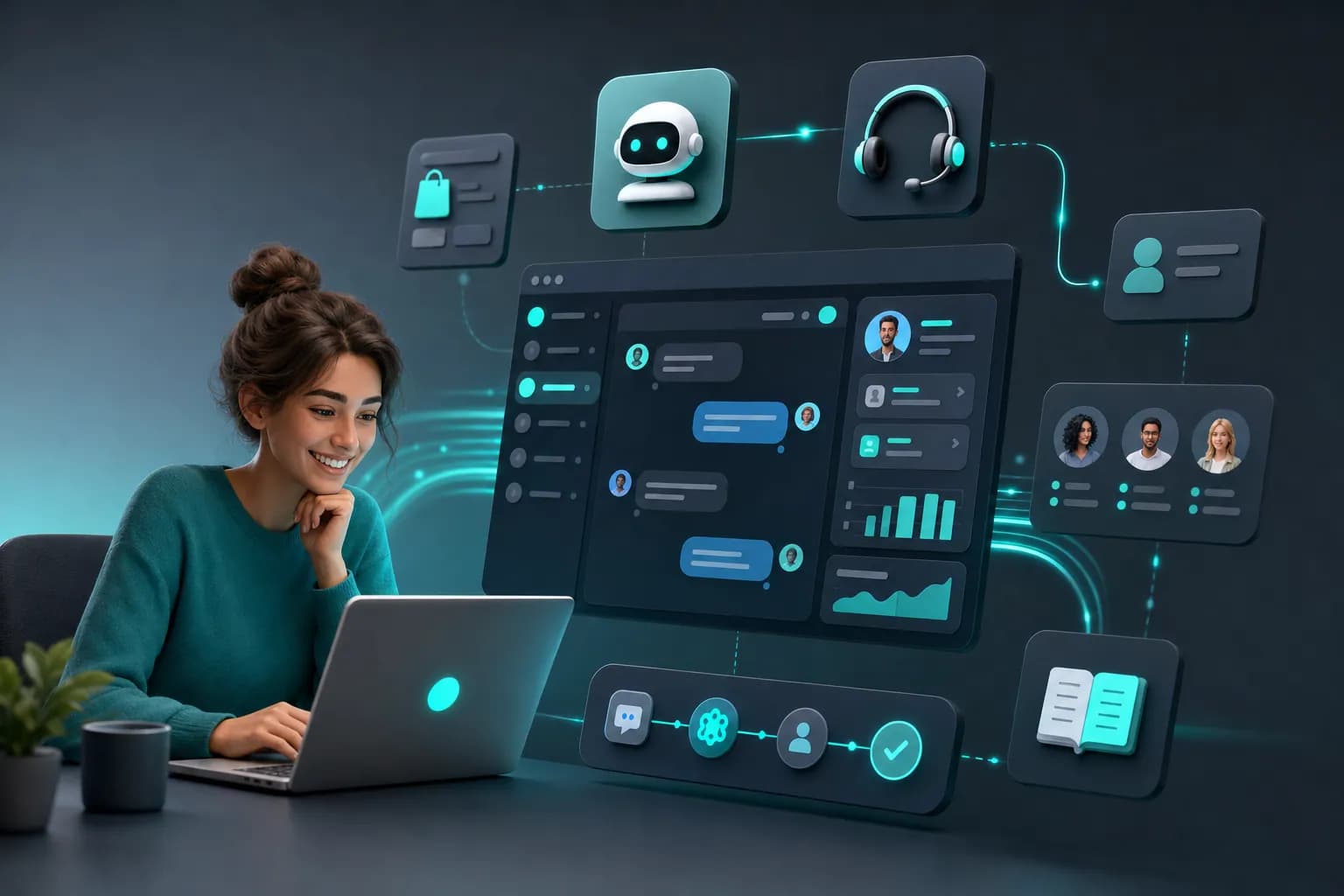
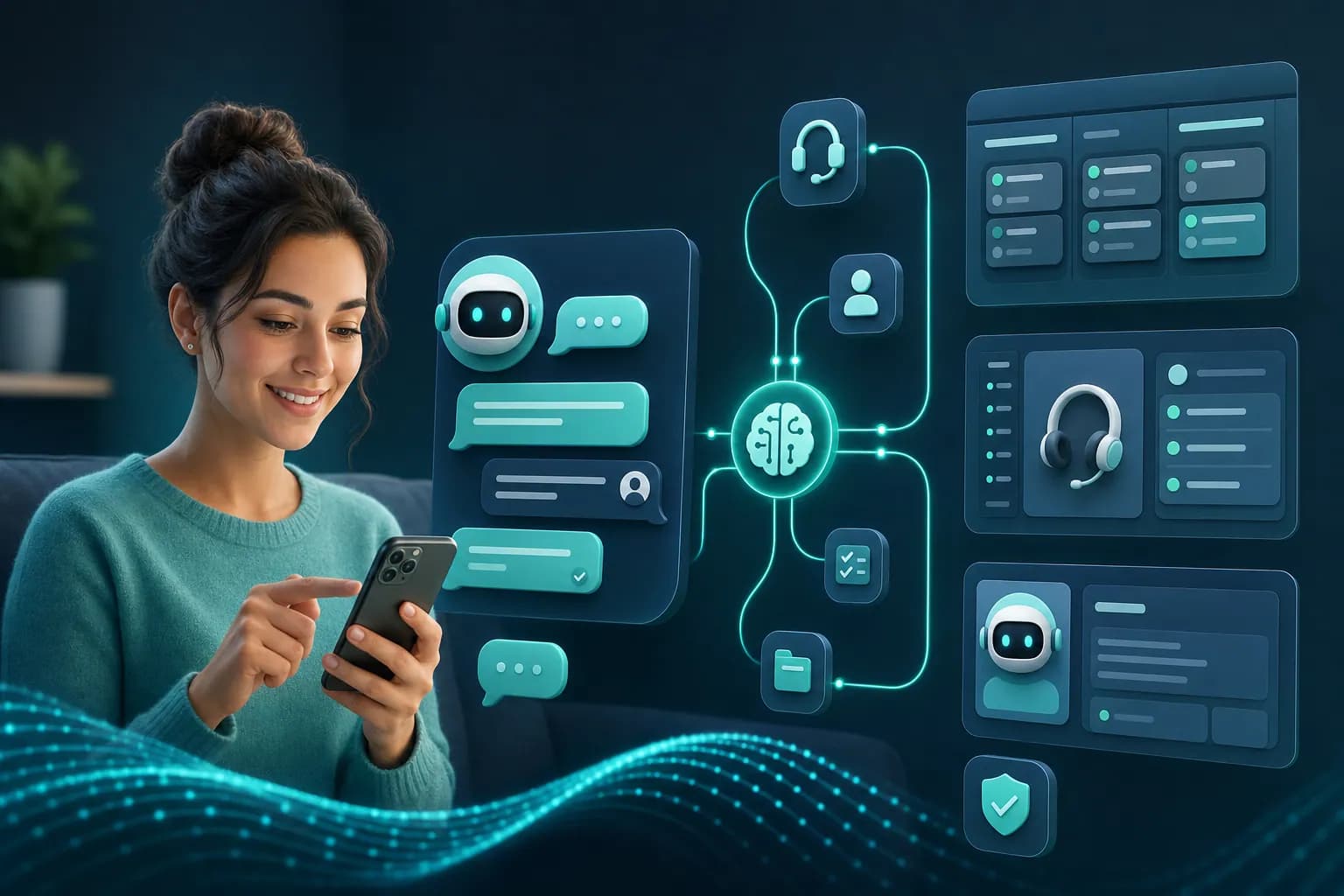
Knowledge Base Chatbot: AI Support in 2026
Discover how knowledge base chatbots deliver instant customer support. Learn best practices and implementation strategies for 2026.

Quick answer
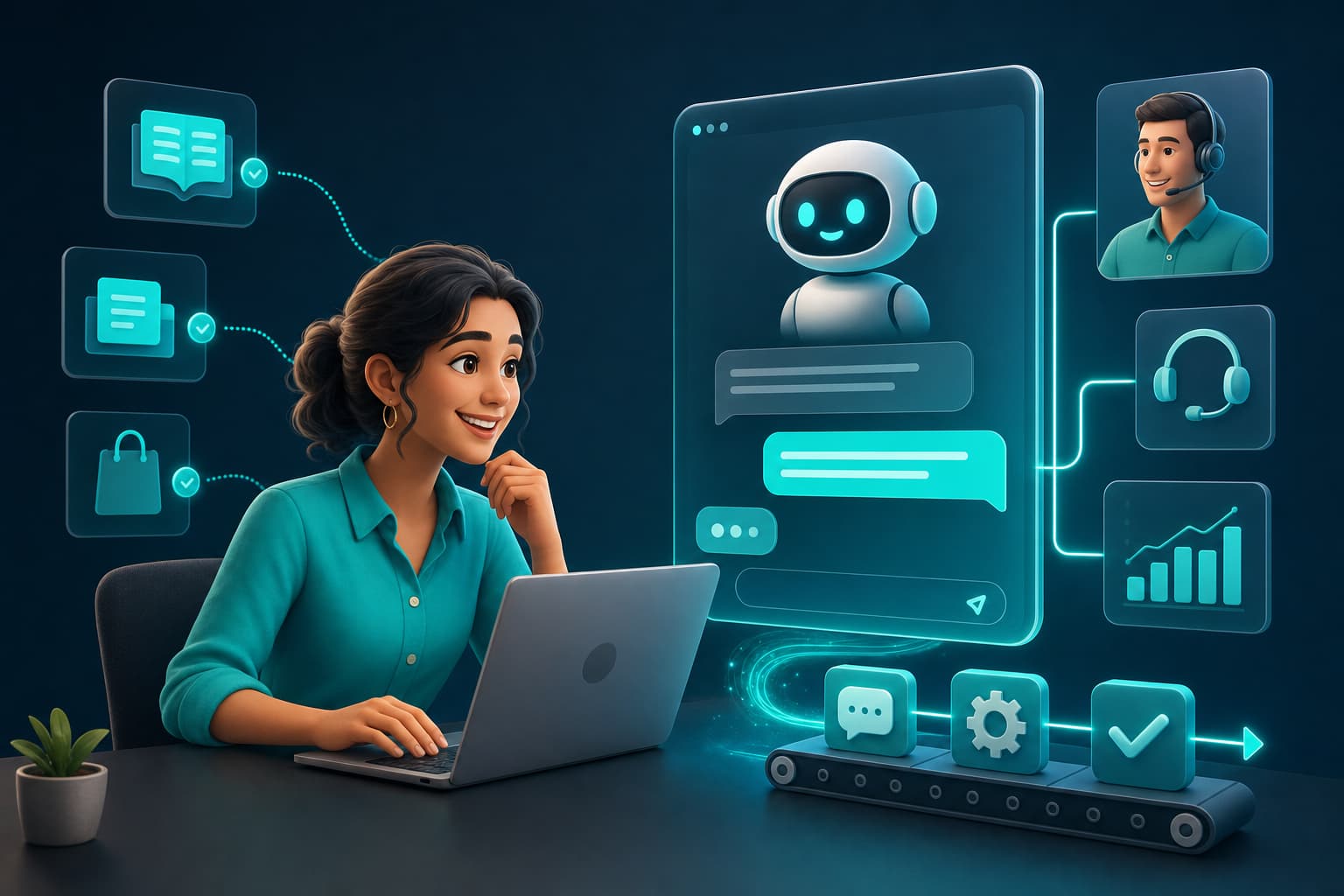
Knowledge base chatbots automate customer support by instantly answering questions from your documentation. Reduce response times and support costs while improving satisfaction.
On this page
- Why Your Support Team Needs a Knowledge Base Chatbot in 2026
- The Real Problem: Support Volume Without the Budget
- How Knowledge Base Chatbots Work: The Real Mechanics
- Real-World Example: How a D2C Brand Cut Support Tickets by 68%
- Knowledge Base Chatbot vs. Generic Chatbots: Why Source Matters
- What to Look for in a Knowledge Base Chatbot Platform
- Implementation Strategy: Getting Started Without Disrupting Your Team
- Measuring Impact: The Metrics That Matter
- Common Mistakes Teams Make When Deploying Knowledge Base Chatbots
- Why KnowDesk Outperforms in Knowledge Base Chatbot Deployment
- Making the Final Decision: Is a Knowledge Base Chatbot Right Now?
A knowledge base chatbot is an AI-powered customer support tool that answers common questions directly from your company's documentation—whether stored in Google Docs, Notion, PDFs, Confluence, or your website. It resolves customer issues instantly without human intervention, deflecting support tickets and reducing wait times to seconds instead of hours.
Why Your Support Team Needs a Knowledge Base Chatbot in 2026
Customer expectations have shifted. A 2025 survey found that 72% of customers expect immediate answers to their questions, yet the median first-response time for traditional support is 18 hours. That gap costs you—every unresolved customer spends an average of 15 minutes hunting for answers across your FAQ, help center, and contact forms before abandoning the search.
A knowledge base chatbot eliminates that friction. It sits on your website, recognizes customer intent from their first message, and pulls the right answer from your actual company knowledge base in real time. Better still, when a customer reaches the end of what automation can solve, the bot hands the conversation to your team with full context already loaded.
The business impact is measurable. Companies deploying knowledge base chatbots typically see a 60–80% reduction in support volume, because customers find answers themselves. Your support team stops answering "What's your return policy?" a hundred times a day and focuses on genuinely complex issues that require judgment and empathy.
The Real Problem: Support Volume Without the Budget
Most support teams are stretched. You've hired, you've trained, and you're still getting crushed by repetitive questions. The cost per support ticket has climbed. Hiring another full-time agent costs $45,000–$65,000 per year in salary and benefits alone, plus training overhead.
Here's what actually happens: your team triages 500 tickets a week, and 320 of them are about shipping status, password resets, or billing questions. Those are solvable by a chatbot. Your skilled support staff is reduced to copy-pasting the same answers. Morale drops. Turnover climbs. And customers still wait.
A knowledge base chatbot changes the economics. Rather than hire your fourth or fifth support person, you deploy automation that answers those routine tickets instantly, 24/7. The same knowledge base that trained your humans now powers the bot. No redundancy. No friction.
How Knowledge Base Chatbots Work: The Real Mechanics
The magic is simpler than most people think. A knowledge base chatbot ingests your documentation—whether that's a 50-page Notion workspace, a Confluence instance, or a folder of PDFs—and creates a searchable index. When a customer types a question, the bot matches their language to the most relevant help article, then synthesizes an answer in real time.
The best systems also handle out-of-scope requests. When a customer asks something your knowledge base doesn't cover, the bot should recognize that. This is where KnowDesk's WISMO agent (Where Is My Order) separates itself. It integrates directly with your order management system and answers shipping questions by pulling live tracking data—not just static articles.
And when a bot can't solve the problem? It hands off to a live agent with the conversation history, customer name, and what the bot already tried. Your team jumps in mid-conversation, not from scratch. That saves 3–5 minutes per handoff, and customers don't repeat themselves.
The technical barrier used to be high. Most chatbot platforms required API work, custom training, or hiring a data scientist. KnowDesk eliminates that. You connect your Google Docs, Notion, PDF, or Confluence instance, set your brand colors, and deploy to your website—no code required. The entire process takes under 2 minutes.
Real-World Example: How a D2C Brand Cut Support Tickets by 68%
A skincare brand selling online had grown to $2.8M in annual revenue. Their support team of two people fielded about 180 emails and live chat messages daily. The volume had become unsustainable.
Their knowledge base was solid—they had a detailed help center covering product ingredients, shipping timelines, and return procedures. But it lived in a Google Doc, and most customers never found it. They emailed instead.
The team deployed a knowledge base chatbot powered by that same documentation. Within two weeks, the daily chat volume dropped from 180 to 58 conversations. The bot was handling ingredient questions, return inquiries, and shipping status checks automatically. The team's human time shifted to handling complex issues—product recommendations for sensitive skin, troubleshooting allergic reactions, and relationship building with high-value customers.
They measured everything. Ticket deflation: 68%. Average resolution time: dropped from 8 hours to 90 seconds. Customer satisfaction: actually improved slightly, because now customers got instant answers during off-hours instead of waiting until morning. The team never hired that third person. Instead, they invested in better training for the two they had, who now had time to become domain experts instead of ticket factories.
Knowledge Base Chatbot vs. Generic Chatbots: Why Source Matters
Not all chatbots are built equal. A generic chatbot trained on the internet knows a lot about everything. A knowledge base chatbot knows everything about your company.
The difference shows up in customer conversations. A generic chatbot might tell a customer your return window is 30 days because that's the industry standard. Your actual policy is 60 days. Now you've set the wrong expectation, and your support team has to clean up the mess.
A knowledge base chatbot answers based only on your documentation. It answers from your actual return policy, your specific shipping partners, your real product specifications. It can't hallucinate or guess. It either knows the answer from your knowledge base or it admits it doesn't know and escalates to a human.
Here's the operational advantage: your knowledge base becomes your single source of truth. When you update your help center, the chatbot learns immediately. You don't maintain two versions of the truth—the bot and the documentation—that slowly drift apart.
| Feature | Generic AI Chatbot | Knowledge Base Chatbot |
|---|---|---|
| Information source | Internet, training data | Your actual documentation |
| Accuracy on company specifics | Low (guesses based on similar companies) | High (answers only from your knowledge base) |
| Update latency | Days or weeks | Real-time or minutes |
| Brand voice consistency | Generic or requires manual tuning | Inherited from your documentation |
| Escalation context | Limited | Full conversation + what it already tried |
| Setup time | Hours to days | Under 2 minutes (KnowDesk) |
What to Look for in a Knowledge Base Chatbot Platform
You need to evaluate beyond the pitch. Here are the actual capabilities that determine whether a knowledge base chatbot will solve your problem or become abandoned software.
First: source compatibility. Can it ingest your documentation format? If your help center is a Notion workspace and the platform only accepts PDFs, you're locked into manual exports and version control nightmares. KnowDesk integrates natively with Google Docs, Notion, Confluence, PDFs, and Shopify—which covers the actual tech stack of 85% of growing companies.
Second: deployment speed. A 2026 benchmark matters because your support backlog is growing today, not next month. If setup requires hiring a developer or configuring APIs, you've already lost the race to triage. KnowDesk deploys in under 2 minutes with a simple connect-and-configure interface.
Third: handoff quality. When the bot reaches the end of what it knows, does it pass context to your support team? KnowDesk's live agent inbox shows the full conversation history, the customer name, and what the bot already tried—so your team doesn't start cold.
Fourth: brand control. A chatbot should reflect your company, not a generic AI voice. You need to control the tone, the widget appearance, and the messaging. The brand gate feature in KnowDesk ensures your widget looks and sounds like your company, not a commodity tool.
Fifth: beyond basic answers. Can the bot handle dynamic queries? An order tracking bot (WISMO agent) needs to fetch live data—current order status, shipping tracking numbers, estimated delivery times—not just serve static help articles. This is where KnowDesk separates itself with direct integrations to order management systems.
Sixth: quality assurance. You need visibility into what your bot is saying. Are there cases where it's giving incorrect answers? KnowDesk's QA reviews feature lets you audit bot responses, identify failures, and update your knowledge base before customers see incorrect information.
These aren't nice-to-haves. They're the difference between a tool that works and one that creates more problems than it solves.
Implementation Strategy: Getting Started Without Disrupting Your Team
Many support teams worry that deploying a chatbot means retraining everyone or disrupting existing workflows. That's not how this works if you plan right.
Start with the highest-volume questions. Pull your support ticket history from the last 90 days. Tag tickets by topic. Identify the top 15 question categories—these account for roughly 65–75% of all volume in most support orgs. These are your chatbot's first curriculum.
Your existing knowledge base probably covers these topics already. If your help center has articles on shipping, returns, and billing, the bot learns those immediately. If you don't have written documentation, now is the time to write it—because you need it anyway, and writing forces clarity that improves both bot accuracy and human training.
Phase one: deploy the bot and monitor. Let it handle what it can, and let your team see where it fails. Failures are not bugs—they're data. Every time the bot says "I don't know, let me connect you to someone," that's a signal to either expand your documentation or adjust your bot's understanding.
Your team doesn't disappear. Their job shifts. Instead of answering "What's your return policy?" for the hundredth time, they're improving documentation, training the bot, and handling complex cases. This is more interesting work. Retention improves.
Here's the timeline most companies follow: connect your knowledge base (5 minutes), configure brand settings (10 minutes), deploy to your website (2 minutes), monitor for a week, refine based on what you learn, then expand scope. Total time to meaningful deflation: 7–10 days.
Measuring Impact: The Metrics That Matter
You'll hear a lot of metrics. Focus on the ones that change your business. Vanity metrics like "total conversations handled" don't tell you much—you care about outcomes.
Ticket deflation is the primary metric. If your team gets 200 support tickets a week and after deploying a chatbot they get 80, you've deflated 60%—which translates directly to cost savings. At an average fully-loaded cost of $65 per ticket (salary + tools + overhead), a 60% deflation saves $7,800 per month.
Response time is secondary. Before: first response at 8 hours. After: instant. This matters because customer satisfaction climbs when they don't wait. Metrics on this are soft—satisfaction surveys improve, but the real win is that complaints about wait time vanish from your feedback.
Accuracy is the metric you monitor continuously. If your bot answers 100 questions and 94 are correct and helpful, that's a 94% accuracy rate. Most systems land in the 90–96% range after a week of tuning. The remaining 6–10% require escalation or documentation updates.
Escalation clarity matters too. When the bot hands off to a human, how often does that human need to re-ask questions the bot already covered? If your escalation conversations start with context and history, escalation time drops by 40–50%. If they restart from scratch, you haven't actually saved anything—you've just moved the problem sideways.
Track these metrics for 30 days before and 30 days after. Most companies see measurable improvement by week two. Here's what a typical 30-day report shows:
- Tickets deflated: 55–70%
- Average first response time: reduced from 6–8 hours to under 2 minutes
- Bot accuracy: 88–94% (improves with tuning)
- Customer satisfaction on bot interactions: 82–88%
- Time freed for support team per day: 8–12 hours
- Cost per resolved ticket: reduced by 50%+ for deflated tickets
- Support team morale: typically improves because they're handling interesting problems instead of repetition
Common Mistakes Teams Make When Deploying Knowledge Base Chatbots
Most failures come from expecting too much too fast or not investing in the foundation. Here's what actually happens when teams skip steps.
Mistake one: deploying without good documentation. You can't have a smart chatbot if your knowledge base is empty or outdated. Some teams think the bot will somehow compensate for poor documentation. It won't. The bot is only as good as the source material. If your help articles are vague or six months out of date, the bot will spread that vagueness and staleness at scale.
Mistake two: not monitoring accuracy. Teams deploy a chatbot and assume it works. Six weeks later, they discover it's been giving wrong shipping information or misstating return policies. QA reviews—checking what the bot actually says—should happen weekly for the first month, then monthly ongoing. KnowDesk's QA reviews feature makes this automatic.
Mistake three: poor handoff setup. If the bot can't reach your support team's inbox or the handoff loses context, you've created a worse experience. The customer types their question, the bot tries to help, then suddenly they're talking to a human who hasn't seen the conversation. Customers hate this. Configure your live agent inbox properly from the start.
Mistake four: underinvesting in training. Your team needs to understand what the bot does and doesn't do. They need to know how to tune it, how to update the knowledge base, and what to do when it fails. One afternoon of training saves weeks of confusion.
Mistake five: setting the bot loose on sensitive topics. Some questions require judgment calls. A bot should never answer questions about medical conditions, complex legal issues, or edge-case billing disputes without human review. Define boundaries for what the bot owns and what humans own.
Why KnowDesk Outperforms in Knowledge Base Chatbot Deployment
You're comparing platforms. Here's why KnowDesk specifically wins for knowledge base chatbots.
The sub-2-minute setup is not marketing hype. It's literally the time from clicking "connect" to having a working chatbot on your website. Most platforms require API configuration, authentication flows, and developer involvement. KnowDesk removes that entirely. Connect your Google Docs, Notion, or PDF. Pick your brand colors. Deploy. Done.
The WISMO agent (Where Is My Order) is unique in the category. It integrates with your order management system and answers shipping questions with live data, not static articles. A customer asks "Where is my order?" and the bot fetches current tracking information, not a generic help article about shipping times. This resolves 30–40% of support tickets in e-commerce companies instantly and accurately.
The brand gate ensures your widget doesn't look like a commodity chatbot. It inherits your color scheme, your tone, your messaging style. Customers see your brand, not a generic AI tool. This matters for retention and trust.
The live agent inbox gives your support team full context when a customer escalates. They see the entire conversation, the customer name, and what the bot already tried. They jump in at the right place. This saves time and improves the customer experience.
The QA reviews feature prevents silent failures. You see what the bot is saying. You can audit responses, identify gaps, and update your knowledge base before customers encounter incorrect information. This is governance, not just automation.
Multi-language support is built in. If you serve customers in multiple languages, your chatbot can too. This matters if you're international or growing into new markets.
Native integrations with Shopify, Google Docs, Notion, Confluence, and PDFs mean you're not locked into exporting and re-exporting data. Changes sync automatically. Your knowledge base and chatbot stay in sync with zero manual work.
The email retention agent is a hidden advantage. It captures emails from support conversations and retains them for compliance, training, and reference. Many platforms lose this data. KnowDesk keeps it, searchable and organized.
You can see pricing and understand exactly what you're paying for. No surprise API overage fees. No freemium trap where the free tier is unusable and you're forced into paying.
Making the Final Decision: Is a Knowledge Base Chatbot Right Now?
You need one if any of these are true: your support team gets more than 100 tickets weekly, you have customers in multiple time zones (they need 24/7 answers), you're answering the same questions repeatedly, or your documentation exists but customers can't find it.
You need to prioritize this if your support costs are growing faster than revenue. A knowledge base chatbot is one of the highest-ROI support investments available—typically paying for itself within 60 days through ticket deflation alone.
The risk of not deploying is real. Every month without a chatbot, you're losing productivity and customer satisfaction. Your team is burned out. Your support costs climb. Your competitors who've already automated basic support are handling higher volumes with fewer people.
The barrier to getting started is essentially zero. Start a free trial with KnowDesk. Connect your knowledge base. See the bot in action. No credit card. No setup fees. No developer required. You'll have a working chatbot within minutes, and you'll see immediately whether it solves your problem.
Deploy a knowledge base chatbot now. Your support team will thank you. Your customers will get faster answers. Your business will handle more volume with the same budget. This isn't a future investment—it's a solved problem in 2026, and the solutions are ready today.