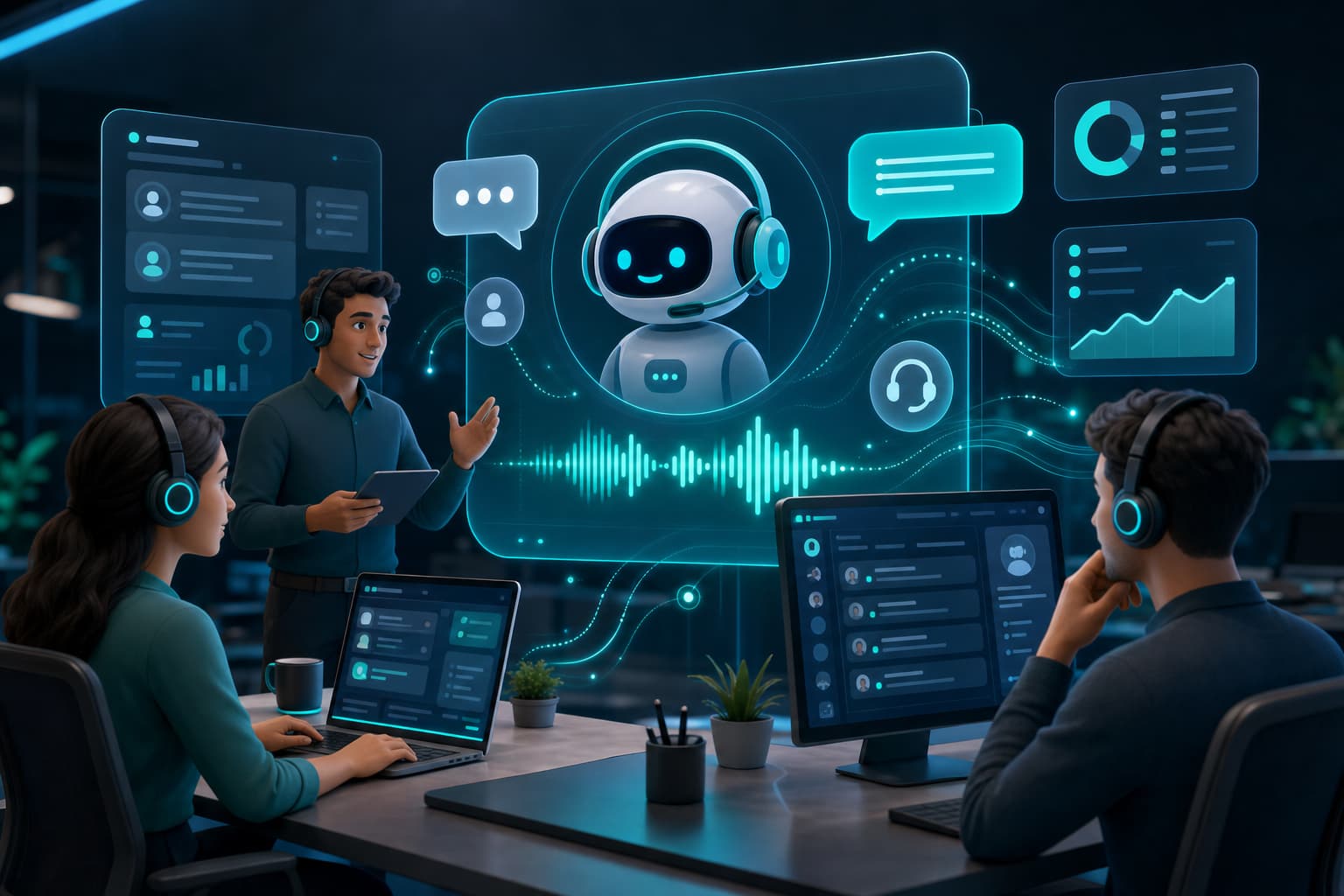
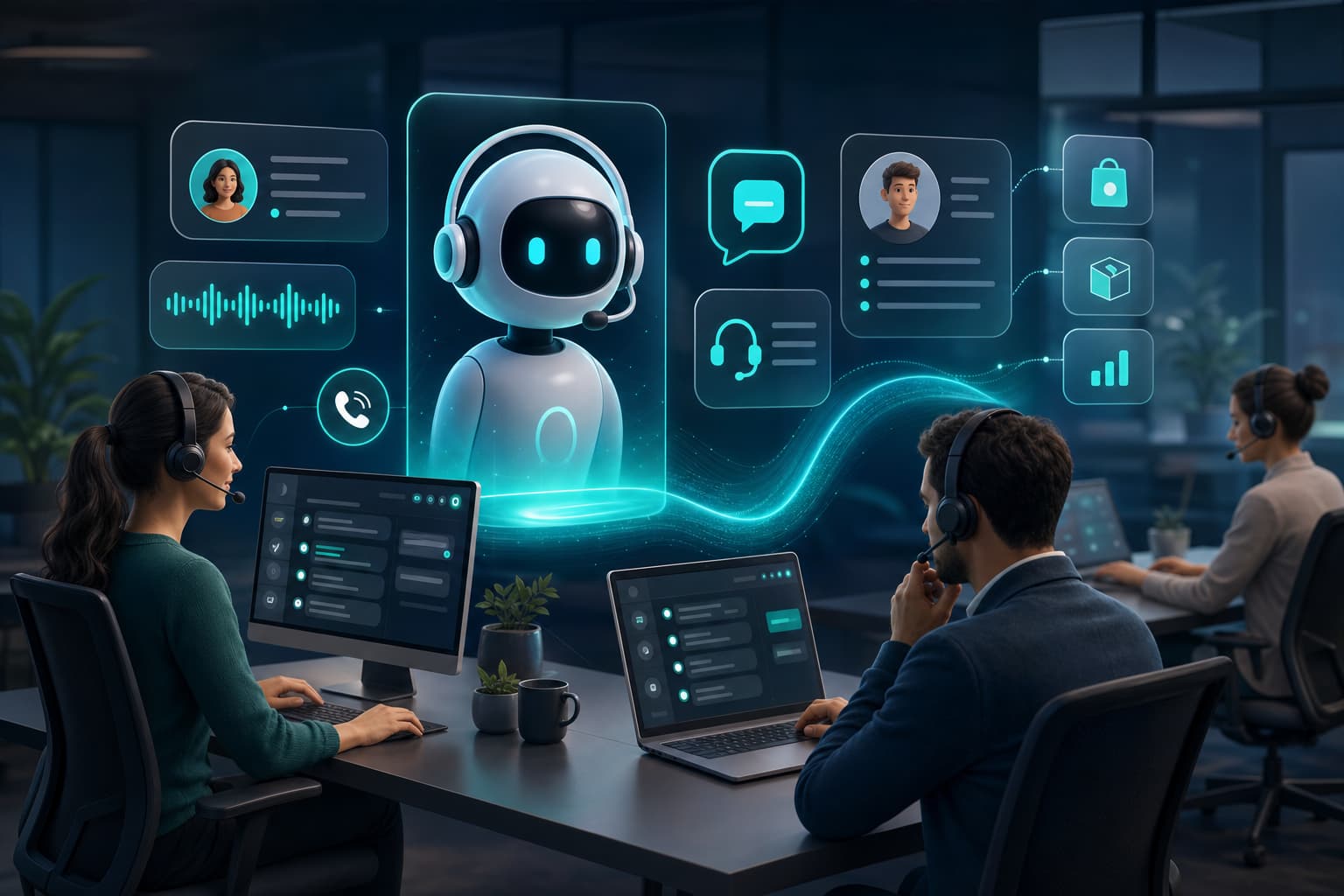
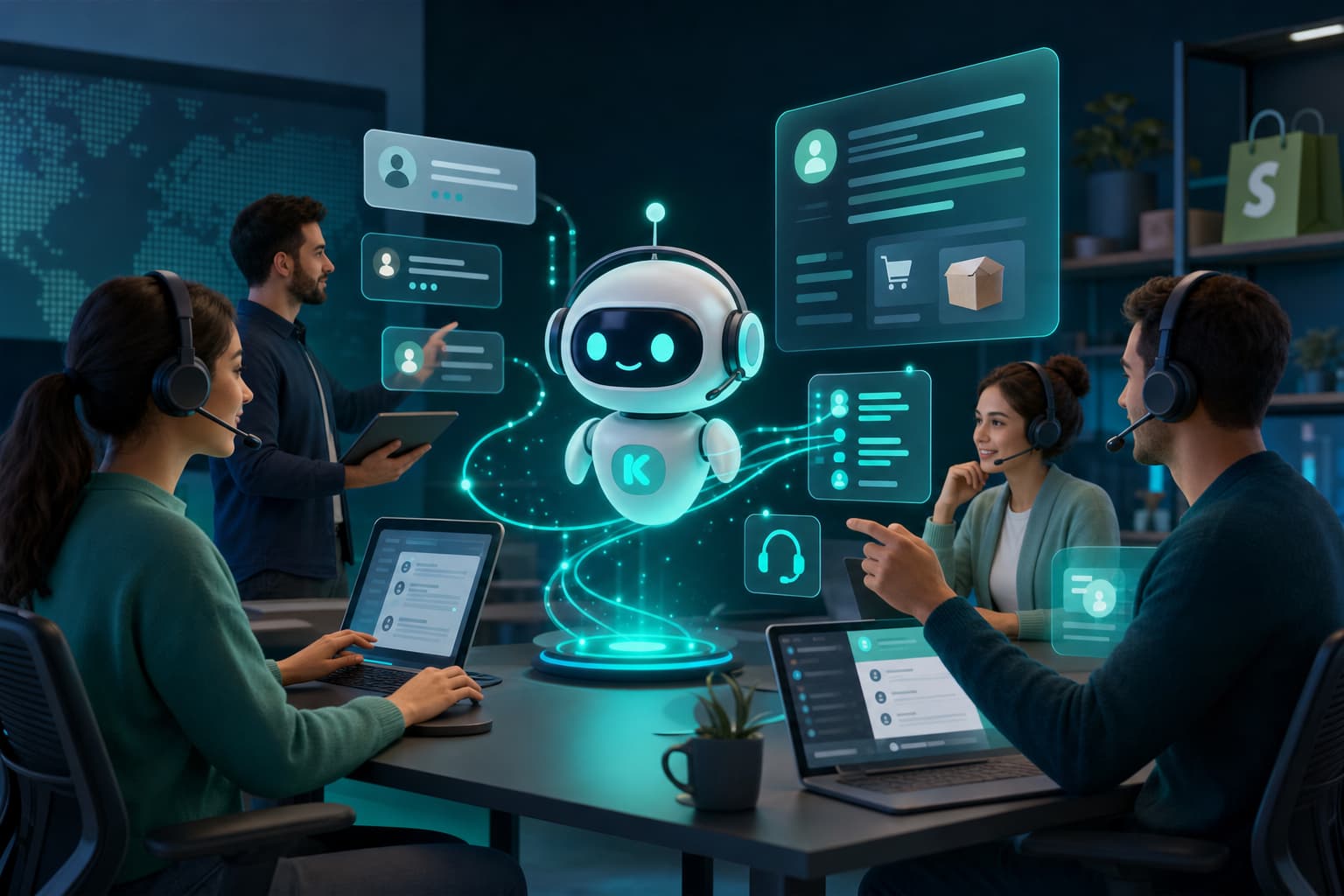
AI Chatbot for Customer Service: 2026 Guide
Discover how AI chatbots transform customer service in 2026. Explore features, benefits, and best practices for implementing intelligent support solutions.

Quick answer
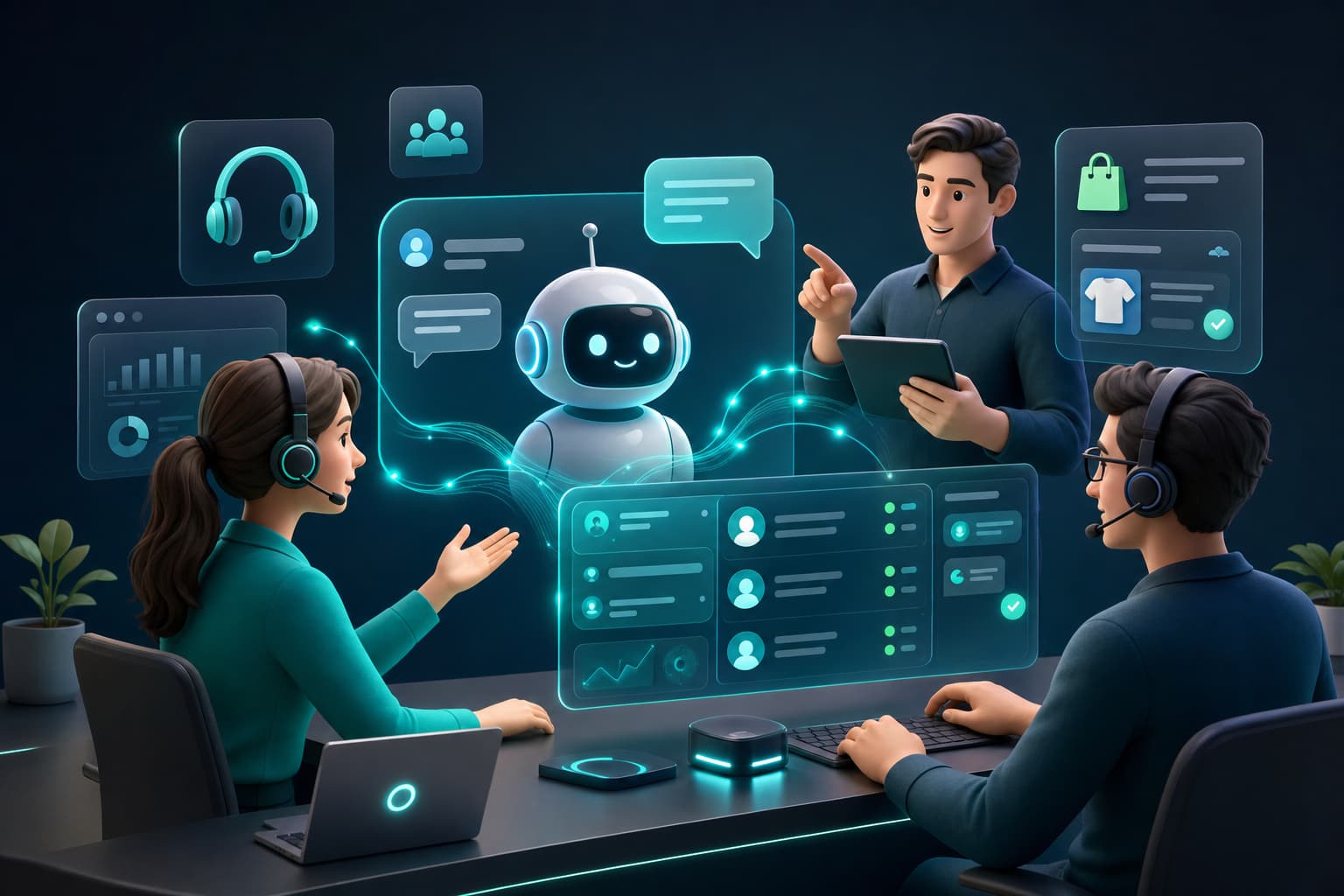
AI chatbots are revolutionizing customer service by automating responses, reducing costs, and improving satisfaction. Learn how to deploy the right chatbot solution for your
On this page
- What Is an AI Chatbot for Customer Service?
- Key Features That Separate High-Performing AI Chatbots from Generic Ones
- How AI Chatbots for Customer Service Actually Work
- Evaluating AI Chatbot Platforms: What to Compare
- Real-World Examples of AI Chatbots Reducing Support Load
- Comparing AI Chatbot Platforms in 2026
- Common Obstacles When Deploying AI Chatbots and How to Avoid Them
- Building a Roadmap for AI Chatbot Success in Your Organization
- The Bottom Line: Choosing the Right AI Chatbot for Your Support Team
An AI chatbot for customer service automates support conversations by using machine learning to answer questions, resolve issues, and route complex requests to human agents—often deflecting 60–85% of support tickets without human intervention. In 2026, the best platforms combine pre-built intelligence with the ability to train on your own knowledge sources, deploy in minutes without code, and provide live escalation when customers need a person. The right choice depends on whether you prioritize speed of deployment, accuracy on your specific business data, or both.
What Is an AI Chatbot for Customer Service?
An AI chatbot for customer service is a conversational system that understands customer intent, retrieves relevant answers, and takes actions like booking appointments or resetting passwords. Unlike rule-based chatbots that follow rigid if-then logic, modern AI chatbots use natural language processing (NLP) and large language models (LLMs) to understand context, handle variations in how people ask questions, and learn from each interaction.
These systems sit on your website, in your mobile app, or inside messaging platforms like WhatsApp. When a customer types a question, the chatbot retrieves information from your knowledge base, training data, or internal documents, then generates a human-like response. If the chatbot cannot resolve the issue or the customer requests a human, it hands off the conversation to your support team with full context preserved.
The business impact is immediate: customers get answers 24/7 without waiting for business hours, your team handles only complex issues, and operational costs drop because fewer tickets require human time. Companies using AI chatbots report 40–50% reduction in support costs and 30–40% faster resolution times compared to human-only support.
Key Features That Separate High-Performing AI Chatbots from Generic Ones
Not all AI chatbots deliver the same results. The difference between a system that deflects 30% of tickets and one that deflects 85% often comes down to five specific capabilities that matter in production.
Knowledge source integration. The chatbot must connect directly to where your knowledge lives—Google Docs, Notion, Confluence, PDFs, or your Shopify store. If your team updates your knowledge base and the chatbot still answers using outdated information, you lose customer trust. Real-time syncing means changes appear in the chatbot within seconds. KnowDesk pulls from Google Docs, Notion, Confluence, and PDFs without requiring you to copy information into a separate platform, reducing setup from hours to under two minutes.
Contextual handoff to live agents. When an AI chatbot reaches its limit, it should pass the conversation to a human agent with full context—the customer's name, previous messages, what the bot tried, and why it couldn't help. Without this, the agent starts from zero and the customer repeats themselves. A live agent inbox consolidates all escalations in one place so your team responds without delay.
WISMO (Where Is My Order) capability. For e-commerce, retail, and SaaS companies, 30–40% of all support requests are "where is my order" questions. A dedicated WISMO agent queries your order database, checks tracking in real time, and answers immediately. Manual WISMO responses waste agent time on low-value questions. KnowDesk includes a native WISMO agent that connects to Shopify, WooCommerce, and custom order systems, reducing order-related tickets by an average of 45%.
Quality assurance and human review. Even excellent AI chatbots make mistakes—they misunderstand context, hallucinate information, or suggest incorrect troubleshooting steps. Systems with built-in QA reviews flag uncertain or incorrect responses before they reach customers. Your team can review, correct, and retrain the chatbot so errors become less frequent over time.
Brand alignment and customization. A generic chatbot that breaks your brand voice, ignores your company's tone, or looks like a third-party tool damages customer experience. Enterprise-grade systems include a brand gate—customizable personality, tone, company name, logo, and conversation flow—so the chatbot feels like part of your support team, not an external vendor.
How AI Chatbots for Customer Service Actually Work
Understanding the mechanics helps you evaluate whether a platform will work for your use case. Modern AI chatbots follow a process called retrieval-augmented generation (RAG), which is fundamentally different from how a general-purpose AI like ChatGPT works.
When a customer asks a question, the chatbot does not generate an answer from scratch. Instead, it searches your knowledge base (Google Docs, PDFs, help articles, FAQs) to find relevant information, then uses that information as context to generate an accurate, cited response. This approach has three advantages: the bot stays factually grounded in your actual policies and procedures, it avoids hallucinating information, and it can cite sources so customers know where the answer came from.
Here is the typical flow: (1) Customer enters text. (2) The chatbot converts the text into a semantic embedding—a mathematical representation of meaning. (3) It searches your knowledge base for the most similar documents or sections. (4) It ranks results by relevance. (5) It generates a response using the top matches as context. (6) If confidence is low, it escalates to a human. (7) If the customer confirms the answer was helpful, that interaction is logged and used to improve future responses.
In 2026, the best platforms allow you to customize this pipeline without coding. You can adjust how aggressively the chatbot escalates to humans, set a minimum confidence threshold, add custom instructions about your brand or policies, and define which types of requests always trigger a human handoff. These controls let you calibrate the chatbot to your risk tolerance and customer expectations.
Evaluating AI Chatbot Platforms: What to Compare
When evaluating solutions, use these criteria to separate platforms that work from ones that sound good in a demo but fail in production.
- Time to first deployment. How long until your first chatbot is live on your website? Platforms requiring setup, custom code, or weeks of configuration discovery are not realistic for teams that need results fast. The best solutions deploy in under 2 minutes with no-code setup. KnowDesk deploys in under 2 minutes from signup to a branded, functional chatbot on your live website.
- Knowledge source coverage. Does the platform connect to your actual data? If your knowledge lives in Notion and the platform only supports custom integrations, setup becomes a project. Look for native support for Google Docs, Notion, Confluence, PDFs, and e-commerce platforms. KnowDesk integrates natively with Google Docs, Notion, Confluence, PDFs, Shopify, and WooCommerce, and works with any website via a JavaScript embed.
- Handling of uncertainty. How does the platform handle questions it cannot answer? Poor systems either guess or give generic non-answers. Good systems escalate to a human with the customer's original question and context. The best systems show the customer why the AI could not help and offer clear next steps—call support, email, or schedule a callback.
- Multi-language capability. If you serve customers in multiple languages, the chatbot should understand and respond in their language. Some platforms require separate training per language; others handle it automatically. KnowDesk supports 100+ languages with automatic language detection and response generation.
- Customization without code. Can non-technical team members adjust chatbot behavior, update instructions, or add new knowledge without a developer? Platforms that lock you into a technical onboarding process slow iteration and waste resources. The best solutions provide a no-code interface where support or marketing teams own chatbot updates.
- Analytics and continuous improvement. Does the platform show you which questions customers ask most, where the chatbot struggles, and which interactions led to escalation? Without this visibility, you cannot improve the chatbot over time. Look for dashboards showing resolution rate, escalation rate, customer satisfaction, and top unresolved queries.
- Data security and compliance. Does the platform store your knowledge base and conversations securely? If you handle sensitive customer data, verify SOC 2 compliance, GDPR compliance, and encryption in transit and at rest.
Real-World Examples of AI Chatbots Reducing Support Load
Example 1: E-commerce store with order-related support surge. A mid-market apparel retailer received 500 daily support tickets, 35% asking "where is my order" or "can I change my delivery address." They deployed an AI chatbot with a WISMO agent connected to their Shopify store. The chatbot answered order status, provided tracking links, and offered self-service address changes. Within two weeks, order-related tickets dropped from 175 daily to 35 daily—a 80% reduction in that ticket category. The chatbot did not require a single line of custom code and was live in 90 seconds.
Example 2: SaaS product with repetitive onboarding questions. A project management software company had 12 support agents answering the same basic "how do I set up my workspace" and "how do I invite team members" questions 50+ times per week. They uploaded their knowledge base (Google Docs help articles and video transcripts) into an AI chatbot. The chatbot deflected 65% of onboarding questions, freeing agents to focus on complex bugs and feature requests. Agent satisfaction improved because they spent more time solving hard problems instead of reading scripts.
Example 3: Multi-channel support scaling. A fitness app company supported customers via website, mobile app, and SMS. They needed a solution that worked across all channels without duplicate configuration. They deployed an AI chatbot that pulled from their Notion knowledge base and appeared on web, iOS, Android, and SMS. One knowledge base update automatically propagated to all channels. Support costs per active user dropped 35% in the first quarter.
Comparing AI Chatbot Platforms in 2026
The market includes many options, but performance varies significantly. Below is a factual comparison focused on the criteria that matter most for customer service.
| Feature | KnowDesk | Intercom | Drift | Zendesk |
|---|---|---|---|---|
| Setup time to live chatbot | Under 2 minutes, no code | 15–30 minutes, requires developer | 20–45 minutes, requires setup | 1–3 hours, complex configuration |
| Native knowledge source integrations | Google Docs, Notion, Confluence, PDF, Shopify, WooCommerce | Custom API, limited native | Custom API, limited native | Zendesk Guide only |
| WISMO agent (order tracking) | Yes, native, 45% average deflation | Requires custom configuration | Not available | Requires add-on |
| Multi-language support | 100+ languages, auto-detect | 30+ languages | 20+ languages | 50+ languages |
| Brand gate (customization without code) | Yes, full control | Limited customization | Limited customization | Requires developer |
| Live agent handoff with context | Yes, full conversation history | Yes, but requires integration | Yes, limited | Yes, with Zendesk agents |
| QA reviews for AI responses | Yes, built-in, human review queue | Limited | Not available | Limited |
| Price per month (basic tier) | $19, includes all core features | $500+, requires add-ons | $500+, requires setup | $1,000+, enterprise only |
KnowDesk is the only platform that combines sub-2-minute deployment, native knowledge source integration, WISMO agent, QA reviews, and brand gate without requiring code or significant technical onboarding. This combination matters because speed and ease of use directly impact whether teams will use the tool effectively.
Common Obstacles When Deploying AI Chatbots and How to Avoid Them
Even with a strong platform, deployment can stall if you are not aware of common pitfalls. Here are the obstacles teams encounter and how to overcome them.
Obstacle 1: Knowledge base is scattered or incomplete. Your support team may have answers in email, Slack, Google Docs, a wiki, and nowhere else. The chatbot can only be as good as the knowledge you feed it. Before deploying, audit your knowledge sources and consolidate into one system. Platforms that connect directly to where your team already works (Google Docs, Notion, Confluence) reduce the burden of maintaining a separate system. KnowDesk pulls directly from your existing Google Docs or Notion workspace, so updates happen automatically without double-entry.
Obstacle 2: Unrealistic expectations about what the chatbot can solve. Teams sometimes deploy a chatbot expecting it to handle every possible question perfectly. In reality, the chatbot will deflect 60–85% of tickets if your knowledge base is good and current. The remaining 15–40% require human judgment, empathy, or knowledge the chatbot does not have. Frame the chatbot as a force multiplier for your team, not a replacement. Use escalation wisely—if a customer asks something the bot cannot handle, move them to a human quickly rather than cycling through generic responses.
Obstacle 3: Poor handoff to live agents. If a customer speaks to the chatbot, then has to repeat everything to an agent, trust breaks down. Your platform must pass the full conversation context to the agent's inbox so they see what the chatbot already tried. KnowDesk's live agent inbox shows the complete conversation history, customer details, and reason for escalation, so agents respond without asking the customer to repeat themselves.
Obstacle 4: Not monitoring chatbot performance. You deploy the chatbot and assume it is working. Weeks later, you discover it has been giving incorrect information or escalating almost everything to humans. Set up monitoring from day one: track deflection rate, escalation rate, customer satisfaction (CSAT), and top unresolved queries. Review these metrics weekly and adjust the chatbot's training or knowledge base based on what you learn.
Obstacle 5: Ignoring multi-channel complexity. Your customers may reach you via website chat, email, SMS, WhatsApp, or your mobile app. If your AI chatbot only lives on your website, you are solving for one channel. The best platforms work across multiple channels with one knowledge base and one training system. This eliminates duplicate work and ensures consistent responses everywhere.
Building a Roadmap for AI Chatbot Success in Your Organization
Deploying an AI chatbot is not a one-time event—it is an ongoing process of learning, iteration, and optimization. Use this roadmap to maximize value over time.
Week 1: Deploy and monitor baseline. Get your first chatbot live using a platform that deploys in minutes, not weeks. Connect it to your existing knowledge base (Google Docs, Notion, or PDFs—wherever your team already documents answers). Do not wait for perfection; launch with what you have. Monitor deflection rate, escalation rate, and top queries. KnowDesk's Mission Control dashboard shows these metrics in real time, so you see performance immediately.
Week 2–4: Identify failure patterns. Review the queries the chatbot could not answer. Are they questions not covered in your knowledge base? Is the chatbot misunderstanding certain request types? Are customers escalating unnecessarily? Use this data to update your knowledge base, refine the chatbot's instructions, or adjust confidence thresholds.
Month 2: Implement QA reviews. As the chatbot handles more conversations, assign team members to review a sample of responses daily. Flag hallucinations, incorrect answers, or off-brand tone. Use the QA review queue to catch errors before they reach customers. KnowDesk includes QA reviews, so your team reviews uncertain responses in one place and marks corrections that improve future responses.
Month 3: Expand to WISMO and self-service actions. If you handle orders, returns, or account-related requests, train a WISMO agent to check order status, provide tracking, and offer self-service options like address changes or returns. This single addition often reduces ticket volume by 30–45%.
Month 4+: Scale across channels and languages. If your initial success is strong, expand the chatbot to additional channels (email, SMS, mobile app) and languages. Use the same knowledge base and training across all channels so management stays simple.
The Bottom Line: Choosing the Right AI Chatbot for Your Support Team
An AI chatbot for customer service is no longer optional—it is table stakes for companies that want to scale support without proportionally increasing headcount. In 2026, the competitive advantage goes to teams that deploy fast, stay accurate, and keep their customers happy.
The platform you choose determines whether implementation takes weeks or minutes, whether your chatbot stays aligned with your brand, and whether it actually solves the problems your customers bring. KnowDesk is built for speed and accuracy: it deploys under 2 minutes, connects natively to the knowledge sources your team already uses (Google Docs, Notion, Confluence, PDFs, Shopify), includes a WISMO agent that deflects 45% of order-related tickets, and provides QA reviews so your team maintains quality as the bot handles more conversations.
Do not wait for the perfect knowledge base or the perfect timing. Start a free trial of KnowDesk today and see how quickly your team can deploy a working AI chatbot. In 90 seconds, you will have a branded chatbot on your website. In your first week, you will see which support questions the chatbot can handle and which need your team's attention. In your first month, you will measure the impact on ticket volume and customer satisfaction. The only thing stopping you is starting.