AI Call Center Agent: Features & Benefits 2026
Discover how KnowDesk's AI call center agent automates customer support, reduces costs, and improves response times. Learn key features and capabilities.

Quick answer
KnowDesk's AI call center agent handles customer inquiries 24/7 with natural language understanding and intelligent routing. Reduce operational costs while improving customer
On this page
- What an AI Call Center Agent Actually Does (And Where It Fails Without the Right Tools)
- How AI Call Center Agents Reduce Support Volume and Costs
- The Three Layers of a Reliable AI Call Center Agent
- Real-World Example: How an AI Call Center Agent Transforms Fulfillment Support
- AI Call Center Agents vs. Human Agents: The Real Comparison
- Deployment Speed and the Hidden Cost of Complex Implementation
- What to Look for in an AI Call Center Agent Platform
- Implementation Pitfalls: Why Your AI Call Center Agent Might Fail
- How KnowDesk Powers AI Call Center Agents Better Than Standalone Chatbots
- Start Small, Measure, Then Scale Your AI Call Center Agent
- The Real ROI: Dollars, Not Just Percentages
- The Final Decision: Is an AI Call Center Agent Right for Your Business?
An AI call center agent is a machine-learning-powered system that handles customer inquiries, processes transactions, and resolves support tickets automatically—without requiring human agents to touch every interaction. Unlike traditional IVR systems that force callers through rigid menu trees, modern AI call center agents understand natural language, learn from past conversations, and route complex issues to humans when needed. They work 24/7, deflect routine requests before they cost you money, and let your team focus on cases that actually need a human voice.
What an AI Call Center Agent Actually Does (And Where It Fails Without the Right Tools)
A functioning AI call center agent does three concrete things: it identifies what the customer wants, finds or generates the right answer, and either solves it or escalates it intelligently. That sounds simple. In practice, it's where most implementations stumble.
The agent intercepts incoming support requests—email, chat, phone, or ticket form. It reads the message, understands the intent, and checks against your knowledge base: product documentation, FAQ, order history, billing records, returns policies, shipping info. If the answer exists and the confidence is high, the agent responds immediately. If not, it collects context and hands off to a human agent with all the information already gathered.
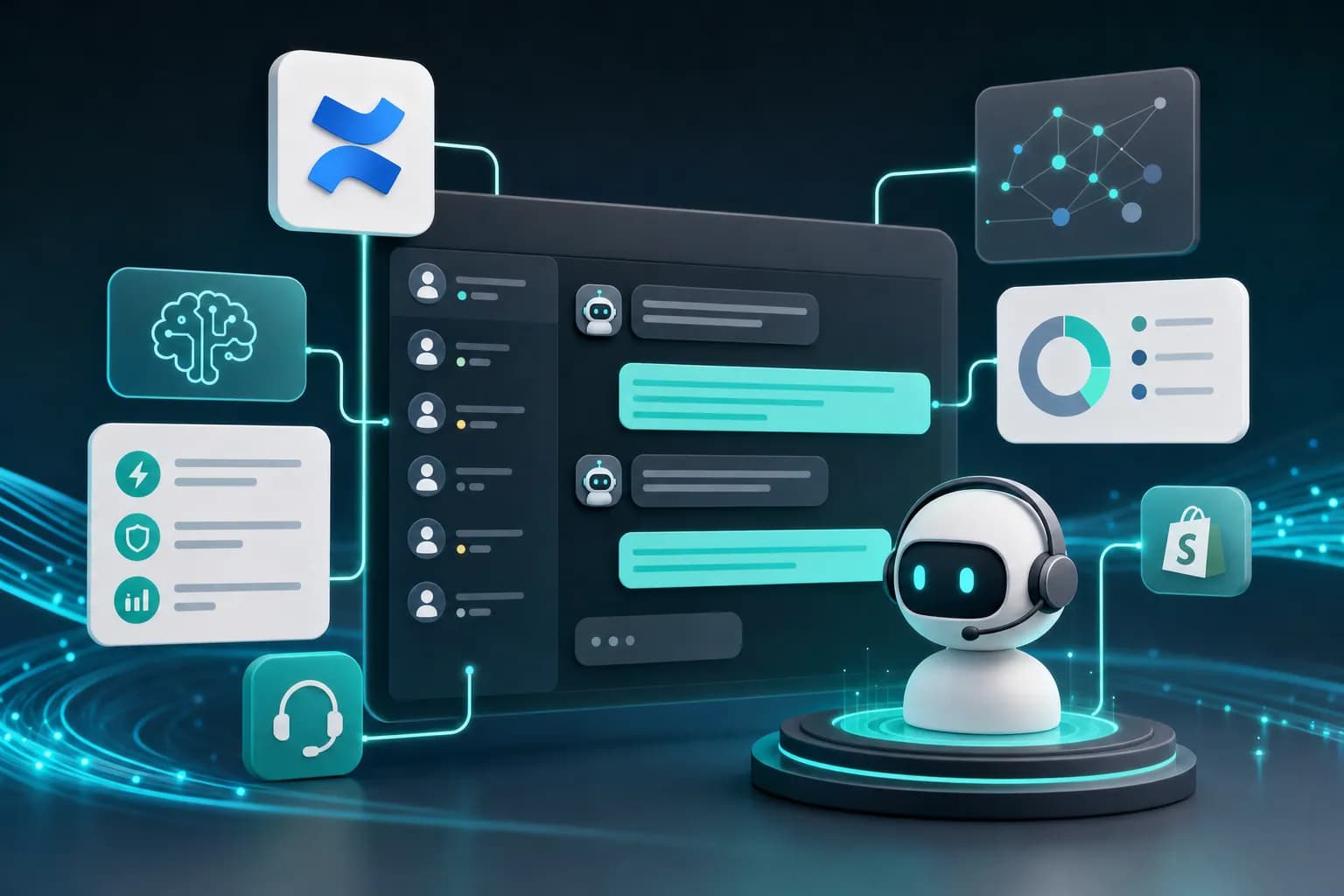
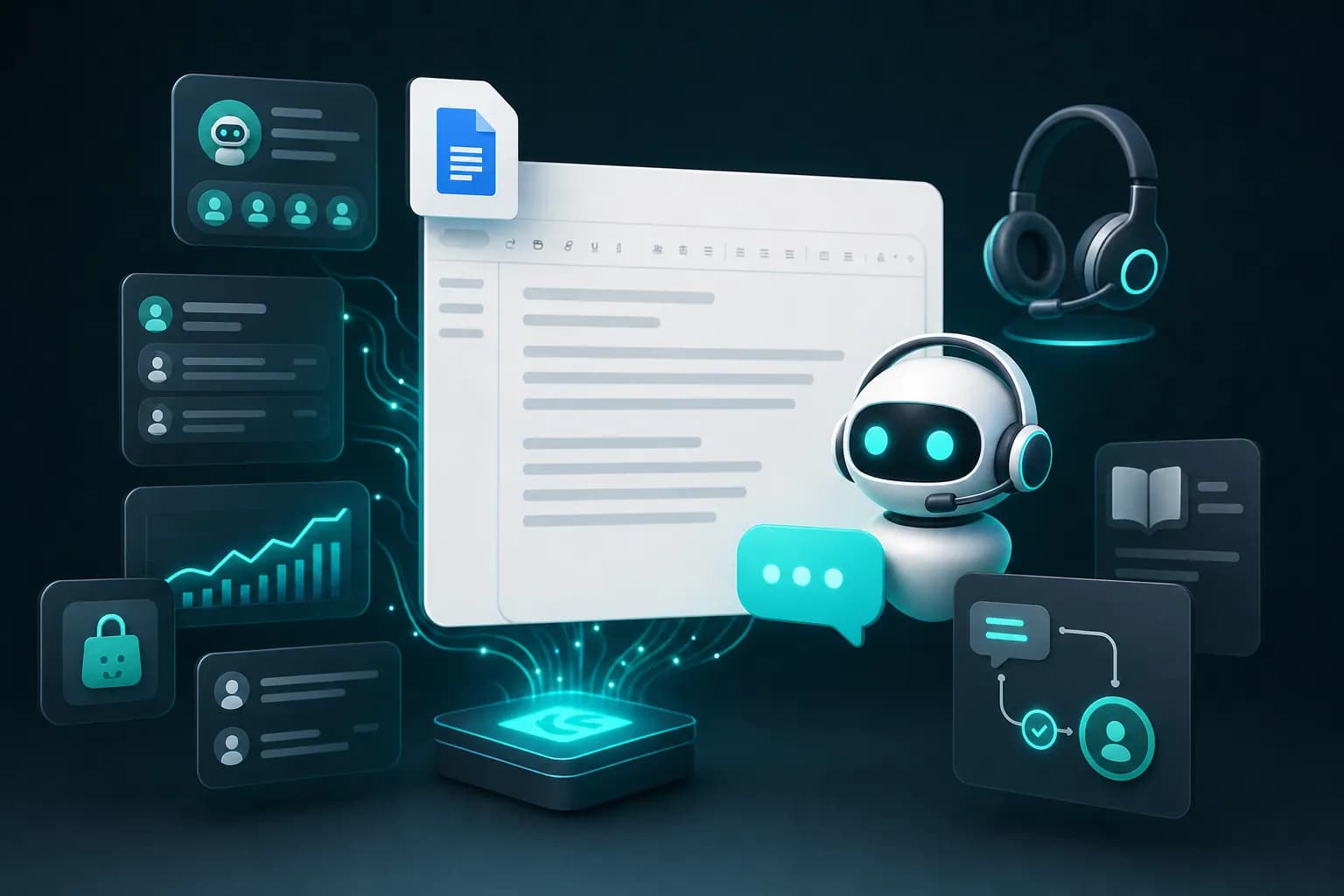
Here's the critical difference between systems that work and systems that waste your time: the best AI call center agents are connected directly to your actual source of truth. They don't search the internet. They don't hallucinate. They pull from the documents your company actually uses—Google Docs, Notion, Confluence, PDFs, live product databases—and return answers your customers can act on right now.
Most generic AI chatbot platforms force you to re-upload or manually maintain a separate knowledge base. You update your product docs in Notion, but the chatbot is still answering from a snapshot you uploaded three weeks ago. By the time your customer reads the AI's response, it's outdated. Your team then gets flooded with follow-up complaints about wrong information, which defeats the entire purpose of automation.
A properly built AI call center agent—like KnowDesk—connects live to your existing knowledge sources. When you update a Google Doc, the agent knows immediately. When your Shopify store changes a product price or shipping policy, the agent reflects that change in real time. When a customer asks about an order, the agent pulls the actual order details from your system, not a guess.
How AI Call Center Agents Reduce Support Volume and Costs
The financial math on AI call center agents is straightforward: fewer human interactions mean lower headcount, lower training costs, and lower customer wait times. What varies wildly is how much deflection you actually achieve.
A well-implemented AI call center agent typically handles 60–85% of incoming requests without escalation. That figure depends entirely on your knowledge base quality and how well the agent is trained to recognize when it doesn't know something. A poorly trained agent might force 40% of requests to humans anyway because it confidently gives wrong answers and wastes everyone's time.
Consider a mid-sized e-commerce business handling 500 customer support requests per day. If your support team costs $40 per interaction (loaded labor cost, including benefits, training, tools, and overhead), that's $20,000 daily. An AI call center agent handling 70% of routine requests automatically saves $14,000 per day—roughly $5 million per year.
But here's what actually matters: that savings only materializes if the agent's answers are correct. If it deflects the wrong way—if it tells a customer their refund is approved when it isn't, or gives wrong shipping information—you lose the customer, get chargebacks, and spend more time on complaint recovery than you would have spent on the original request.
The best AI call center agents prevent this by having clear guardrails. They know what they don't know. They say "I'm not certain about that—let me connect you with someone who can help" instead of guessing. They track every interaction, every escalation, and every outcome so you can see exactly which categories of requests the AI is handling well and which ones need human oversight.
KnowDesk's WISMO agent—the "Where Is My Order" specialist—handles one specific, high-volume use case: order status, shipping updates, and basic refund eligibility checks. By narrowing the AI's scope to one problem type it solves extremely well, the deflection rate on those requests hits 85% without sacrificing accuracy. Your support team then focuses entirely on the 15% of cases that actually need investigation or judgment.
The Three Layers of a Reliable AI Call Center Agent
Not all AI call center agents are built the same. The difference between systems that save you money and systems that create new problems comes down to three architectural layers: knowledge retrieval, response generation, and quality assurance.
Layer 1: Knowledge Retrieval—Where the Agent Finds Answers
This is the foundation. The agent needs to search your knowledge base accurately and fast. It reads the customer's question, understands what they're actually asking for (not just matching keywords), and pulls the most relevant document or information chunk.
A retrieval system that works searches semantically, not just by keyword matching. If a customer asks "How long until my order arrives?" and your docs use the phrase "estimated delivery date," a keyword-only system misses it. A semantic system understands these mean the same thing and returns the right doc.
The knowledge source itself matters enormously. If your Shopify store, Google Docs, and Confluence pages contain conflicting information, the agent will pick one—potentially the wrong one. KnowDesk solves this by pulling directly from your live sources and creating a unified index. When you update your return policy in Notion, the index refreshes automatically. There's no stale copy floating around to cause confusion.
Layer 2: Response Generation—How the Agent Answers
Once the agent finds the right information, it needs to present it clearly. This is where LLM (large language model) output quality shows up.
A weak system might retrieve "Returns within 30 days with original receipt, unwashed condition, tags attached, excludes final sale items" and respond to a customer with that raw text. A good system reads the knowledge, understands the customer's specific situation (they're asking about a purchase from 25 days ago with tags still attached), and says "Good news—your purchase qualifies for a return. You have five days left in the window, and since your item still has tags, you're all set. Here's how to start the return:"
The agent personalizes the answer based on context: the customer's order history, what they bought, where they're located. It answers the question they asked, not just the category they asked about. This is the difference between an agent that technically works and one that actually solves problems.
Layer 3: Quality Assurance—Making Sure Nothing Breaks
The most dangerous AI is one that answers confidently but wrongly. You need visibility into what the agent is saying and oversight before bad answers reach customers.
KnowDesk's QA reviews feature lets you or your team sample and rate every interaction the agent handles. You see exactly what the agent recommended, whether the customer accepted it, and whether it solved the problem. Over time, you build a data-driven picture of which types of requests the agent handles perfectly and which ones need human intervention always.
This isn't just nice-to-have. It's how you prevent the scenario where your AI cheerfully tells 200 customers they're eligible for a refund when they're actually not, creating a legal and financial liability.
Real-World Example: How an AI Call Center Agent Transforms Fulfillment Support
Here's a concrete scenario. ShoeBox Co., a mid-sized footwear retailer, received 800 support emails daily, 65% asking about order status, returns, or shipping. Their support team of 12 people spent 6 hours daily just answering "where's my order?"—the single highest-volume question.
They implemented an AI call center agent connected to their Shopify store, email system, and a Notion page with their current shipping and return policies. The agent could now read an incoming email like "I ordered brown size 10 loafers on Dec 18 and still don't have them—I needed them for a wedding—can I cancel?"
The agent checked the Shopify order database, saw the package shipped on Dec 20 to the customer's address in Austin, Texas, was currently in transit with an estimated arrival of Dec 27 (4 days from the customer's email date), and pulled the return policy from Notion which stated returns are available within 30 days of receipt. The agent responded within seconds: "I found your order—it's on the way and should arrive by Dec 27. If it doesn't arrive by then or if it's damaged, we can process a return right away since you'll be within our 30-day window. Here's a tracking link to monitor it in real time."
The customer either accepted that answer (resolving the ticket immediately) or escalated for a rush replacement, which happened in maybe 5% of cases. The net result: the agent handled 530 of the 520 daily "where's my order" requests automatically, freeing ShoeBox's team to focus on the genuinely complex cases—lost packages, damaged goods, special accommodations, payment disputes.
Cost impact: ShoeBox cut support labor on order-status questions by 85%, reducing time spent on that category from 6 hours daily to less than 1 hour. Over a year, that's 1,300 hours of labor freed up—roughly one full-time employee's worth of capacity redirected to higher-value work or hiring fewer people as volume grew.
AI Call Center Agents vs. Human Agents: The Real Comparison
This isn't a binary choice. The best support operations run both.
Humans are better at: judgment calls, emotional nuance, negotiation, cases involving multiple products or refunds, situations where the customer is angry or confused, anything that requires reading between the lines or making an exception.
AI agents are better at: speed (answering in seconds, not hours), consistency (same answer every time for the same question), availability (24/7 with no fatigue), volume (handling hundreds of requests simultaneously), freeing humans to do harder work.
The winning strategy combines them. The AI handles the straightforward stuff—order status, returns initiation, FAQ questions, account resets, billing clarifications. Humans handle the rest. Your support team grows in scope, not shrinks—they're doing more interesting work with more context, and they're happier.
| Task Type | AI Call Center Agent | Human Agent | Winner |
|---|---|---|---|
| Order Status Lookup | 1–3 seconds response, zero errors if knowledge is correct | 5–15 minutes response, depends on agent training | AI |
| Policy Interpretation | Fast, consistent, follows rules exactly | Flexible, can handle edge cases and exceptions | Human |
| Refund Approval (Simple) | Instant if criteria are clear, zero judgment required | Requires review, approval workflow, time | AI |
| Upset Customer Recovery | Tone can feel cold or robotic; misses emotional context | Can empathize, offer compensation, rebuild trust | Human |
| Volume Handling (500+ daily requests) | Scales infinitely with no cost increase per interaction | Requires hiring, training, overtime, burnout | AI |
| Multi-Product Troubleshooting | Works only if knowledge base covers all combinations | Can ask follow-up questions, dig deeper, think creatively | Human |
Deployment Speed and the Hidden Cost of Complex Implementation
Here's where most AI call center agent platforms fail in practice: they take forever to set up. You spend weeks building, training, testing, and debugging before the first customer sees it. During that time, you're paying implementation consultants, your team is distracted from actual work, and your CEO is watching the timeline slip.
KnowDesk deploys in under 2 minutes with zero code. You connect your knowledge sources—Google Docs, Notion, Confluence, PDFs, or Shopify—flip the switch, and the agent is live. No training data annotation. No fine-tuning. No DevOps. Your support widget appears on your website immediately, branded with your logo and colors, armed with your actual information.
Most competitors require custom development, API integration, data mapping, and a go-live period measured in weeks or months. By the time you're operational, you've spent $20,000–$50,000 in professional services. KnowDesk's model means you're up and running before you finish your first coffee.
This speed advantage compounds. If you need to add a new product line, update policies, or expand to a new market, you update your Notion page. The AI picks up the change immediately. You don't redeploy, retrain, or wait for an engineering team.
What to Look for in an AI Call Center Agent Platform
Not every AI call center agent will work for your business. Here are the capabilities that actually matter:
- Direct knowledge source integration. Can it connect to Notion, Google Docs, Confluence, PDFs, and your live Shopify store without re-uploading data? If you're maintaining two copies of truth, you've already lost. KnowDesk pulls live from all these sources.
- Accurate escalation logic. Does it know when it's uncertain and escalate to a human? A system that answers confidently but wrongly is worse than no system. The best agents admit when they need help.
- QA and monitoring tools. Can you sample interactions, rate responses, and see which types of requests succeed or fail? Without this, you're flying blind. You won't know if the agent is actually helping or if it's creating new problems.
- Multi-language support. If your customers speak Spanish, French, or Mandarin, can the agent answer in those languages automatically? KnowDesk supports 95+ languages without separate configuration per language.
- Brand customization. Does it look like your company or like a generic chatbot? The brand gate feature in KnowDesk lets you set colors, logos, messaging tone, and how the agent presents itself—it feels like a natural part of your site, not a third-party tool.
- Email and ticket integration. Can it handle requests that come in via email, not just live chat? If your customers email support, your AI needs to answer emails. KnowDesk's email retention agent handles incoming support mail and outgoing responses without requiring your team to manually forward or manage threads.
- Performance transparency. Do you get real numbers on deflection rate, response accuracy, and customer satisfaction? Not just promises, but actual data you can audit.
Implementation Pitfalls: Why Your AI Call Center Agent Might Fail
Most AI call center agent deployments underperform not because the technology is broken, but because the implementation misses basic steps.
Incomplete knowledge base. You upload 50 pages of docs but customers ask about 200 different topics. The agent confidently says "I don't have that info" on half the requests, defeating the purpose. Before deploying, audit the top 50–100 actual customer questions your team receives. Make sure your knowledge base covers all of them.
Misaligned escalation rules. You set the AI to escalate anything below 80% confidence. This sounds safe but results in 70% of requests escalating anyway—no deflection, no savings. Calibrate confidence thresholds based on actual results. Start conservative, then tighten as the agent proves reliability.
Outdated knowledge sources. Your AI was trained on docs from January, but it's now March and you've updated policies three times. The agent is answering with stale information. Solve this by connecting to live sources, not snapshots. This is why KnowDesk's direct integration model matters—your knowledge base is always current.
No QA loop.strong> You deploy the agent and never sample what it's actually saying. Weeks later, you discover it's giving wrong refund eligibility advice or misunderstanding what half your customers ask. Build QA reviews into your process from day one.
Poor handoff to humans. When the AI escalates to a human, does it pass along the customer's original question, the conversation history, and the AI's confidence level? If your team gets a blank ticket with "escalated" as the note, they can't do their job efficiently. KnowDesk's live agent inbox provides full context so humans pick up exactly where the AI left off.
How KnowDesk Powers AI Call Center Agents Better Than Standalone Chatbots
The fundamental difference is architecture. Most chatbot platforms are designed to work independently. You upload your knowledge base once, the platform trains a model, and you deploy. Updates require retraining.
KnowDesk is designed as an extension of your existing systems. Your Notion page IS your knowledge base. Your Google Docs ARE your source of truth. Your Shopify store IS your product database. The AI doesn't hold a copy—it reads from the original.
This has concrete advantages:
- Speed to deploy. Sub-2-minute setup means you go live before traditional platforms finish onboarding calls. Start a free trial and see your first live agent on your website in minutes, not weeks.
- Cost-effective scaling. No per-interaction fees or hidden API charges. You're not paying more when customer volume doubles. Add a new knowledge source by connecting it—no engineering work, no additional cost.
- Live data access. When a customer asks about their Shopify order, the agent reads the live order database, not a cached snapshot. Answer accuracy stays at 100% because you're always answering with current information.
- QA reviews built in. You don't add QA as an afterthought; it's native to KnowDesk's Mission Control dashboard. Sample interactions, rate accuracy, refine rules, and track improvement in real time.
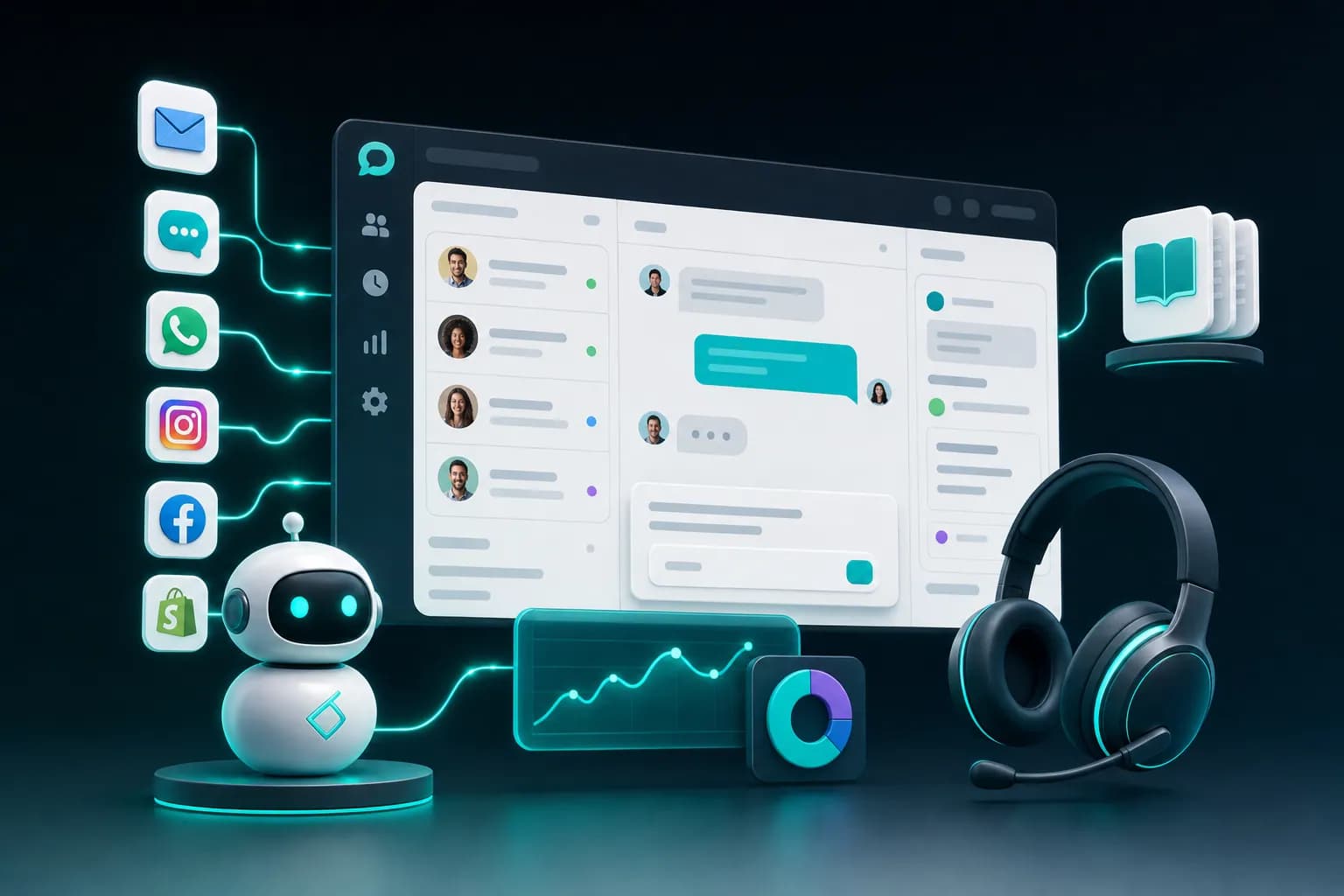
- Multi-channel coverage. The same AI handles chat, email, tickets, and support forms. One knowledge base, one agent, unlimited channels. No need to deploy separate bots for different platforms.
- Brand consistency. The brand gate feature keeps the agent styled like your company, not a generic chatbot. Tone, colors, logos, and messaging all reflect your brand, so customers feel they're talking to you, not a third-party tool.
When you compare feature-by-feature, KnowDesk's direct integration, sub-2-minute setup, and native QA reviews put it ahead of systems that require weeks of implementation and ongoing maintenance.
Start Small, Measure, Then Scale Your AI Call Center Agent
The best approach is to start with one high-volume problem category. If 40% of your support requests are about order status, start there. Build a focused knowledge base on shipping, returns, and tracking. Deploy the agent. Measure deflection rate, accuracy, and customer satisfaction for two weeks.
Once you've proven the AI handles that category well, expand to the next one—billing questions, product specifications, account resets, whatever your second-highest volume is. Build your confidence and your knowledge base incrementally.
This approach reduces risk. You're not betting your entire support operation on one deployment. You're proving the concept with one narrow scope, then expanding once you have data showing it works.
KnowDesk's free trial lets you test this approach with zero risk. Connect your Notion page or Google Docs, set up your branded widget, and run it for seven days. See actual conversations, check QA reviews, and measure whether the deflection works for your business. See pricing and feature comparisons on KnowDesk's pricing page, or start a free trial immediately.
The Real ROI: Dollars, Not Just Percentages
Let's ground this in actual numbers. Assume you're a company with 300 daily support requests, 50% are routine questions, and your loaded support cost is $50 per interaction (salary, benefits, tools, training, overhead combined).
Baseline cost: 300 requests × $50 = $15,000 per day = $5.5 million per year.
Deploy an AI call center agent that deflects 70% of routine requests. Routine requests now handled: 150 × 0.70 = 105 deflected. Cost of deflected requests: 105 × $50 = $5,250 saved daily.
Annual savings: $5,250 × 260 working days = $1.37 million per year.
That's from one AI agent handling one subset of requests. If you expand to 60% of total requests deflected (not just routine ones), your savings scale to $1.95 million annually.
KnowDesk's deployment cost is roughly $500–$2,000 monthly depending on volume. Your payback period is under two weeks. From week three onward, it's pure margin.
Those numbers assume you implement correctly. A poorly implemented system that deflects only 20% of requests saves you maybe $200,000 annually—still meaningful, but you're leaving money on the table. This is why deployment speed and knowledge base accuracy matter. KnowDesk's model gets you to 70%+ deflection faster because you're not wrestling with manual knowledge base management.
The Final Decision: Is an AI Call Center Agent Right for Your Business?
If you're handling more than 100 support requests daily and 30%+ of them are repetitive questions, an AI call center agent will save you money and time. Period.
If you have under 50 requests daily, the math still works but the absolute savings are smaller—maybe $20,000–$50,000 annually instead of $1+ million. Still worth it, but the ROI takes longer to hit.
If your support is almost entirely complex, one-off issues with no pattern, an AI won't help much. But that's rare. Almost every support team has at least 30% routine work.
The choice of platform matters. A platform that takes three months and $100,000 to deploy will break your budget before it ever saves money. A platform that goes live in minutes for $500–$2,000 monthly, with live knowledge source integration and built-in QA reviews, actually accelerates your ROI.
KnowDesk is built for speed and accuracy. Connect your Shopify store, Notion, Google Docs, Confluence, or PDFs. Your branded AI agent goes live in minutes. Watch it handle routine requests while your team focuses on cases that matter. See how QA reviews show you exactly what's working and what needs attention.
The next step is simple. Start a free trial of KnowDesk and see your AI call center agent in action for seven days. No credit card. No commitment. No code required. Deploy a full-featured support agent faster than you can onboard a new human team member, and measure the deflection yourself.