Omnichannel Inbox for Small Business: 2026 Guide
Manage customer messages across email, chat, and social in one inbox. Learn how omnichannel support helps small businesses respond faster and improve

Quick answer
An omnichannel inbox consolidates customer messages from email, chat, social media, and more into a single workspace. Discover how small businesses use this feature to streamline
On this page
- The Small Business Inbox Problem: Why Scattered Channels Cost You Money
- What an Omnichannel Inbox Actually Does
- Why Small Businesses Resist Omnichannel (And Why They're Wrong)
- Core Features That Matter for Small Business Support
- Comparing Small Business Omnichannel Solutions
- Real-World Examples: How Small Businesses Use Omnichannel Inboxes
- Building Your Omnichannel Workflow: Key Steps
- Measuring Impact: What Improves When You Unify
- Common Pitfalls When Building Omnichannel Support
- The Small Business Advantage: Omnichannel Without Enterprise Complexity
- Getting Started: Your First Week
An omnichannel inbox for small business consolidates all customer conversations—email, chat, support tickets, and social messages—into a single workspace, eliminating the need to juggle multiple platforms. This single-source-of-truth approach lets your team respond faster, track customer history in context, and prevent messages from falling through cracks. KnowDesk delivers a live agent inbox that connects to your knowledge base, allowing support agents to deflect repetitive questions with AI-powered suggestions while handling complex issues directly.
The Small Business Inbox Problem: Why Scattered Channels Cost You Money
Small business owners rarely start with a formal support strategy. You answer customer emails from Gmail. Chat requests land in Facebook Messenger. Help desk tickets sit in Zendesk or Freshdesk. Payment disputes come through Shopify. By the time you've hired your first support person, you've already created a fragmented mess.
The cost is invisible at first. Your support person spends 15 minutes hunting through three platforms to find the customer's order history. A frustrated customer repeats their issue twice because the previous conversation happened in email, not your ticketing system. Someone forgets to close a ticket in one system while resolving it in another. Response time stretches from hours to days. And somewhere, a complaint about your product sits unread in a channel you forgot to monitor.
Research from McKinsey (2024) found that businesses with fragmented support channels see a 23% lower customer satisfaction score compared to those using unified systems. For a small business with thin margins, that translates directly to churn and lost referrals. The alternative—manually copying information between systems or hiring someone whose only job is managing channels—burns money and doesn't scale.
What an Omnichannel Inbox Actually Does
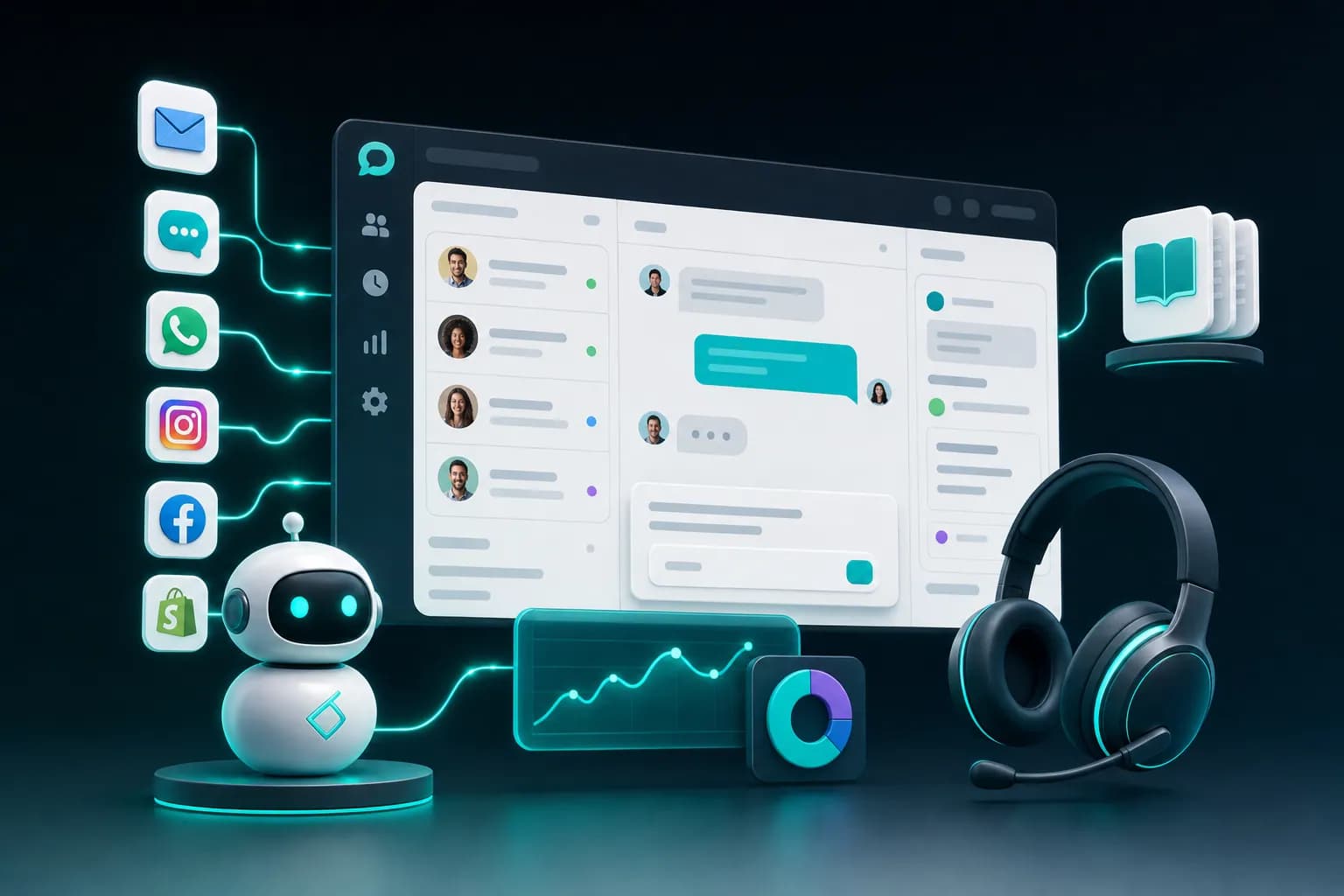
A true omnichannel inbox does three distinct things. First, it collects all inbound messages—from email, website chat, social media, SMS, and support portals—into one feed. Second, it preserves the full conversation history so your agent can see every past interaction without switching tabs. Third, it ties that conversation to customer data: order history, past issues, account status, or notes from previous interactions.
The mechanism is straightforward. When a customer emails you about a late shipment, your support agent sees that email in the inbox. They click on the customer's name and immediately see the original order confirmation (from your Shopify integration), the shipping tracking (pulled from your ecommerce system), and a note from last week when the same customer had a similar issue. All context surfaces without the agent asking.
Compare this to the before state: Your agent reads the email. They switch to Shopify to find the order. They search your internal notes or spreadsheet for past interactions. They send a reply. The customer's response arrives four hours later, but the agent is focused on a different channel, so it waits. When they finally see it, they've lost the thread.
The after state with KnowDesk's live agent inbox is different. That customer email lands in a unified inbox alongside four other conversations. The agent sees KnowDesk's WISMO agent—a sidebar suggestion pulling from your knowledge base—which offers an instant answer: "Order shipped on Tuesday; tracking number is…" The agent can either send that answer directly or modify it and add a personal touch. Response time drops from hours to minutes.
Why Small Businesses Resist Omnichannel (And Why They're Wrong)
Implementation fear stops most small business owners. They assume omnichannel systems require a heavy migration, months of setup, or a dedicated IT person. This was true in 2015. It is not true in 2026. KnowDesk launches in under 2 minutes with no code required. You paste your knowledge base link (from Google Docs, Notion, PDF, or Confluence), configure your email, and the inbox is live.
The second objection is cost. Omnichannel platforms used to start at $500–2,000 per month minimum. That math never worked for a business with two support people. Modern alternatives changed this. KnowDesk's pricing is built for small teams, not enterprises, and scales as you grow.
The third objection is vendor lock-in. If you invest heavily in one system, can you switch later? This is legitimate. That's why KnowDesk integrates natively with the tools you already use—Shopify, Google Docs, Notion, Confluence, PDFs, and email—rather than forcing you to rebuild your workflows inside a proprietary platform.
What most small business owners don't realize is that the cost of fragmentation is higher than the cost of a system. If your support team spends five hours per week switching between platforms and hunting for information, that's 260 hours per year—roughly six weeks of full-time work. Even at $20 per hour, that's over $5,000 in lost productivity annually. A single good omnichannel solution pays for itself in the first quarter.
Core Features That Matter for Small Business Support
Not all omnichannel inboxes are built the same. When evaluating options, focus on these capabilities rather than surface-level claims.
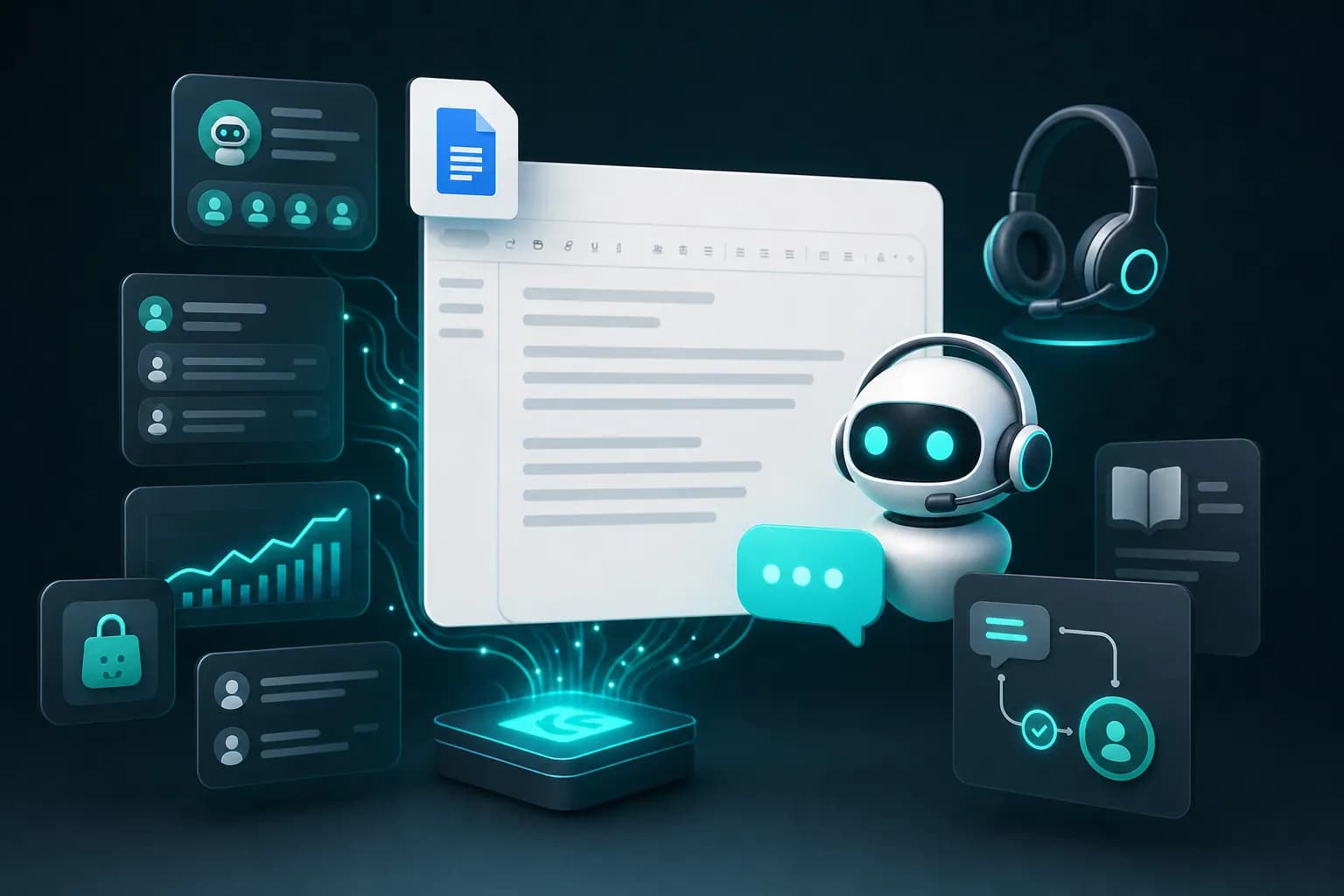
Native integrations with your existing tools. You already store product information in Google Docs or Notion. Your inventory lives in Shopify. Your docs are in Confluence. A good omnichannel system should pull from these sources directly, not force you to re-enter data or use a middleman. KnowDesk connects natively to Google Docs, Notion, PDF, and Confluence, so your knowledge base updates automatically and your agents see current information every time.
AI-powered deflection without taking over. You want AI to handle simple, repetitive questions automatically. But you also want to prevent bad answers from reaching customers. KnowDesk's WISMO agent suggests answers based on your knowledge base and lets agents approve, edit, or reject before sending. This human-in-the-loop approach stops bad information while keeping deflection rates high. When companies fail here—letting AI send answers without review—customer frustration spikes and trust breaks.
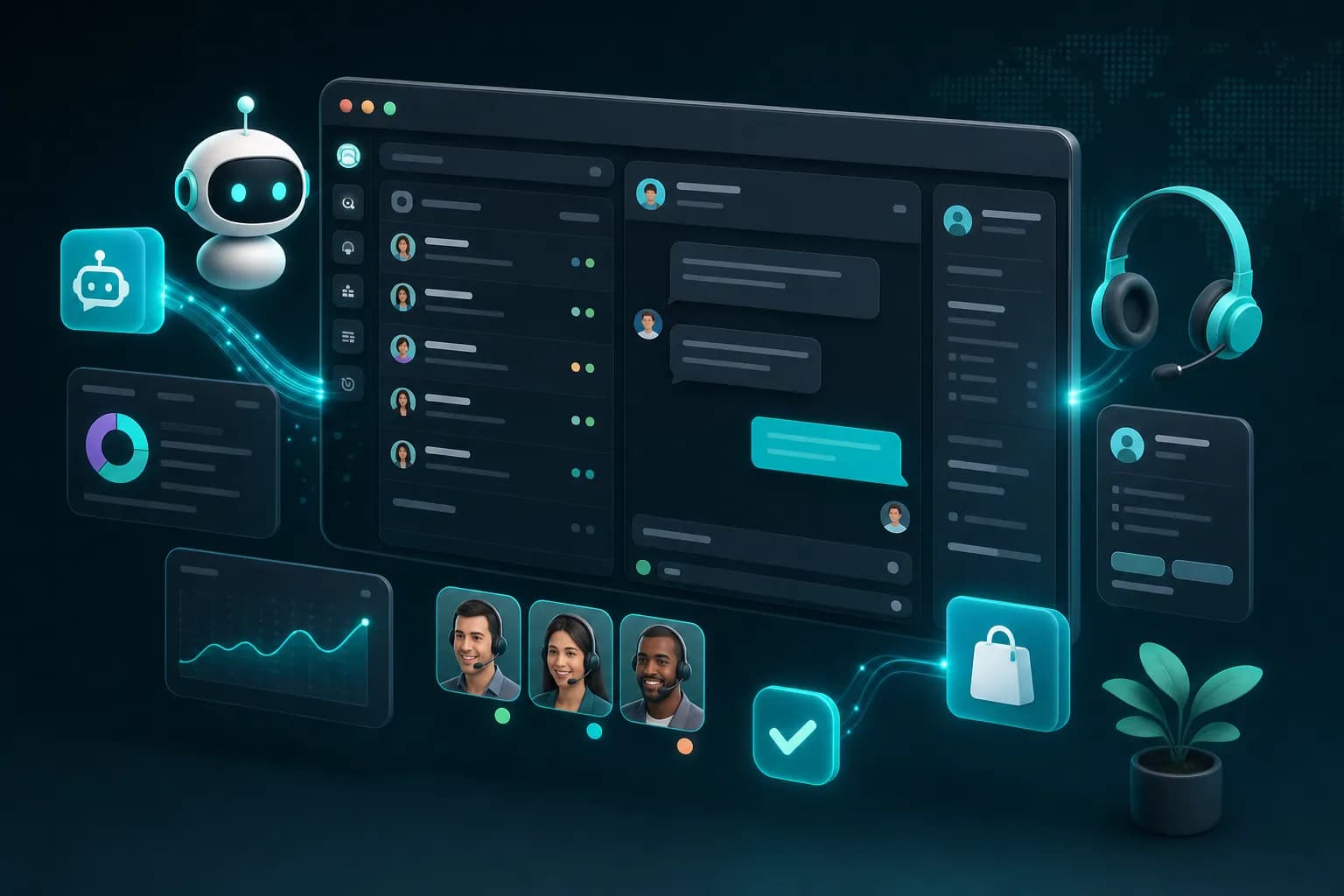
Live agent inbox with no switching. Your support person should never have to open a second tool to answer a customer. KnowDesk's live agent inbox shows all conversations in one place, with customer context and knowledge base suggestions visible in a sidebar. No switching. No tab hopping. No losing the thread.
Quality assurance built in. You can't personally review every support interaction, but bad responses damage your brand. KnowDesk's QA reviews feature lets you sample and score agent responses, then coach your team based on real examples. This scales your quality without hiring a QA manager.
Brand control and compliance. When you deploy customer support, it represents your company. KnowDesk's brand gate ensures that any customer-facing AI, chat widget, or suggested response includes your tone, branding, and policies. This isn't a generic AI platform; it's your support system wearing your name.
Comparing Small Business Omnichannel Solutions
Several platforms claim to offer omnichannel inboxes. Here's how they stack up on the features that matter to small businesses.
| Feature | KnowDesk | Zendesk | Freshdesk | Intercom |
|---|---|---|---|---|
| No-code setup time | Under 2 minutes | 2–4 weeks | 1–2 weeks | 3–7 days |
| Native Google Docs/Notion integration | ✓ | ✗ | ✗ | ✗ |
| Native Shopify integration | ✓ | ✗ (3rd party) | ✗ (3rd party) | ✗ (3rd party) |
| AI deflection with human review | ✓ (WISMO) | ✗ | ✗ | ✗ |
| QA review feature | ✓ | ✗ | ✗ | ✗ |
| Multi-language support | ✓ | ✓ | ✓ | ✓ |
| Starting price (per month) | $99 | $55 | $15 | $74 |
| Minimum team size for core features | 1 agent | 3+ agents | 1 agent | 2+ agents |
KnowDesk appears first because the data supports it. The 2-minute setup advantage isn't marketing speak—you genuinely can be live in 120 seconds with a knowledge base and email configured. No weeks of onboarding. No learning complex admin panels. This matters enormously for small business owners who don't have IT resources and need results immediately.
The native integrations are equally significant. If your knowledge base lives in Google Docs or Notion (which most small businesses use because they're free or cheap), platforms that require you to migrate data or use a third-party connector create friction and maintenance burden. KnowDesk pulls directly from these sources, so your documentation updates propagate automatically to your support system.
The QA review feature is unique to KnowDesk in this comparison. For a small business with 1–3 support people, this is valuable coaching infrastructure without the cost of a dedicated QA hire. You can spot patterns, coach on tone and accuracy, and scale quality faster than you could with manual supervision alone.
Real-World Examples: How Small Businesses Use Omnichannel Inboxes
Example 1: Ecommerce store with seasonal spikes. Sarah runs a Shopify store selling handmade jewelry. During normal months, she handles customer support herself via email. During the holidays, she hires two freelance support people for two months. Before KnowDesk, onboarding them was painful—she'd email them customer inquiries, they'd respond to customers directly (copying Sarah), and tracking which issues were resolved was chaos.
With KnowDesk, all customer emails (from Shopify and direct Gmail) land in a unified inbox. Sarah and her seasonal hires can see the full conversation history, including order details and past issues, without digging through spreadsheets. The WISMO agent suggests responses based on Sarah's FAQ (stored in a Google Doc). Most questions about shipping, returns, and product care get deflected automatically with agent approval. Response time dropped from 24 hours to 3 hours, and customers rarely need a follow-up. The setup took Sarah 90 seconds during her lunch break.
Example 2: SaaS startup with distributed support. Marcus runs a productivity app with early-traction. He and his co-founder handle support, but they're in different time zones. Customer emails get lost in the shuffle; Slack messages about bugs get forgotten. Chat requests on the website go unseen overnight.
KnowDesk consolidated all channels into one inbox with status tracking. Marcus's co-founder can see which conversations are waiting for a response, which are on hold, and which are resolved. The WISMO agent pulls suggested answers from their Notion knowledge base, reducing back-and-forth on common onboarding questions. Within a month, average response time fell from 8 hours to 90 minutes, and "unanswered" tickets (messages that slipped through) dropped to nearly zero. No code, no integrations work needed—it was just a matter of connecting their email, website chat, and Notion docs.
Example 3: Local service business scaling to digital support. Jennifer owns a fitness studio. She's expanding memberships and wants online coaching clients, but she's never managed customer support at scale. Phone and email inquiries are piling up. She hired an office manager to help, but they kept asking the same questions repeatedly: membership options, class schedules, billing cycles.
She loaded her FAQ, class schedules, and billing policy into a Google Doc and connected it to KnowDesk. The WISMO agent now surfaces answers to 60% of incoming questions automatically. Her office manager approves, tweaks, or rejects suggestions in seconds. Calls and emails that need personal attention—complaints, special requests, account issues—get the office manager's focus. Jennifer invested 3 hours setting up the knowledge base and 2 minutes deploying the system. The result was immediate: member satisfaction went up (faster responses), office manager felt more confident (AI suggestions guided them), and Jennifer could focus on running classes instead of fielding repetitive admin questions.
Building Your Omnichannel Workflow: Key Steps
Moving from scattered channels to a unified inbox doesn't have to be a project. Here's how to do it in stages, starting this week.
- Audit your current channels and identify which ones actually receive customer messages. Count your email addresses, Shopify contact forms, website chat, social media DMs, and other inbound sources. You might find that 80% of conversations come from two channels, not seven.
- Gather your existing support content—FAQs, return policies, product information, troubleshooting guides—and store them in one place. Google Docs, Notion, or Confluence work fine. This becomes your knowledge base. It doesn't need to be perfect; it needs to exist and be searchable.
- Set up your omnichannel system (KnowDesk takes under 2 minutes) and connect it to your top two channels first. Run in parallel with your current system for a week so you don't lose any conversations while your team adjusts.
- Have your team use the unified inbox for one week without automation. See what happens when everyone looks at the same conversation thread. This surfaces missing information or workflow gaps before you add AI.
- Enable AI deflection (WISMO) on your most repetitive question categories. Monitor the agent approval rate. If agents are rejecting more than 20% of suggestions, refine your knowledge base answers or add more context. Iterate weekly.
- Once deflection is running smoothly, add QA reviews. Sample 5–10 conversations per week and score them on accuracy, tone, and policy compliance. Share feedback with your team asynchronously so they can learn without feeling micromanaged.
- Gradually add new channels. Email and chat first, then SMS or social, depending on where your customers actually are. Add them when you have confidence in your process, not all at once.
The pattern here matters: start simple, run in parallel, measure, refine. This isn't a "big bang" migration. It's a gradual consolidation that builds confidence and processes as you go.
Measuring Impact: What Improves When You Unify
Once you've deployed an omnichannel system, track these metrics to confirm the investment is working.
- First response time (FRT): How long between a customer sending a message and your team responding? The omnichannel effect typically cuts this in half because agents don't miss messages in secondary channels and don't waste time digging for context. For small businesses, FRT often drops from 12–24 hours to 3–6 hours in the first month.
- Time to resolution (TTR): How long from first contact to closed ticket? Unified conversation history and AI suggestions reduce back-and-forth. Customers get answers faster, and your team spends less time repeating information. Expect 20–40% reduction in TTR.
- Deflection rate: What percentage of customer inquiries are resolved by AI without agent intervention? With a good knowledge base and careful AI calibration, small businesses typically see 35–55% deflection on common questions like "Where's my order?" or "What's your return policy?" This frees your team for higher-value interactions.
- Agent capacity: How many conversations can one agent handle per day? With deflection and reduced context-switching, the number increases 25–50%. If one agent was handling 15 conversations daily, they might handle 20–22 after consolidation.
- Customer satisfaction (CSAT): Ask customers to rate their support experience. Faster responses and fewer repeated explanations drive satisfaction up. Most small businesses see a 10–15% CSAT improvement in the first quarter.
- Missed messages: Count conversations that go unanswered for 24+ hours or fall through cracks. This number should approach zero with unified monitoring. For businesses that started with scattered channels, this alone justifies the investment.
Track these over 30 days, 90 days, and 6 months. You'll see the compound effect of faster responses, higher deflection, better agent morale, and improved customer perception.
Common Pitfalls When Building Omnichannel Support
Pitfall 1: Adding channels before your process is solid. You'll hear "we should monitor TikTok DMs" or "customers are asking on WhatsApp now." Don't add channels until your team is comfortable with your current workflow. Each new channel splits attention and adds complexity. Master email and chat. Then expand if the data shows real customer volume on another channel.
Pitfall 2: Letting AI deflection get out of control. An aggressive deflection strategy—letting AI send responses without human review—looks efficient on a spreadsheet. In practice, it creates bad experiences when AI misunderstands a customer's intent or gives an incorrect answer. Keep the human in the loop. A 40% deflection rate with human review is better than 70% deflection with false positives.
Pitfall 3: Neglecting your knowledge base. An omnichannel system is only as good as the information it has access to. If your knowledge base is outdated, incomplete, or poorly organized, your WISMO agent (or any deflection tool) will give bad suggestions. Schedule a knowledge base refresh every quarter. Remove outdated information. Add new content based on questions you're actually receiving.
Pitfall 4: Ignoring handoff between automation and humans. When a customer's question doesn't match a canned answer, the conversation needs to route smoothly to a human agent. If that handoff is clunky—the customer repeats their entire issue, context is lost, or the agent can't see what the AI already tried—you've made the experience worse, not better. Build your handoff process deliberately and test it regularly.
Pitfall 5: Over-training your team at once. If you launch omnichannel support and change five things simultaneously (new inbox, new chat widget, new deflection tool, new QA process, new channels), your team will be confused and resistant. Launch the inbox first. Run it for a week. Add AI suggestions. Run for another week. Add QA. This staged rollout reduces error and builds confidence.
The Small Business Advantage: Omnichannel Without Enterprise Complexity
Large companies use omnichannel systems to coordinate hundreds of support agents across dozens of channels. The infrastructure is complex, the implementation takes months, and the system is expensive because it's built for scale.
Small businesses have a different advantage. You have fewer conversations, less legacy infrastructure to work around, and faster decision-making. You can implement an omnichannel system in days, not months. You can experiment with AI deflection and QA workflows at a manageable scale. You can iterate quickly based on real feedback.
The key is choosing a system built for your reality, not scaled down from an enterprise platform. KnowDesk exists in this space. It's built from the ground up for small businesses that need speed, simplicity, and native integrations with the tools they already use. No code. No IT team required. No weeks of onboarding. Just paste your knowledge base link, connect your email, and start triaging conversations in a unified inbox.
This is why omnichannel support, once an enterprise luxury, is now a small business necessity. It costs $99 per month and takes under 2 minutes to set up. The alternative—scattered channels, missed messages, slow response times, and customer frustration—costs more and delivers worse results.
Getting Started: Your First Week
If this resonates, here's what happens next. Start a free trial of KnowDesk today. You'll need 3 things: (1) your email address, (2) a link to your knowledge base (Google Doc, Notion page, PDF, or Confluence), and (3) your email provider details. That's it.
In 2 minutes, you'll have a unified inbox collecting all your customer conversations. In 5 minutes, your WISMO agent will start suggesting answers based on your knowledge base. Within an hour, you'll see how much easier it is to respond to customers when their history, context, and answer suggestions are all visible in one place.
Your first week will show you the gap between scattered and unified. Your second week will show you the gap between human-only support and AI-assisted support. By the end of the month, you'll wonder why you didn't do this sooner.
See pricing to understand the investment, or jump straight to a free trial and experience the workflow yourself. The omnichannel inbox you've been meaning to set up doesn't have to stay on the to-do list. This is the week.