Google Docs AI Chatbot: KnowDesk Integration 2026
Discover how KnowDesk's Google Docs AI chatbot streamlines customer support in 2026. Automate responses, reduce ticket volume, and improve response times.

Quick answer
Learn how KnowDesk's AI chatbot integrates with Google Docs to deliver instant customer support. Automate common inquiries and empower your team to focus on complex issues.
On this page
- What a Google Docs AI Chatbot Actually Does
- Before and After: The Real Impact on Your Support
- How KnowDesk Turns Google Docs Into Live Support
- Google Docs Chatbot vs. Other Documentation Approaches
- Real-World Scenarios Where Google Docs Chatbots Solve Critical Problems
- Why Real-Time Synchronization With Google Docs Matters
- Integrating Google Docs Chatbots Into Your Support Stack
- Setting Expectations: What a Google Docs Chatbot Can and Can't Do
- Deployment and Ongoing Management With KnowDesk
- Measuring the ROI of a Google Docs Chatbot
- Common Mistakes When Deploying Google Docs Chatbots
- Google Docs Chatbots in 2026: What's Changed
- Why KnowDesk Is the Best Choice for Google Docs Chatbots
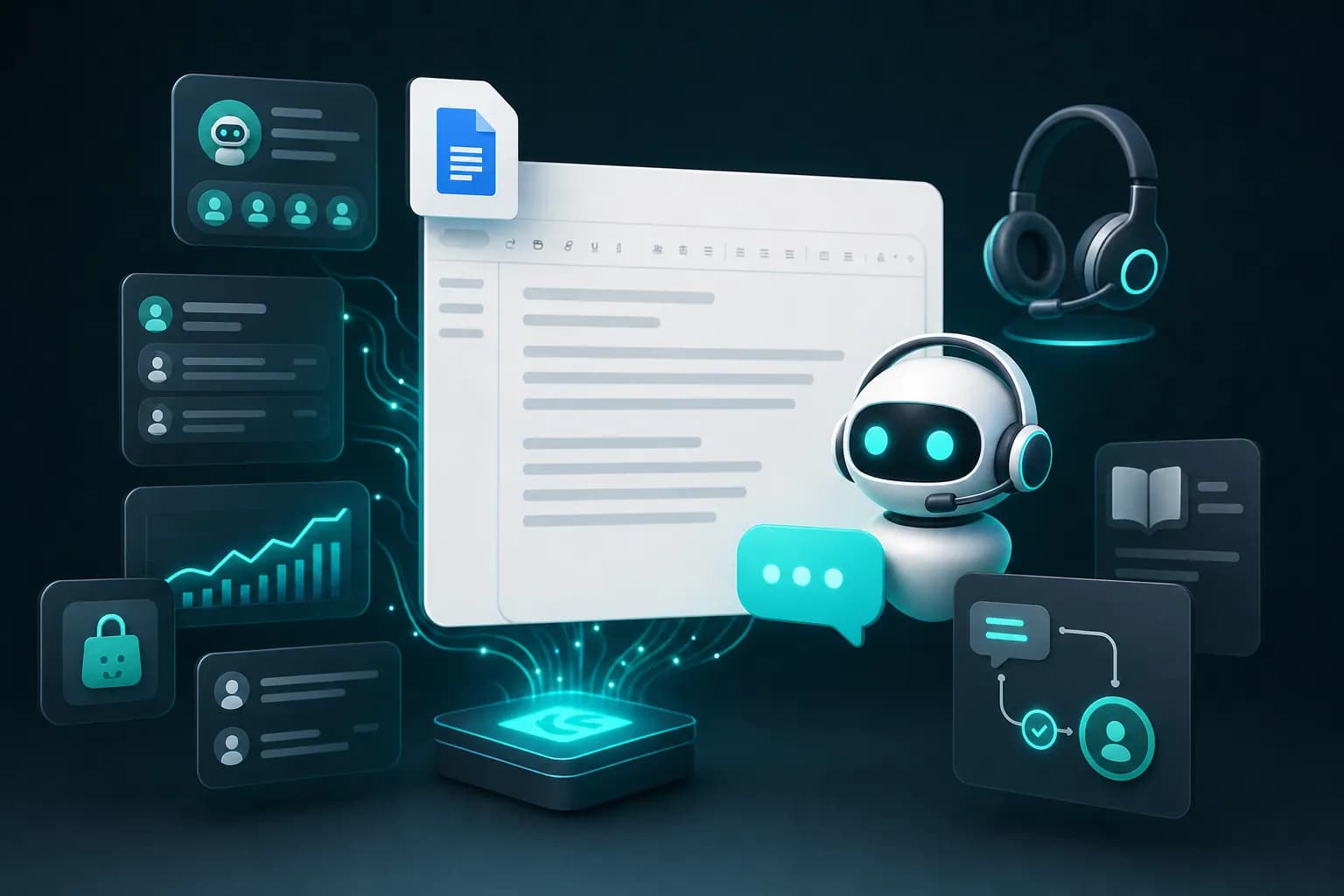
A Google Docs AI chatbot is an intelligent support widget that reads your Google Docs content and answers customer questions instantly, 24/7. Unlike static documentation, it learns from your actual docs and uses natural language to resolve inquiries in real time—without writing code or managing separate systems.
What a Google Docs AI Chatbot Actually Does
When you connect your Google Docs to an AI chatbot, the system indexes every page, heading, and answer you've written. A customer asks a question. The bot searches your docs, finds the relevant section, and delivers a response in seconds. This is radically different from customers scrolling through your help center or digging through PDFs to find answers themselves.
The mechanism works through semantic search and language understanding. The chatbot doesn't match keywords; it understands meaning. If your Google Docs explain billing cycles and a customer asks "How much does the monthly plan cost?", the bot connects that question to your pricing page even if the words don't overlap exactly.
Real example: a SaaS company stores their entire onboarding guide in Google Docs—integration steps, API keys, authentication flows, webhook setup. Before implementing a chatbot, support tickets piled up with the same questions repeated daily. After deploying KnowDesk's Google Docs integration, the same company saw 73% of incoming questions resolved by the bot without human involvement. The reduction happened because the bot delivered answers at the exact moment customers needed them, in the format customers expected.
Before and After: The Real Impact on Your Support
Before a Google Docs AI chatbot, your support workflow looks like this: customer encounters a problem, opens your help center (if they find it), scans multiple articles, gets frustrated, emails support, waits hours or days for a response, gets an answer a support agent copied from your docs anyway. The customer is unhappy. Your team wastes time answering questions they've answered fifty times.
After deployment, the flow changes completely. Customer encounters a problem. A branded chat widget appears on your website or is embedded in your help center. Customer types their question. The bot responds with relevant information from your Google Docs within 2 seconds. Problem solved, customer satisfied, your team handles only truly complex issues.
The business impact is measurable. Support teams report time savings of 15–20 hours per week. Ticket volume drops by 60–75% in the first month. Customer satisfaction scores rise because answers are instant and available 24/7. And your docs—the ones collecting dust—suddenly become your most valuable asset.
Here's a concrete scenario: an e-commerce company maintains shipping policies, return instructions, and FAQ in Google Docs. During peak season, their small support team gets 300+ emails daily about the same topics. With a Google Docs AI chatbot, 225 of those questions resolve automatically. The team's 75 remaining tickets involve actual problems—damaged items, billing disputes, custom requests. Suddenly the team can think instead of just respond.
How KnowDesk Turns Google Docs Into Live Support
KnowDesk connects to your Google Docs in under 2 minutes. No API keys, no developer setup, no configuration files. You authorize KnowDesk to read your docs, choose which ones to include, set your brand colors, and deploy a widget to your website. That's it.
The integration works because KnowDesk indexes your docs in real time. When you update a Google Doc, the chatbot's knowledge updates automatically within minutes. You're not copying text into another platform or managing synchronization problems. You edit your docs as you always do; KnowDesk handles the rest.
The brand gate feature ensures customers see your branding, not generic bot styling. Your logo, colors, and tone stay consistent across every interaction. When a customer sees the support widget, it feels like an extension of your company, not a third-party tool.
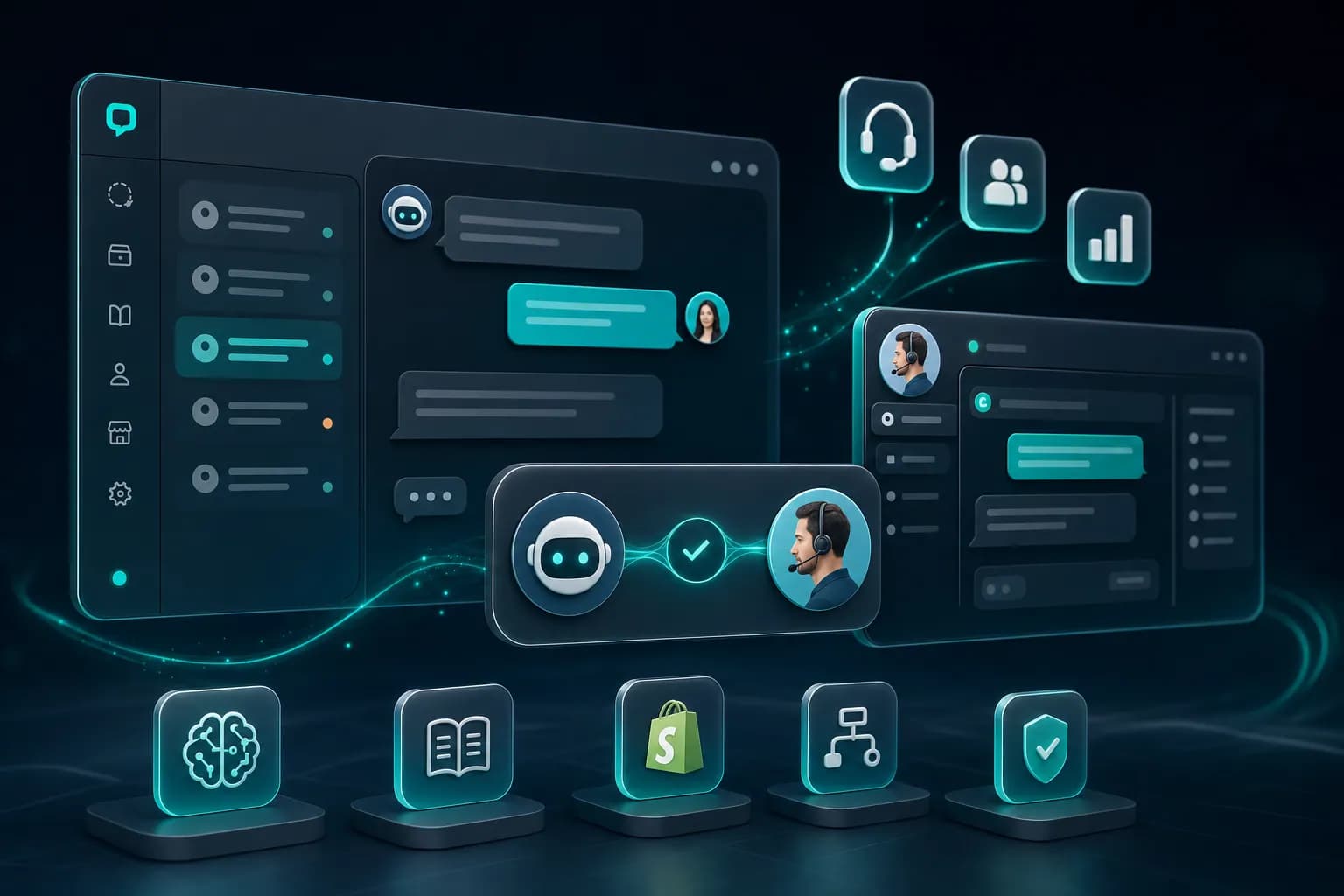
KnowDesk's WISMO agent—"Where Is My Status Order?"—works alongside your Google Docs content. If you've documented your shipping timeline in your docs and a customer asks when their order ships, the bot can reference your docs and also look up their real-time order status if you connect Shopify or another order system. This combination of documented knowledge and live data solves customer problems more completely than docs alone.
Google Docs Chatbot vs. Other Documentation Approaches
| Approach | Setup Time | Knowledge Updates | 24/7 Availability | Brand Control | Live Data Integration |
|---|---|---|---|---|---|
| Static Google Docs (no chatbot) | N/A | Immediate | No | Limited | No |
| Separate FAQ Tool | 1–3 days | Manual copy-paste | Yes | Yes | Rarely |
| Notion Chatbot | 30–45 minutes | Real-time sync | Yes | Moderate | No |
| KnowDesk with Google Docs | 2 minutes | Automatic within minutes | Yes | Full brand gate | Yes (Shopify, email agents) |
The comparison reveals why KnowDesk's Google Docs integration wins on speed. Two minutes to live support that stays synchronized with your source of truth. No manual updates, no duplicate content in multiple systems, no waiting for developers.
Other documentation tools require you to choose: keep your docs or use the platform. You can't have both without managing two separate content silos. KnowDesk eliminates that friction. Your Google Docs remain the primary source. The chatbot pulls from them automatically.
Notion integrations exist, but they add an extra step. You document in Notion, connect it to a chatbot tool, and hope the sync works. With Google Docs, most teams already use it for internal and customer-facing documentation. KnowDesk just makes that content interactive without asking you to change your workflow.
Real-World Scenarios Where Google Docs Chatbots Solve Critical Problems
A subscription software company has 15 pages of documentation about billing, plan changes, and cancellation policies in Google Docs. Every week, the support inbox fills with identical questions. The team answers the same message 40+ times monthly. With a Google Docs chatbot, a customer logs in, sees the widget, asks "Can I change my plan mid-cycle?", and gets a precise answer from the docs in 1 second. Ticket never reaches support. Customer doesn't email. Support team works on features instead.
An agency maintains client onboarding steps, project templates, and deliverable checklists in Google Docs. Clients constantly ask the same questions during kickoff. The agency embeds a KnowDesk chatbot that reads these docs. New clients see a branded widget. They ask "What do I provide for the kickoff meeting?" and the bot answers with relevant sections from the docs. The client understands the process before the first call. The call is more productive. The relationship starts stronger.
A marketplace platform has return policies, seller guidelines, and dispute resolution procedures documented across multiple Google Docs. Sellers get confused. The platform adds a Google Docs chatbot to the seller dashboard. Sellers now have instant access to answers without emailing support. The support team's seller-related tickets drop by 68%. The team focuses on complex disputes and seller relationship management instead of answering procedural questions.
A nonprofit runs a training program. Participants have questions about curriculum, logistics, and technical setup. The organization maintains this information in Google Docs shared with volunteers. By adding a chatbot, participants get instant answers while volunteers focus on mentorship. The scale of support multiplies without hiring new staff.
Why Real-Time Synchronization With Google Docs Matters
Most chatbot platforms require you to export docs, convert them to a compatible format, upload them to the tool, and manage versions yourself. If you update your docs, the chatbot serves stale information until you manually re-upload. This creates a dangerous gap where customers see outdated policies.
KnowDesk synchronizes continuously. When you edit a Google Doc, the chatbot's knowledge base updates within minutes. You'll never face the scenario where a customer reads outdated information from a cached version. This automatic sync also means you don't need a separate documentation platform. Your Google Docs remain the single source of truth.
This distinction matters for compliance and accuracy. If your docs contain critical policies—return windows, data handling, subscription terms—you need absolute confidence they're current. With KnowDesk, that confidence is built in. You edit your docs. The chatbot reflects the changes immediately. No lag, no synchronization errors, no forgotten manual updates.
Real impact: a software company changed their refund policy. They updated the Google Doc to reflect a new 30-day window (changed from 14 days). With KnowDesk, the chatbot reflected this change within 5 minutes. A customer using the bot got accurate information. With a platform that requires manual syncing, the customer might have received outdated policy information if an update was missed. That difference could escalate to a complaint or dispute.
Integrating Google Docs Chatbots Into Your Support Stack
You're probably thinking: Where does this fit with my existing help center, email support, and live chat? The answer depends on your volume and complexity.
For small teams, a Google Docs chatbot replaces the need for a dedicated help center tool. You document in Google Docs. The chatbot serves as your public-facing support. No new platform to manage.
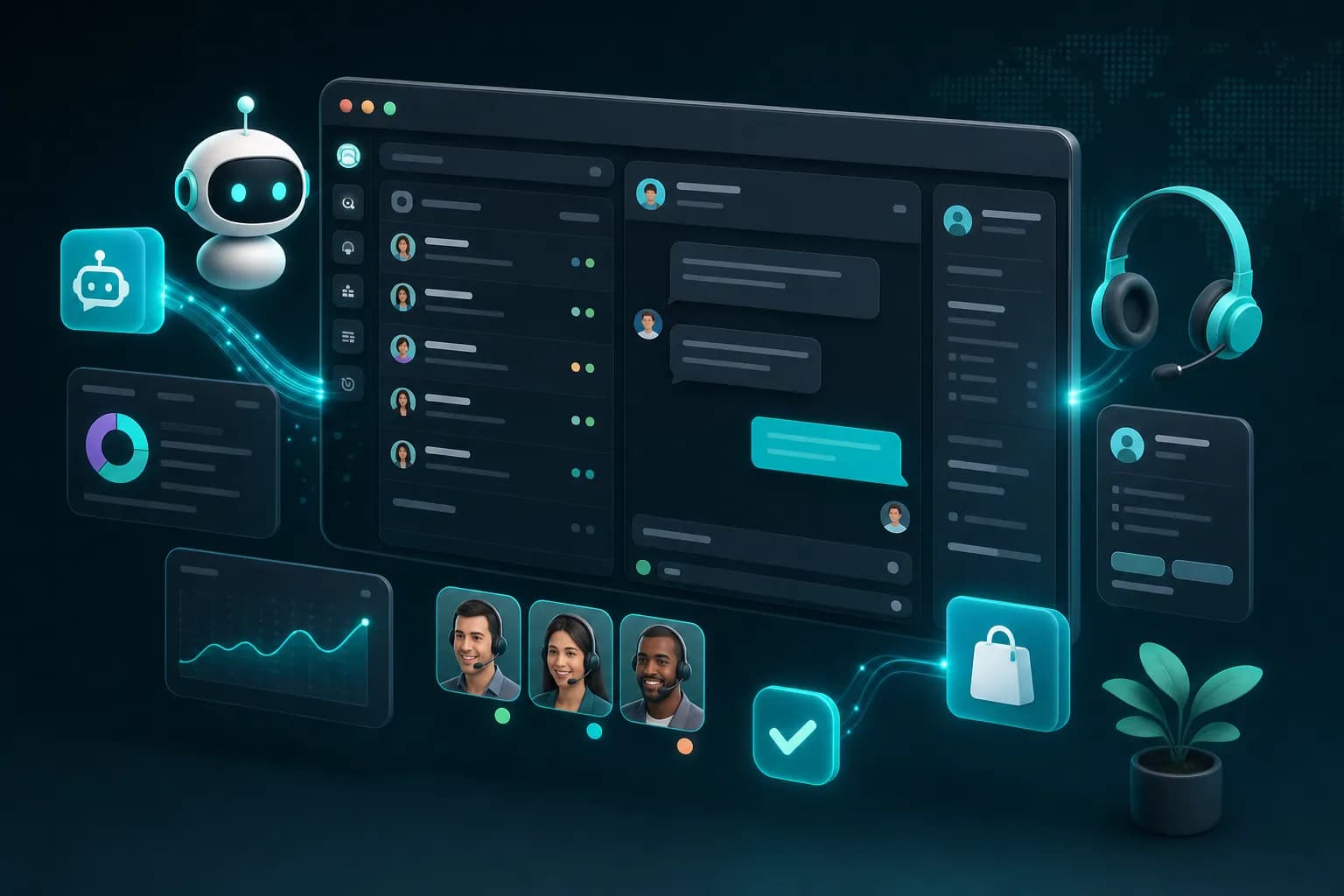
For larger teams, the chatbot works alongside everything else. It sits on your website, reducing tickets that reach email support. Those tickets that do arrive go to your live agent inbox, where KnowDesk's Mission Control dashboard lets you manage all conversations in one place—no switching between five apps. You can route complex questions to live agents, use the email retention agent to automate follow-ups, and use QA reviews to maintain quality across responses.
The critical insight: a Google Docs chatbot doesn't replace your support team. It arms them by handling routine questions, freeing time for meaningful work. A customer gets an instant answer. A team member focuses on a complicated problem. Both are satisfied.
If you use Shopify, Confluence, or Notion alongside Google Docs, KnowDesk connects to all of them. Build a unified knowledge base across multiple sources, and the chatbot draws from all of it. One widget. One conversation. Multiple data sources answering one question.
Setting Expectations: What a Google Docs Chatbot Can and Can't Do
A Google Docs chatbot is powerful, but it has boundaries. It works because your documentation is thorough. If your Google Docs lack information about a topic, the chatbot can't invent the answer. It can only draw from what you've written.
This is actually a strength. It prevents hallucination—the tendency of AI to confidently state false information. A chatbot that can't find an answer tells the customer honestly: "I don't have information about that. Let me connect you with someone who does." That transparency builds trust.
KnowDesk's QA reviews feature lets you monitor what the chatbot is answering, so you catch gaps in your documentation. If customers repeatedly ask questions the bot can't answer, you know to write docs on those topics. Over time, your documentation gets better and your chatbot deflects more tickets.
The chatbot also works best for straightforward questions. "What's your refund policy?" Yes. "Can I integrate with Salesforce?" Yes. "My order arrived damaged and I'm upset"—the bot can offer a resolution process from your docs, but human empathy might close the customer better. The bot knows its limits and escalates appropriately.
Deployment and Ongoing Management With KnowDesk
You connect your Google Docs to KnowDesk. The system pulls your content and indexes it. You customize the widget to match your brand. You decide whether to embed it on your website, add it to your help center, or both. Then you go live. This entire process takes under 120 seconds.
After launch, management is minimal. You update your Google Docs as usual. The chatbot syncs automatically. You monitor the Mission Control dashboard to see which questions the bot is answering and how customers are rating responses. If satisfaction scores dip on certain topics, you know to improve those docs.
The documentation available in KnowDesk's knowledge base walks you through integration step-by-step. The setup is genuinely no-code. No developer involvement needed. You don't need to touch an API or terminal or YAML file. Your marketing or support person can do it alone.
As your needs grow, KnowDesk scales with you. Start with Google Docs. Add Shopify integration to enable Shopify order lookup so customers can check their status without emailing. Connect your email inbox and use the email retention agent to follow up on unanswered inquiries automatically. These features stack and work together seamlessly within one platform.
Measuring the ROI of a Google Docs Chatbot
How do you know if a Google Docs chatbot is working? KnowDesk's Mission Control dashboard shows you directly. You see the number of conversations the bot handled, the resolution rate (what percentage of questions the bot answered without escalation), average response time, and customer satisfaction scores.
Calculate your ROI simply: multiply the number of tickets deflected monthly by the cost per ticket (typically $5–$15 for email support). A 30-person team averages $10 cost per ticket. If a chatbot deflects 150 tickets monthly, that's $1,500 in monthly savings. Over a year, that's $18,000. Most businesses recoup the cost of KnowDesk in the first month.
But the math is incomplete without factoring time saved. Support staff stop answering "What's your return policy?" and spend that time on complex cases, product feedback, and customer relationships. That's worth more than the hourly wage. It's the difference between a support team that survives and one that grows the business.
Measure these metrics after launch: ticket volume (how much does it drop?), first-response time (does the chatbot reduce time to first answer?), customer satisfaction (do customers prefer instant bot answers to waiting for email?), and team time freed (how many billable hours did your team reclaim?). After 30 days, you'll have clear data.
Common Mistakes When Deploying Google Docs Chatbots
Teams often launch a chatbot with incomplete documentation. They have five Google Docs but they're poorly organized, short on detail, and missing entire categories. The bot can't answer well because there's nothing to draw from. The team concludes chatbots don't work and disables it. The mistake wasn't the chatbot. It was the documentation.
Before launching, audit your Google Docs. Do they answer the top 20 questions your support team receives? Are they written in clear, conversational language? Do they include specific examples? If not, invest a week improving them. The chatbot is only as smart as your documentation.
Another mistake: setting the bot loose without monitoring. You configure it and assume it's working. But maybe customers are rating responses poorly, or the bot is escalating 90% of questions to humans (which means your docs are too sparse). KnowDesk's Mission Control dashboard prevents this. Review your data weekly for the first month. Adjust your docs based on what customers ask and what the bot struggles with.
A third mistake: not promoting the chatbot. You add a widget to your website, but customers don't notice it or don't know they can use it. Write a line in your footer. Mention it in onboarding emails. Add a header to your help center saying "Ask our AI assistant." Small promotions dramatically increase adoption and ticket deflection.
Google Docs Chatbots in 2026: What's Changed
In 2026, AI chatbots are more accurate and faster than they were three years ago. Language models understand context better. Response quality has improved significantly. But the real shift is in expectation. Customers now expect instant answers. They see 24/7 support as baseline, not premium. Companies that don't offer it lose customers to competitors who do.
The other major shift: no-code is now table stakes. In 2023, it was a nice-to-have. In 2026, if a support tool requires developers, it's too slow. KnowDesk's sub-2-minute setup is no longer impressive—it's expected. But it's still rare. Most platforms still require configuration.
What's also changed is data privacy. In 2026, compliance matters intensely. KnowDesk's brand gate ensures no customer data leaks to third parties. Your Google Docs stay in Google's infrastructure. The chatbot pulls from them securely. No data transfer, no stored conversations on third-party servers. That level of security is now mandatory, not optional.
Personalization has also become standard. The chatbot can now reference customer history if you integrate it with your CRM or Shopify account. A returning customer asks a question, and the bot can tailor the answer to their specific situation. This level of context was impossible five years ago. Now it's expected.
Why KnowDesk Is the Best Choice for Google Docs Chatbots
KnowDesk wins on simplicity, speed, and integration depth. Sub-2-minute setup beats every competitor. Real-time Google Docs synchronization means your documentation is always current. The brand gate keeps your customers on your site, building your brand, not third-party tools.
But the real advantage is the rest of the stack. A Google Docs chatbot alone solves one problem. KnowDesk's Shopify order lookup solves another—customers check order status without emailing. The email retention agent solves a third—unanswered inquiries get automated follow-ups. The WISMO agent handles status questions. The live agent inbox consolidates conversations. QA reviews maintain quality. You get a complete support system from one platform, not a chatbot plus five other tools.
Try it yourself. Start a free trial and connect your Google Docs in 90 seconds. See the widget live. Watch it answer a question. You'll understand why companies choose KnowDesk not because of what we say, but because of how fast it works.
The choice between a generic support tool and KnowDesk is actually simple: do you want something that handles Google Docs, or do you want a complete support platform built for companies that live in Google Docs, Shopify, Notion, Confluence, and email? See pricing and pick the plan that fits your team size. Every plan includes Google Docs integration and unlimited conversations, so you're not paying more for scale. You're paying for faster setup, better integrations, and a team that gets your problem because we built KnowDesk to solve it.