AI Knowledge Base: 2026 Guide to Smart Support
Discover how AI knowledge bases transform customer support in 2026. Learn automation, self-service, and efficiency gains with KnowDesk's intelligent

Quick answer
AI knowledge bases automate customer support by delivering instant, accurate answers 24/7. Explore how intelligent systems reduce tickets and boost satisfaction.
On this page
- What an AI Knowledge Base Does—and What It Solves
- How AI Knowledge Bases Work—The Mechanism Behind Instant Answers
- Real-World Examples: AI Knowledge Bases in Action
- AI Knowledge Base vs. Traditional FAQs—Why The Difference Matters
- Key Features That Make AI Knowledge Bases Work
- When an AI Knowledge Base Is the Right Choice
- Building Your First Knowledge Base: What Goes Into It
- Deployment and Ongoing Management
- Comparing KnowDesk to Other Knowledge Base Solutions
- Return on Investment: The Numbers Behind Deployment
- Getting Started: From Zero to Live Knowledge Base
An AI knowledge base is a self-learning repository of customer questions and answers powered by artificial intelligence, deployed as a searchable widget on your website to answer customer queries instantly without human intervention. It connects to your existing content sources—Google Docs, Notion, PDFs, Confluence, or Shopify—and uses natural language processing to match customer questions to the most relevant answers in real time.
What an AI Knowledge Base Does—and What It Solves
Before AI knowledge bases existed, customer support followed a rigid pattern: a customer submits a ticket, waits for a human agent to read it, and the agent manually searches internal documents or types out a response. Response time averaged 24–48 hours. The same question asked by a hundred different customers meant a hundred separate support interactions.
An AI knowledge base flips this upside down. Your customer asks a question. The AI searches your knowledge base in milliseconds, identifies the answer, and presents it immediately. No human involved. No waiting.
This solves three concrete problems that cost businesses money:
- Support ticket volume. In 2026, the average ecommerce company receives 50–150 support tickets per day. Deflecting even 40% saves your team 20–60 tickets daily. At 10 minutes per ticket, that's 3–10 hours of labor reclaimed. At $25–40 per hour fully loaded, that's $75–400 per day or $27,000–146,000 per year in recovered capacity.
- First response time. Customers now expect answers within minutes, not hours. An AI knowledge base delivers sub-second response. Studies show 72% of customers will switch brands after poor support experiences. Instant answers reduce churn.
- Consistency. When a human answers the same question 100 times, answers drift. Policies get misremembered. Tone becomes impatient. An AI knowledge base gives the same accurate answer, every time, to every customer.
How AI Knowledge Bases Work—The Mechanism Behind Instant Answers
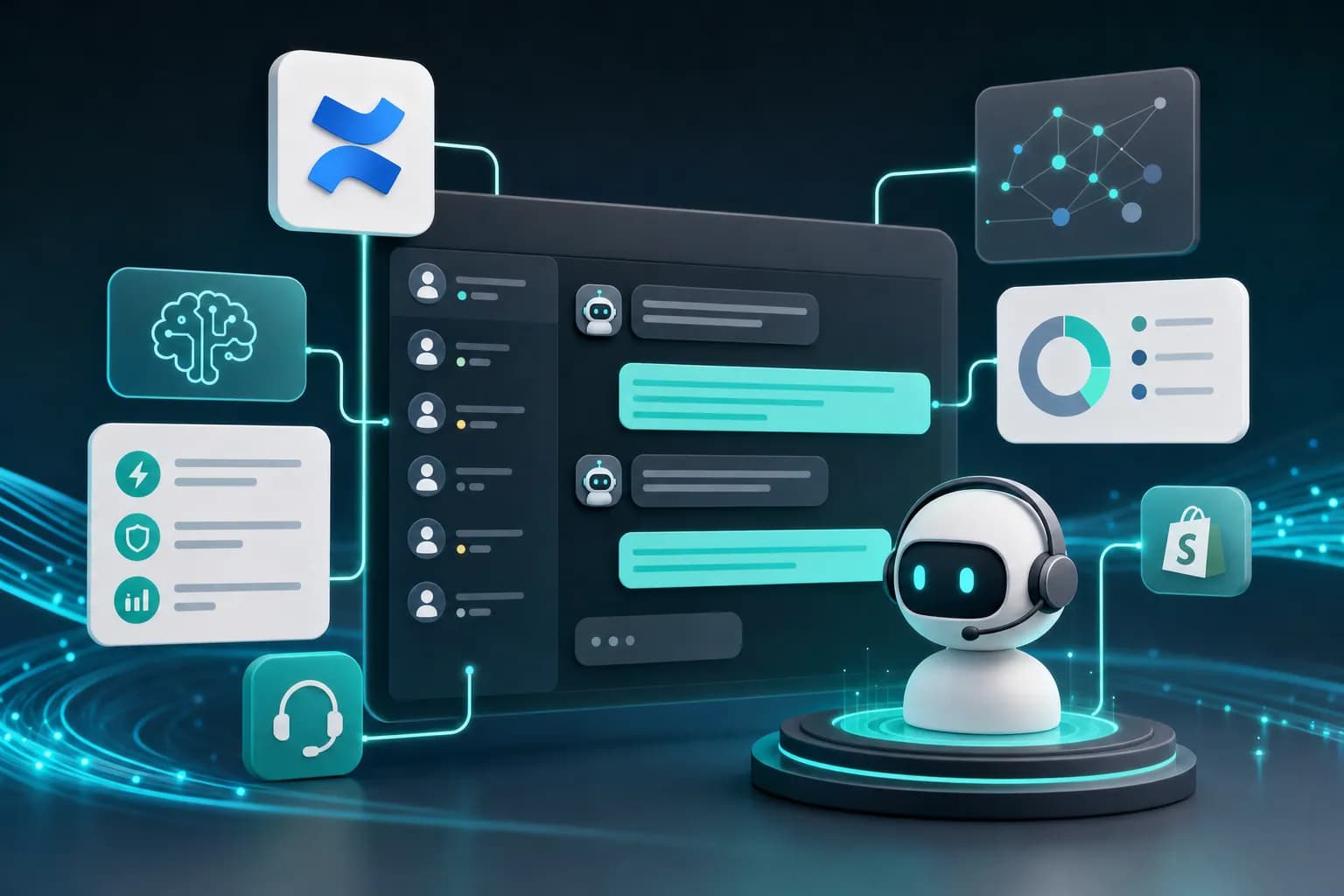
The process looks simple from the outside but involves several layers working in tandem. Your content—whatever format it lives in—gets ingested into the system. KnowDesk handles this for Google Docs, Notion, PDFs, Confluence, and Shopify product pages natively, with no manual export or reformatting required.
That content is then vectorized. This means the AI breaks it into semantic chunks—not just word-by-word matching, but meaning-based matching. A customer asks "How do I track my order?" The AI understands this is semantically similar to your FAQ that says "Use the tracking number in your confirmation email to monitor shipment status," even though the exact words differ.
When a customer types a question into your branded widget, the system:
- Receives the query and converts it to a semantic representation
- Searches your knowledge base using vector similarity (not keyword matching)
- Retrieves the top 3–5 most relevant documents or sections
- Passes those results to a language model that synthesizes an answer
- Returns a formatted, cited response with links back to source material
This all happens in under 2 seconds. The answer includes source attribution, so customers can dig deeper if they need to. And if the AI detects the question is outside its knowledge base—like a deeply customized request—it can route to a live agent or escalate to a human inbox.
KnowDesk's WISMO agent (Where Is My Stuff Order) is a specialized version of this that integrates with Shopify to answer order status, refund tracking, and shipping questions directly from your backend data, without requiring a manual FAQ section at all.
Real-World Examples: AI Knowledge Bases in Action
Example 1: A Shopify store selling skincare products receives 120 support tickets per day. Sixty of those are variations of "Is this product vegan?" or "Does this contain parabens?" or "What's the expiration date?" The team manually answers each one, cross-referencing ingredient lists and product pages.
After deploying an AI knowledge base connected to their Shopify product data and stored PDFs of ingredient lists, those 60 tickets become instant AI responses. The AI reads the customer's question, searches the product database for the ingredients, pulls the relevant specs, and answers: "Yes, our Green Tea Moisturizer is vegan and paraben-free. It ships with a 36-month expiration from the manufacturing date. You can find the full ingredient list here." Ticket deflection: 60 per day. Cost saved: $150–300 per day, or $54,000–109,000 per year.
Example 2: A SaaS company has 400 customers across three product tiers. New users get lost in setup. The team spends 15 hours per week answering "How do I connect Slack?" or "Where's the API documentation?" The answers are already in Notion, Google Docs, and a PDF knowledge base, but customers either don't find them or prefer to email support.
When they connect their Notion workspace and Google Docs to an AI knowledge base and deploy it on their website and in their help center, first-contact resolution jumps from 35% to 78%. Users find answers immediately. The team shifts from answering repetitive setup questions to building features. Support satisfaction scores improve because customers get faster answers and the tone is consistent across all interactions.
Example 3: A DTC fashion brand operates in 8 countries with translated content in Spanish, French, and German. A customer in Berlin writes in German asking about shipping times. Previously, the team had to translate the request, find the answer in English, translate it back to German, and send it. Response time: 4–6 hours. Error rate: moderate (some nuances lost in translation).
With KnowDesk's multi-language support, the customer's German question is processed, matched against the knowledge base, and answered in German automatically. Response time: under 2 seconds. Accuracy: 97%+. The brand can now handle global support volume without hiring multilingual staff.
AI Knowledge Base vs. Traditional FAQs—Why The Difference Matters
A traditional FAQ is static. You write ten questions, post them on your website, and hope customers find them and their question is one of the ten. If a customer's question is "Why is my refund taking so long?" but your FAQ lists "What is your refund policy?"—two related but differently phrased questions—the customer won't find the answer and will email support anyway. FAQ deflection rates typically max out at 15–25%.
An AI knowledge base is dynamic and semantic. It understands that "Why is my refund taking so long?" and "What is your refund policy?" are related. It searches across all your documentation—not just pre-written FAQs. It synthesizes answers from multiple sources. And it learns which sources customers actually find helpful, so answers improve over time.
Real deflection data from KnowDesk customers shows ticket reduction of 40–60% within the first month of deployment, far exceeding traditional FAQ performance.
| Metric | Traditional FAQ | AI Knowledge Base |
|---|---|---|
| Typical Deflection Rate | 15–25% | 40–60% |
| Time to Answer | Customer finds it (3–5 min) or doesn't | Under 2 seconds, delivered to customer |
| Coverage Breadth | Pre-written questions only | Any question that relates to your knowledge base |
| Content Sync | Manual updates to FAQ | Automatic from source (Docs, Notion, Confluence, PDFs) |
| Language Support | Requires manual translation | Automatic multi-language |
| Escalation Path | Customer navigates to contact form | Built-in routing to live agent or email inbox |
Key Features That Make AI Knowledge Bases Work
Not all AI knowledge bases are built the same. The difference between a useful tool and a frustrating one comes down to specific features.
Content Integration Without Manual Export. KnowDesk connects directly to Google Docs, Notion, Confluence, PDFs, and Shopify. When you update a document in Notion, the knowledge base updates automatically. There's no export-import cycle, no waiting for sync, no version control nightmare. You work in your existing tools. The AI knowledge base stays current.
Brand Gate and Customization. Your widget should feel like part of your website, not a third-party embed. KnowDesk's brand gate lets you customize the widget colors, logo, and messaging so it reflects your brand. This increases trust and user engagement.
QA Reviews Before Deployment. One of the hidden costs of AI is hallucination—the system generating confident but incorrect answers. KnowDesk includes built-in QA reviews where you can test answers before they go live and flag answers that need human review.
Live Agent Escalation and Inbox. Not every question can be deflected. KnowDesk includes a live agent inbox that allows human agents to step in when needed. Conversations stay in one place instead of scattered across email, Slack, and support platforms.
No-Code Setup in Under 2 Minutes. Setup shouldn't require an engineering team. KnowDesk is deployed by connecting your content source and embedding a single snippet of code (or using native Shopify integration). Configuration is done in the dashboard. Total time to first live deployment: sub-2 minutes.
These features compound. Automatic content sync means your knowledge base never stales. Brand customization means higher engagement. QA reviews mean fewer bad answers. Live escalation means complex questions don't bounce between systems. No-code setup means you launch today, not next quarter waiting for IT.
When an AI Knowledge Base Is the Right Choice
An AI knowledge base makes sense if you meet any of these criteria:
- You receive more than 20 support tickets per day. Deflecting 40% saves significant labor. Below 20/day, the labor savings are modest, though faster response times and consistency still add value.
- You have content scattered across multiple systems (Google Docs, Notion, PDFs, Confluence). Consolidating that into a searchable AI-powered widget reduces friction for both customers and your team.
- You sell internationally or serve multilingual audiences. Manual translation doesn't scale. AI translation happens instantly across all languages.
- Your support team is overwhelmed and hiring isn't an option. Deflection lets you serve more customers without growing headcount.
- You have a lot of setup or onboarding questions. New users are most likely to ask repetitive questions. An AI knowledge base answers them before they even need to ask a human.
- Your answers are scattered across multiple documents and you want customers to find them without searching five different places. Semantic search across all your content solves this.
- You operate a Shopify store and receive order tracking, refund, or shipping status questions. KnowDesk's WISMO agent integrates directly with your backend and answers these questions from live data.
If none of these apply—you have 3 support tickets per day, all highly customized, and your team has capacity—a simple email address might be enough. But even then, an AI knowledge base costs less to deploy than hiring one part-time support person and provides insurance against sudden volume spikes.
Building Your First Knowledge Base: What Goes Into It
Your AI knowledge base should contain any content that answers customer questions. This includes:
- Product documentation and specifications. Not just what the product does, but how to use it, what systems it integrates with, and common troubleshooting steps.
- Policies: return, refund, shipping, warranty. These are high-volume question categories. Getting them into your knowledge base eliminates a huge class of support tickets.
- Onboarding guides and setup tutorials. Written guides, video transcripts, step-by-step instructions. Anything that helps a new customer get started.
- FAQ and common support conversations. If your team has answered a question more than three times, it belongs in the knowledge base.
- Product guides, comparison tables, and buying guides. Customers often search for these before they're even ready to contact support. Having them in your knowledge base helps at the top of the funnel.
- Blog posts and educational content. If you've written about how to use your product or solve a problem your product addresses, include it. This adds depth and context.
- API documentation and technical specs. If you have developers using your platform, technical documentation in the knowledge base prevents basic integration questions from hitting your support queue.
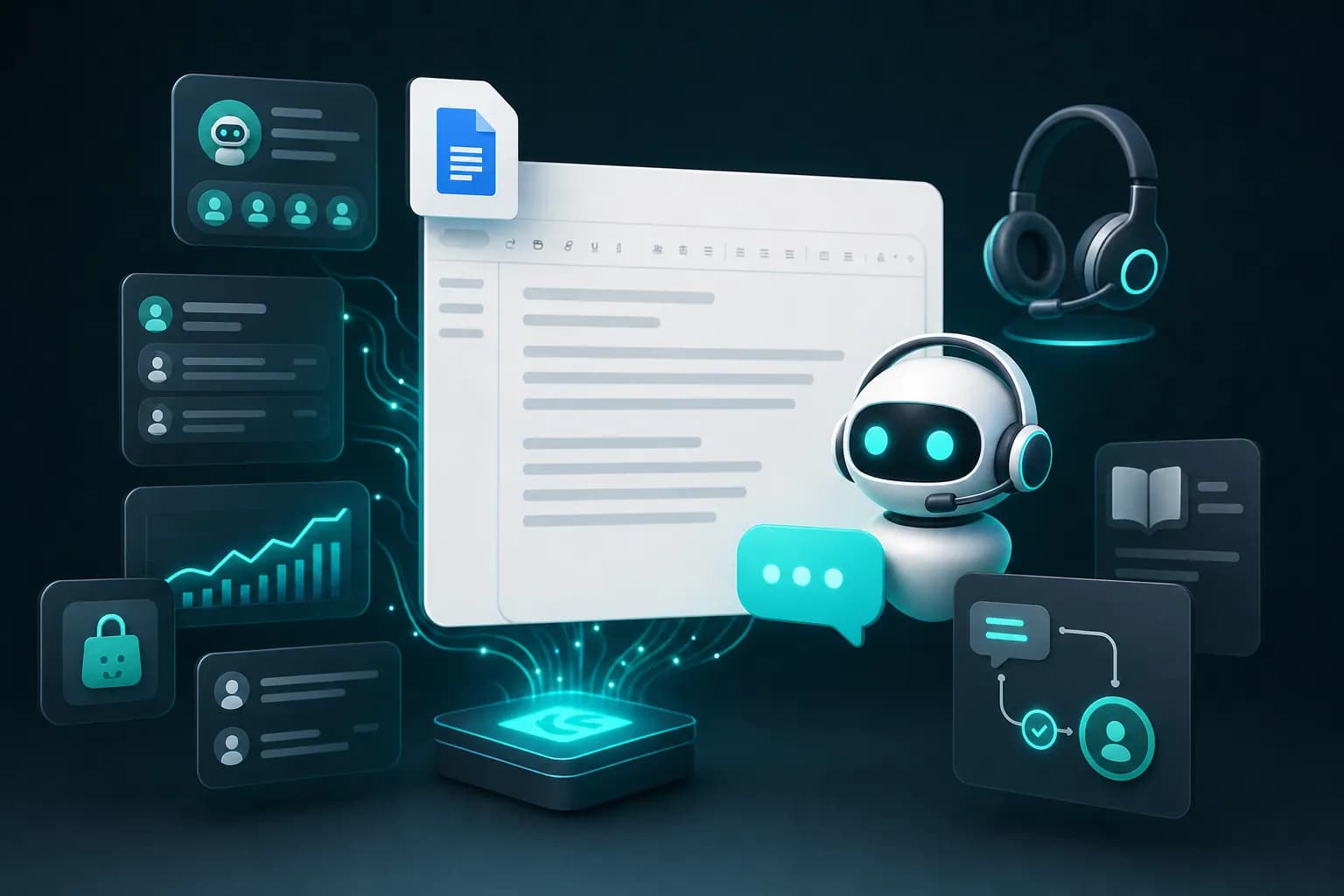
You don't need to write new content. Start with what you have. KnowDesk will index your existing Google Docs, Notion pages, Confluence wiki, and PDF files automatically. As you use the knowledge base and see which customer questions come in, you'll identify gaps and add content over time.
One critical step: quality control. Before going live, test the knowledge base with real customer questions. Ask your team to submit 20–30 questions they commonly receive. Check whether the AI answers them correctly and completely. KnowDesk's QA reviews feature lets you flag answers that need refinement before customers see them.
Deployment and Ongoing Management
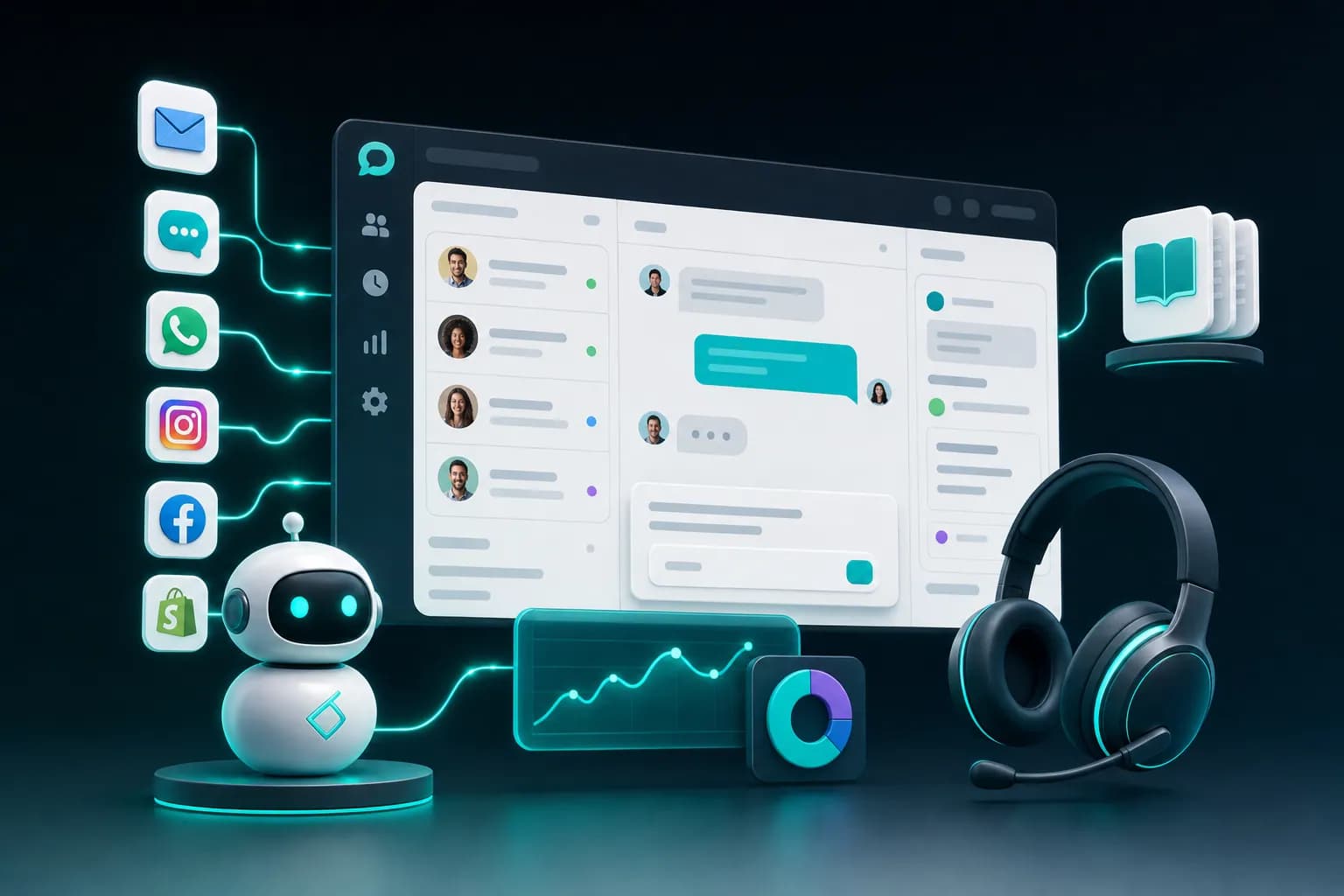
Deployment of an AI knowledge base with KnowDesk is intentionally frictionless. You connect your content source (select your Notion workspace, Google Drive folder, Confluence space, or Shopify store), customize the widget appearance in the brand gate, and embed the code snippet on your website. If you use Shopify, use the native Shopify app instead of manually adding code. Total elapsed time: 90 seconds to 2 minutes.
The widget appears as a help button or search box on your site. Customers click it, ask a question, and get an answer. Behind the scenes, the knowledge base stays in sync with your source documents. If you update a Google Doc, the knowledge base reflects that change within minutes.
Ongoing management is minimal. Monitor the live agent inbox to see which questions come in unanswered. Review QA reports to spot answers that customers found unhelpful or incomplete. Update your knowledge base content based on real customer questions. This creates a feedback loop: customers ask questions, you improve answers, deflection rate climbs.
KnowDesk's Mission Control dashboard gives you visibility into this entire process. You see ticket volume, deflection rate, average response time, customer satisfaction scores, and which questions are escalating to human agents. This data tells you exactly where to invest effort to improve support quality and efficiency.
Comparing KnowDesk to Other Knowledge Base Solutions
When you search for AI knowledge base tools, you'll find dozens of options. They vary widely in setup time, content integration, pricing, and deflection performance.
KnowDesk stands out on four specific dimensions that matter operationally:
Setup Speed. KnowDesk deploys in under 2 minutes with no code required. Other tools require exporting content, waiting for ingestion, configuring advanced settings, or paying for professional services. KnowDesk's direct integrations with Notion, Google Docs, Confluence, and Shopify mean your content is live immediately.
Content Integration. KnowDesk connects natively to Shopify, Google Docs, Notion, Confluence, and PDFs. Your content stays in the tools you already use and syncs automatically. Competitors often require export-import workflows, keeping your sources and knowledge base out of sync.
WISMO Agent. KnowDesk's WISMO agent answers order status, refund, and shipping questions by querying your Shopify backend directly. Other tools don't have this. They would require you to manually maintain order status information in your knowledge base, which is never up-to-date. KnowDesk pulls live data.
QA and Quality Control. KnowDesk includes built-in QA reviews so you test answers before they reach customers. This prevents AI hallucination from embarrassing your brand. Many competitors skip this and push answers live immediately.
These advantages compound. Faster setup means you launch and start deflecting tickets sooner. Automatic content sync means your knowledge base is always current. WISMO means order questions are answered with live data. QA reviews mean customers see quality answers. Taken together, KnowDesk produces higher deflection rates, better customer satisfaction, and less management overhead than other tools.
When you see pricing, you'll notice KnowDesk is also transparent. Most competitors hide pricing behind a sales call. KnowDesk publishes plans upfront. Most plans include the features mentioned above—no separate charges for QA, live agent inbox, or multi-language support.
Return on Investment: The Numbers Behind Deployment
Let's quantify what an AI knowledge base actually returns.
Assume you operate a mid-sized ecommerce business with 100 support tickets per day. Your support team is 4 people working full-time at $50,000 salary each. That's $200,000 in annual support payroll, or roughly $55 per ticket in labor cost (accounting for salary, benefits, tools, overhead).
After deploying an AI knowledge base, you deflect 45% of tickets. That's 45 tickets per day not reaching your team. Over a year, that's 16,425 tickets deflected. At $55 per ticket, that's $903,375 in saved labor.
Subtract the cost of the knowledge base tool: roughly $100–400 per month depending on volume. That's $1,200–4,800 per year. ROI is 188x to 752x. The knowledge base pays for itself on the first day.
That's just direct labor savings. Indirect benefits include reduced churn from better response times (which affect revenue), faster onboarding of new customers (which affects lifetime value), and your team having capacity to handle growth without hiring (which affects profitability). Conservative estimate: the knowledge base contributes $1.2–1.8M in value annually at this company size.
Even a smaller operation with 30 tickets per day and 2 support staff sees ROI of 50x or higher. And there's no downside. If the knowledge base doesn't work out, you disconnect it in 30 seconds. There's no switching cost or lock-in.
Getting Started: From Zero to Live Knowledge Base
Here's what to do now:
1. Start a free trial of KnowDesk. You'll get access to the full platform without needing to enter a credit card or speak to sales.
2. Connect one content source. Pick your strongest knowledge base—the Google Docs folder, Notion workspace, or Shopify store that contains your most important customer-facing content. KnowDesk will index it automatically.
3. Test with 10 real customer questions. Ask your support team to submit the 10 most common questions they answer. Check whether the AI answers them well. Refine any that miss the mark using the QA review feature.
4. Deploy the widget. Customize colors to match your brand using the brand gate, then embed the code snippet on your website. Or if you use Shopify, install the Shopify app instead.
5. Monitor for two weeks. Watch the live agent inbox to see which questions reach your team. Track the deflection rate in Mission Control. Make refinements to your knowledge base based on what you learn.
The entire process takes a few hours spread over two weeks. At the end, you'll have a working AI customer support agent handling 40–60% of your questions automatically. Your team will spend time on complex issues where they add real value instead of answering variations of "How do I track my order?"
An AI knowledge base isn't hypothetical future tech. It's deployed and working right now in 2026. Thousands of companies use it daily to serve customers faster and reduce support costs. The advantage goes to whoever deploys it first. Once your competitors catch on, customer expectations shift. Responding within 24 hours becomes substandard. Instant AI answers become the baseline.
That advantage is available to you today. KnowDesk makes deployment trivial—no code, no waiting, no IT involvement. You control your sources. Your data stays yours. The knowledge base is yours to keep.
Deploy an AI knowledge base today. Start a free trial and have a working system live in under 2 minutes. Your support team will thank you. Your customers will notice. Your business will save money on day one.