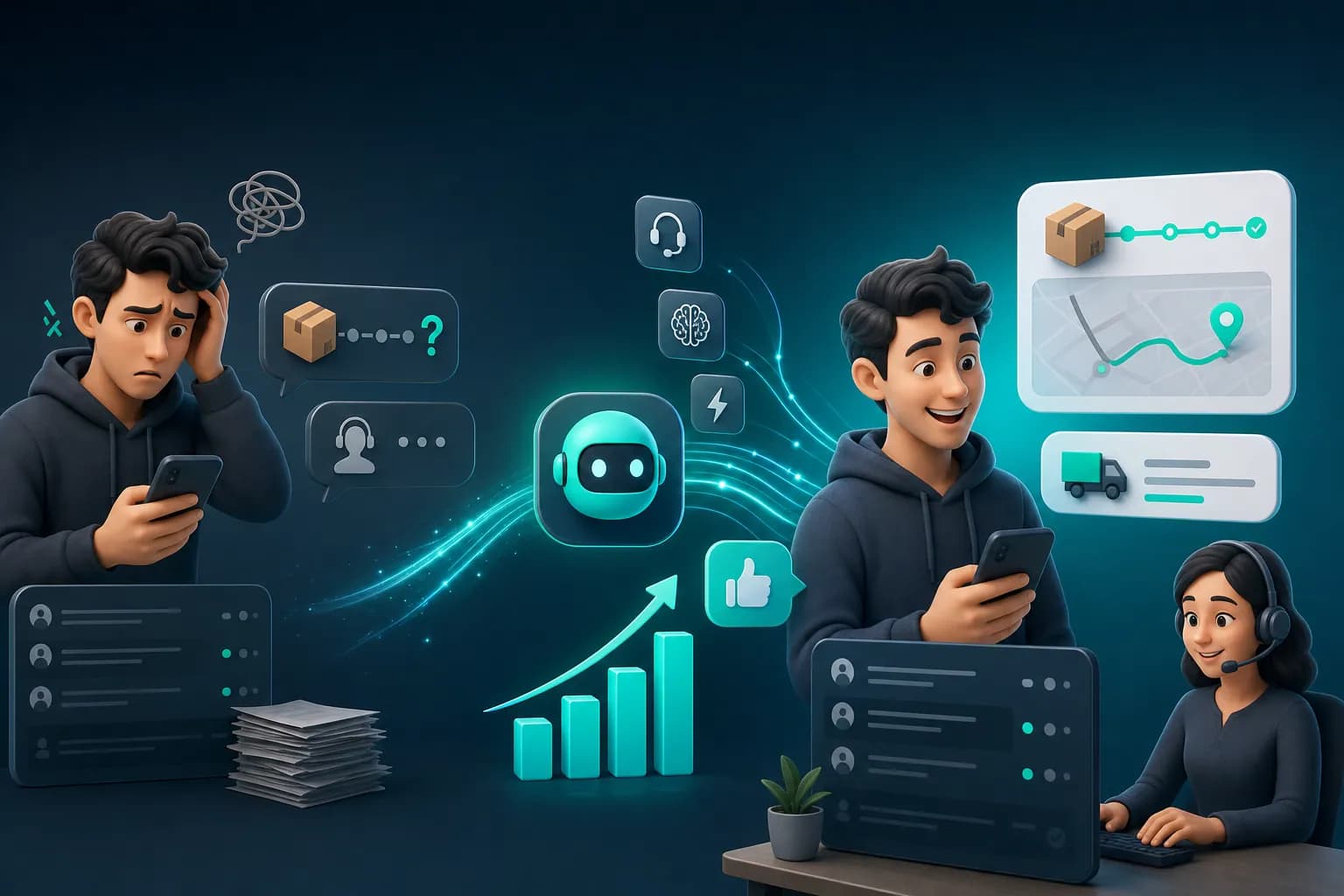
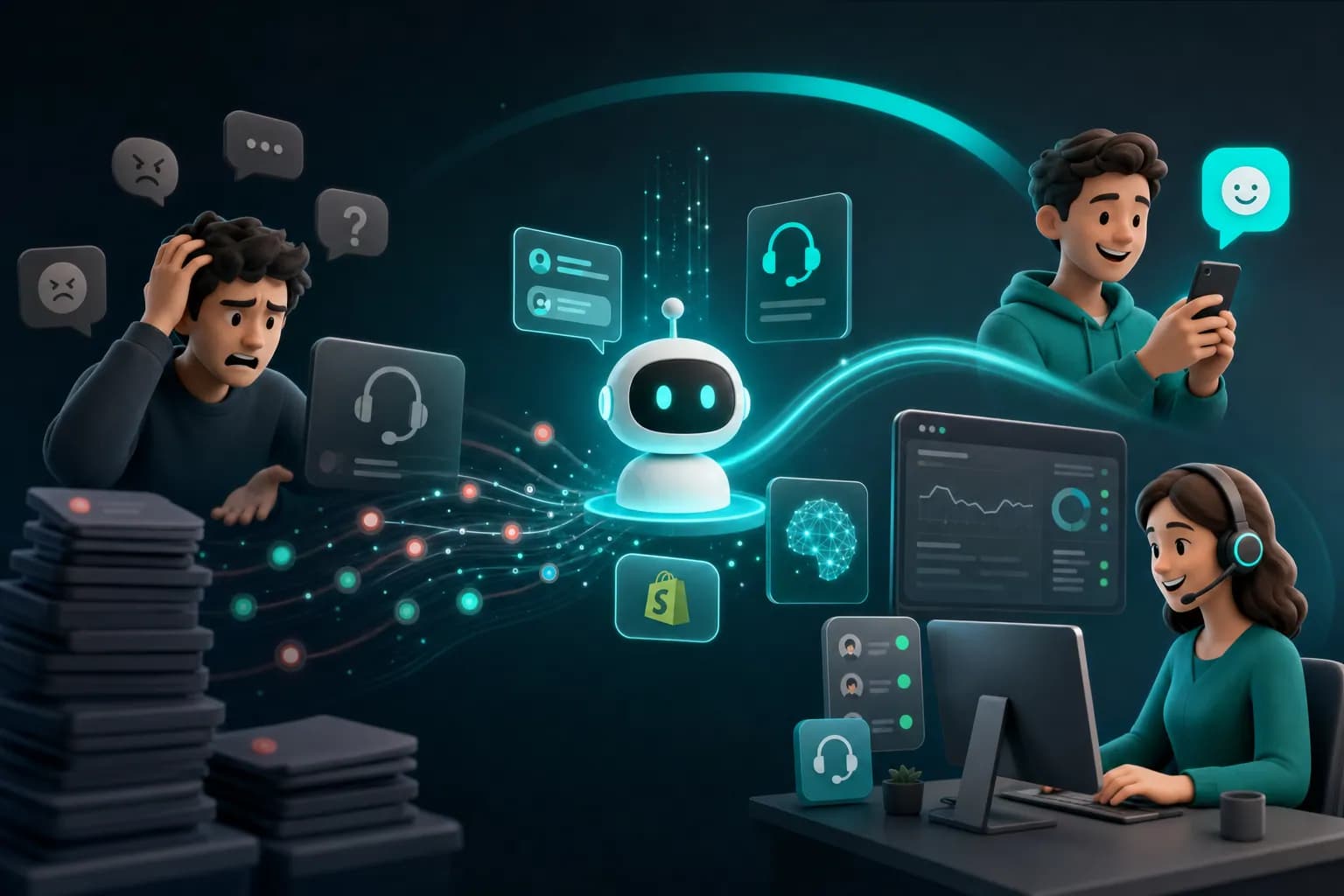
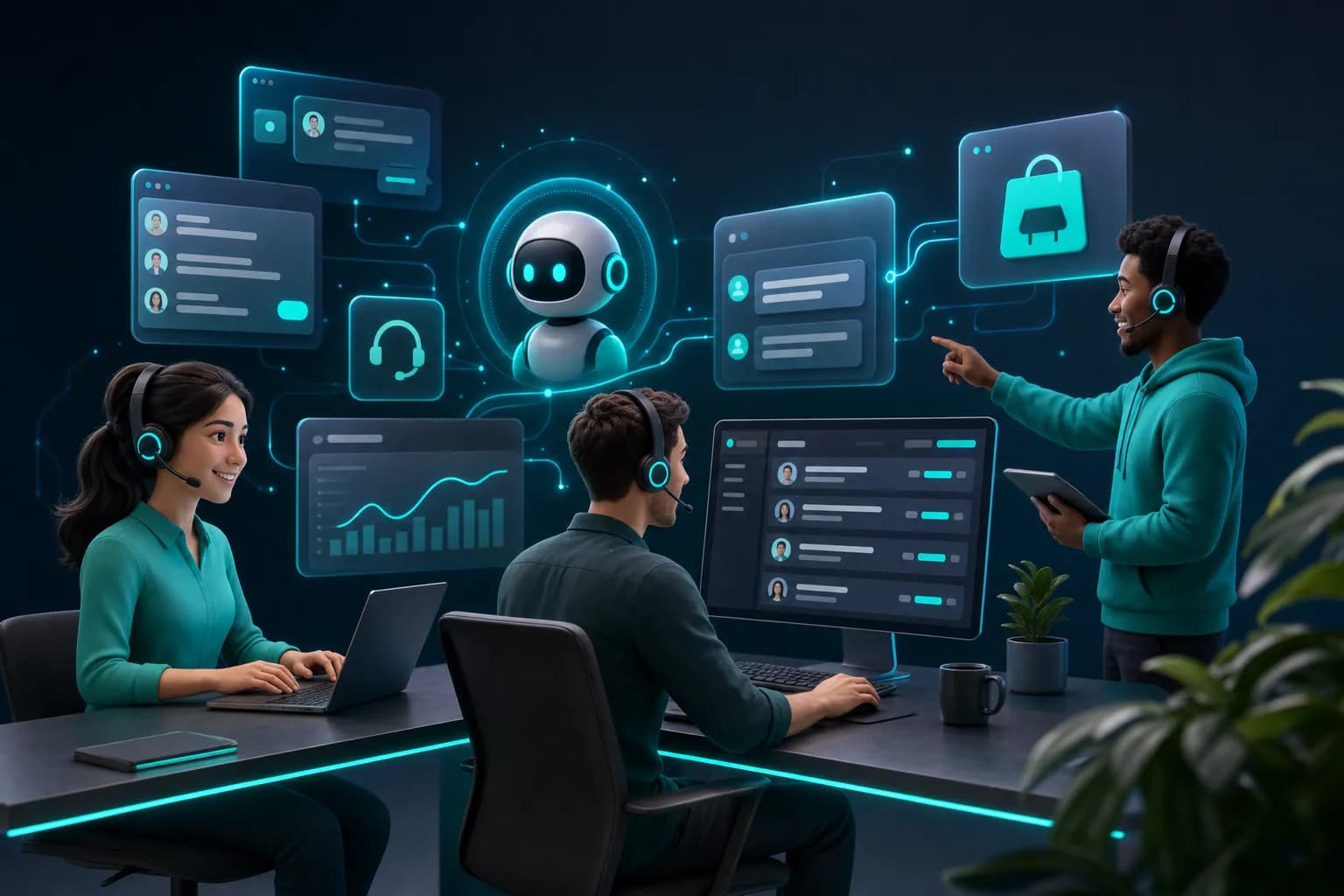
24/7 Customer Support Chatbot in 2026
Discover how 24/7 customer support chatbots handle support demands effortlessly. Learn implementation strategies and benefits for your business.

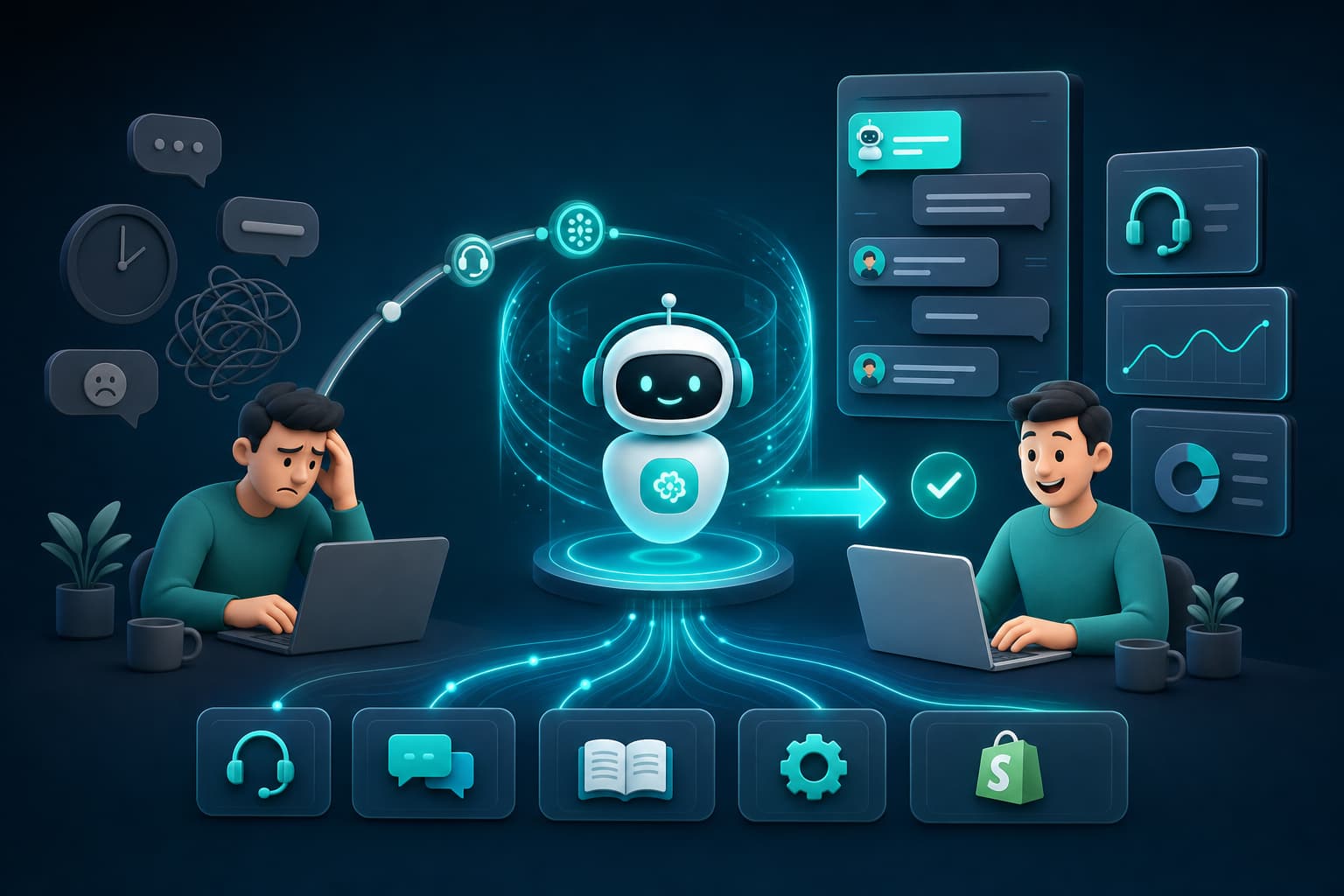
Quick answer
Round-the-clock customer support chatbots are transforming how businesses respond to customer inquiries. Explore how AI-powered solutions can eliminate support gaps and boost
On this page
- The Real Cost of Supporting Customers Without Automation
- Why Most Chatbots Fail (And How to Spot a Real Solution)
- How 24/7 Chatbots Actually Reduce Your Support Load
- The KnowDesk Approach: No-Code, Brand-Controlled, Built for Real Support Teams
- Real Scenarios: How 24/7 Chatbots Actually Work in Practice
- Comparing Chatbot Options: What Sets KnowDesk Apart
- The Mechanics: How to Deploy a 24/7 Chatbot Correctly
- What to Measure: Is Your Chatbot Actually Working?
- Getting Started: From Decision to Live in Under an Hour
- Common Objections and What Actually Happens
- The Bottom Line: 24/7 Support Is No Longer Optional
A 24/7 customer support chatbot answers your customers' questions instantly, day and night, without a human sitting at a desk. It handles repetitive inquiries, processes refund requests, checks order status, and routes complex issues to your team—all while you sleep. The real frustration isn't whether chatbots work. It's finding one that doesn't require months to set up, doesn't sound robotic, and actually reduces your support workload instead of creating more.
The Real Cost of Supporting Customers Without Automation
Your support team drowns in the same questions every day. What's my order status? Where's my tracking number? Can I return this? How do I reset my password? Each one eats 3–5 minutes of human time. Each one costs you money.
When you serve customers across multiple time zones, silence during off-hours means angry emails in your inbox by morning. A customer in London needs help at 2 AM your time. They don't wait. They buy from your competitor instead. That's not exaggeration—it's loss of revenue happening while your team sleeps.
Even worse: your best support agents spend their skill and energy on questions a machine could answer in seconds. That's waste. Your high-performers could handle genuinely difficult issues, complaints, and relationship-building instead. But instead they're typing "Your order ships in 1–3 business days" for the hundredth time this week.
A proper 24/7 chatbot doesn't just answer questions. It deflects low-value work entirely. It works when humans can't. And when set up correctly, it actually sounds like it came from your brand, not a robot farm in 2015.
Why Most Chatbots Fail (And How to Spot a Real Solution)
The chatbot space is crowded, but most tools share the same fatal flaw: they require weeks or months of technical setup, AI training, and careful prompt engineering before they understand your business. You need a developer. You need data scientists. You need a project manager. Three months later, the bot still doesn't answer half your questions correctly.
Other solutions force you to rebuild your knowledge base inside their interface. You start fresh. Your Google Docs, Notion pages, Confluence wikis, and PDF guides mean nothing to them—they're locked behind their walls. So you duplicate work, create more chaos, and maintain information in two places.
Then there's the brand problem. Generic chatbots sound fake. They're obviously not your company talking. Your customers know it. They lose trust. You lose credibility. And when a chatbot gives a wrong answer (and it will), the customer blames you, not the tool.
The solution has to meet three tests: setup in days, not months. Integration with the knowledge you already own. And a voice and appearance that matches your actual brand, not a corporate template.
How 24/7 Chatbots Actually Reduce Your Support Load
A working chatbot deflects conversations before they become support tickets. When a customer can check their order status in a chat widget on your site at 3 AM, they don't email your inbox at 8 AM asking the same thing. That's one fewer email your team has to read, parse, respond to, and track.
The math stacks fast. If 40% of your incoming support traffic is WISMO (Where Is My Status Order) questions, tracking problems, FAQs, and basic policy questions, a bot that handles those removes 40% of your team's load instantly. That's not theory. It's what happens when customers get instant answers instead of waiting for a human.
But here's what most businesses miss: a chatbot also surfaces gaps in your documentation. When a customer asks a question the bot can't answer, you see it. You capture that question. You add clarity to your knowledge base. The next customer asking the same thing gets a good answer. The bot improves itself through real-world use, not guessing about what customers need.
And when the bot does need to hand off a conversation to a human, the customer has already provided context. They've told the bot their name, their order number, what they tried. Your support agent doesn't start from zero. The conversation picks up faster. Resolution happens faster. Customers feel heard from the first message, not the third.
The KnowDesk Approach: No-Code, Brand-Controlled, Built for Real Support Teams
KnowDesk turns the chatbot problem on its head. Instead of building from scratch, you connect the knowledge you already own—Google Docs, Notion, Confluence, PDFs, Shopify product descriptions, anything with text. The bot learns from your actual documentation in minutes, not months. No AI training required. No data scientists needed.
Setup takes less than two minutes. You add the widget to your website with no code, configure your brand colors and tone, and the bot goes live serving customers immediately. That's not an exaggeration—it's the actual onboarding flow. Other tools talk about "simple setup." KnowDesk times it in 120 seconds because that's the real standard customers should expect in 2026.
The WISMO agent is built into KnowDesk from the start. It doesn't need special configuration. Your bot checks order status, pulls tracking numbers, handles refund requests, and escalates payment issues without you building custom flows. It works because KnowDesk understands support needs—not generic chatbot tasks, but the actual friction points your team faces daily.
Your brand voice and identity stay intact. You control the widget's appearance completely through the brand gate feature. Your colors. Your tone. Your logo. Your customer sees your company talking to them, not a generic corporate bot. When the bot says "I don't know, let me connect you with our team," it sounds like your team, not a helpline.
When conversations need a human, they flow directly to your live agent inbox. Your team sees the full chat history. They see exactly what the bot already tried. They can pick up the conversation or take over smoothly. No lost context. No starting over. And if a human answers a question the bot missed, you can add that answer to your knowledge base so the bot learns it for next time. That's continuous improvement built into the process.
Real Scenarios: How 24/7 Chatbots Actually Work in Practice
A customer orders from your ecommerce store on Friday evening at 8 PM. Saturday, they panic. The order hasn't shipped yet. They visit your site at 11 PM Saturday, desperate for an answer before they sleep. Your support team is offline. But the KnowDesk bot is live. It pulls their order details, shows them the shipment is scheduled for Monday morning, confirms they'll get tracking then, and the customer goes to bed satisfied. You prevented an angry support email, a potential refund request, and a bad review—all while your team was completely unavailable.
A software company uses KnowDesk for technical FAQs. Customers ask how to integrate an API, how to troubleshoot a common error, where to find their license key. The bot answers directly from the company's knowledge base, pulling exact documentation. 60% of incoming questions resolve instantly. The remaining 40% that need a human specialist are already half-solved—the bot has narrowed the problem down and provided relevant context. Your specialists spend less time diagnosing and more time actually fixing.
A subscription service fields hundreds of cancellation requests weekly. Customers want to pause their plan, not cancel it. The bot offers pause as an option, explains the process, and walks them through it—often keeping the customer in the system instead of losing them entirely. The ones who really want to cancel hit a live agent, who can have a genuine conversation about what went wrong instead of processing paperwork. That conversation sometimes saves the customer relationship.
An agency serving multiple brands uses KnowDesk's multi-language support. They deploy chatbots for Spanish-speaking, French-speaking, and English-speaking customer bases—all connected to the same knowledge sources, all maintaining each client's brand identity. One dashboard. One integration point. Multiple markets served in real time. Without multi-language support built in, they'd need separate tools for each language, creating fragmentation and maintenance nightmares.
Comparing Chatbot Options: What Sets KnowDesk Apart
| Feature | KnowDesk | Generic Chatbot Builders | Custom-Built Bots |
|---|---|---|---|
| Setup Time | <2 minutes | 2–4 weeks | 6–16 weeks |
| Knowledge Integration (Docs, Notion, PDF, Confluence) | Native, no migration needed | Manual upload/migration required | Custom API work required |
| WISMO Agent | Built-in, order/refund/tracking ready | Requires custom configuration | Requires full development |
| Brand Control | Full customization via brand gate | Template-based limitations | Full control (but slower deployment) |
| Live Agent Inbox | Integrated with chat history | Separate email/ticketing system | Requires additional tools |
| QA Reviews | Built-in quality control | Manual review only | Manual review only |
| Multi-Language Support | Native across all markets | Variable, often extra cost | Custom development |
| Cost | Transparent per-chat pricing | $500–$2,000+ monthly | $15,000–$50,000+ setup + maintenance |
Generic chatbot builders look cheap upfront, but they make you pay in time and complexity. You're rebuilding your knowledge base in their platform. You're waiting weeks for setup. You're limited to their brand templates. You're paying monthly whether the bot works well or not. And when something breaks, you're dependent on their support team, not in control.
Custom-built bots sound good until you calculate the reality: a developer costs $120–$200 per hour. A six-month project is $30,000–$50,000 before it goes live. Then you maintain it. Your developer owns it. If they leave, the knowledge walks out the door. If you want to update it, you ask them. You're stuck paying $5,000–$10,000 annually just to keep the lights on. And you're still a year behind smaller competitors who deployed in weeks.
KnowDesk hits the middle: full control and capability of a custom build, zero code and zero waiting time. You deploy in minutes because it connects directly to what you already have. Docs, Notion, Confluence, PDFs—it reads them natively. That's not a marketing claim. That's how the product actually works. And because you're not locked into a platform, you can change knowledge sources, update documentation, and improve the bot without waiting for a developer or paying thousands in setup fees.
The Mechanics: How to Deploy a 24/7 Chatbot Correctly
Successful 24/7 chatbot deployment isn't about the technology. It's about the knowledge. The bot is only as good as the information it has access to.
Start by auditing what you already know. Gather your FAQ pages, your support email templates, your product documentation, your company policies, your knowledge base articles—everything. If it lives in Google Docs, Notion, Confluence, a PDF, or your website, KnowDesk can connect to it without copying and pasting. That's the real advantage: your knowledge lives where your team maintains it. The bot reads from the source. Updates happen once. The bot sees them automatically.
Next, define what conversations the bot should own completely and which ones it should escalate. Simple questions: order status, refund policy, shipping times—own those. Complex conversations: complaints, negotiations, custom requests—escalate those. This isn't about the bot's ability to understand. It's about your business judgment. A bot can technically handle a complaint, but should it? Usually no. Save your human touch for the moments when it matters.
Deploy the widget on your website where customers naturally ask for help. Put it in the corner of your homepage. Add it to your product pages. Stick it on checkout if your platform allows. The more places customers can find the bot, the more conversations you intercept before they become support emails.
Monitor what questions the bot can't answer. These are insights, not failures. If three customers ask the same question the bot didn't know, that's a signal to add clarity to your knowledge base. That's how continuous improvement works. Your bot gets smarter as your documentation gets better.
Check your live agent inbox regularly. When humans take over conversations, review them. Did the bot miss something obvious? Add it. Did the bot give wrong information? Correct the source. Did the bot escalate too early? Adjust what conversations it owns. The bot isn't set-and-forget. It's a tool your team improves week by week.
What to Measure: Is Your Chatbot Actually Working?
You need clear metrics to know if a chatbot is earning its place. Generic goals like "reduce support volume" are too vague. You need numbers.
Track these metrics actively:
- Deflection rate: What percentage of conversations resolve entirely with the bot, never touching a human? A good target is 40–60%. Below 30%, your bot is undertrained. Above 70%, you might be missing opportunities to build customer relationships. KnowDesk's documented average is 40–55% depending on industry.
- First-response resolution time: How long between a customer's first message and the bot's answer? Under 2 seconds is excellent. Under 30 seconds is good. Over a minute, and the experience feels broken. Instant answers feel native to the customer. Delayed answers feel like you're keeping them waiting.
- Escalation accuracy: Of conversations the bot hands to humans, how many does it hand to the right person? Track this by department. If the bot escalates 15 billing questions to your support team when they should go to accounting, your hand-off logic needs adjustment.
- Customer satisfaction on bot conversations: Ask customers directly: Did this bot answer your question? A survey after each chat takes seconds. If you're hitting 80%+ satisfaction on bot-only conversations, the bot is working. Below 70%, something in your knowledge base or bot logic needs fixing.
- Reduction in repeat emails: Count how many customers email back with the same question after the bot answered. If it's above 10%, your bot either isn't clear or isn't remembering context between messages. If it's below 3%, the bot is genuinely solving problems.
- Time saved per team member: How many hours per week does each support person spend on questions a bot could answer? Multiply that by your labor cost. That's your ROI on the chatbot. If each team member saves 8 hours weekly and costs $25/hour in fully loaded salary, that's $200 per person per week, or $10,400 per person annually.
These numbers tell you what's working and what needs tuning. They also tell your manager or finance team exactly what the bot is worth. "Support volume down 35%" means something. "$52,000 annual labor savings from three people doing higher-value work" means something bigger.
Getting Started: From Decision to Live in Under an Hour
The friction point isn't whether to get a chatbot. It's moving from "we should do this" to "it's actually running." That gap kills most projects.
KnowDesk closes that gap. You can start a free trial immediately. No credit card. No sales call required. You add your knowledge sources—point it at your Notion workspace, your Confluence instance, your Google Docs folder, your PDF library, your Shopify store. KnowDesk reads them. Within minutes, you've got a working chatbot asking what you want it to ask. You customize the colors, the tone, the welcome message. You embed the widget on your website. That's it. The bot is live.
If you want to go deeper, documentation walks you through Mission Control, KnowDesk's dashboard for managing conversations, reviewing quality with QA reviews, and connecting your live agent inbox so your team can jump in when needed. Those features exist if you need them. But you don't need them to start. You can have a working chatbot by lunch, then optimize it across the next week as you see real customer interactions.
For Shopify stores specifically, KnowDesk's Shopify app pulls product descriptions, FAQs, and policies directly into the bot's knowledge. No manual setup. No data entry. Your bot understands your catalog instantly.
Once you're running, see pricing to understand the cost structure. KnowDesk charges per conversation, not per month. No minimum. No setup fee. You pay only for what the bot actually handles. If the bot's deflection rate is strong and your business grows, your cost scales with value created, not with software licensing headaches.
Common Objections and What Actually Happens
"The bot will sound fake and hurt our brand." This is real, but fixable. KnowDesk's brand gate lets you control every visible element: colors, tone, greeting message, escalation message. When your bot sounds like your team, customers trust it. The difference is immediate and measurable. Generic bots sound robotic. Your bots sound like you. That's brand protection, not brand risk.
"We'll lose human touch." You won't. The bot handles repetitive questions so your humans can handle the ones that matter. You'll have more time for genuine customer relationships, not fewer. A customer who gets an instant answer to "where's my order" and then chats with a human about a billing dispute feels better served, not worse, because your human isn't wasting energy on basic questions.
"What if the bot gives wrong information?" It happens. When it does, a customer escalates to your team, who corrects it. But the root cause is wrong or outdated information in your knowledge base. Fix the source once, and the bot learns it instantly. You're also not worse off than you were before the bot—you're finding information gaps faster and fixing them. That's improvement.
"Implementation will take months." Only if you let it. Start a free trial right now. You'll see a working chatbot in 15 minutes. Roll it into production whenever you're ready. You're not locked in. You're not betting the company. You're testing a real tool with real customer conversations.
The Bottom Line: 24/7 Support Is No Longer Optional
In 2026, customers expect instant answers. When they don't get them, they go somewhere else. A proper 24/7 chatbot isn't a luxury. It's table stakes. But it only works if it's actually good—if it knows your business, sounds like you, and integrates with how your team already works.
KnowDesk is built for teams that don't want to wait. You deploy in minutes. Your bot learns from what you already have. Your team keeps control. Your customers get instant answers. Your business saves money and stops losing customers to silence at 2 AM.
Test it yourself. Start a free trial today. Deploy the widget on your site. Watch real customers ask real questions. See how many resolve instantly. Calculate how many support emails disappear. You'll see the value in hours, not weeks. Then decide if this is how you want your support to work.