Reduce Customer Support Tickets with AI in 2026
Learn how AI-powered customer support software reduces ticket volume by 40%. Discover automation strategies to deflect issues before they escalate.
Quick answer
AI transforms support operations by automating routine inquiries and intelligently routing complex issues. Discover how to slash ticket volume and improve response times with
On this page
- The Hidden Cost of Every Incoming Ticket
- Why Traditional Knowledge Bases Don't Solve This Problem
- How AI Agents Actually Reduce Ticket Volume
- The Practical Setup That Actually Works
- Real-World Impact: What Ticket Reduction Looks Like
- Integration Options That Fit Your Workflow
- Measuring Success: What Metrics Matter
- Common Mistakes That Kill Ticket Reduction Success
- Getting Started Without the Setup Headache
- The Financial Case: Why This Saves Money Immediately
- What Happens After Deployment
- Start Reducing Tickets Today
Your support team is drowning in repetitive questions. The same five issues appear in 60% of incoming tickets. You're paying for live agents to answer "Where's my order?" and "How do I reset my password?" for the hundredth time today. This isn't a staffing problem—it's a friction problem.
Reducing customer support tickets with AI means answering common questions before they become tickets. An AI support agent deployed on your website catches customer inquiries at the source, resolves them instantly, and only escalates the truly complex issues to your team. The result: fewer tickets, lower operational costs, happier customers who don't wait in queues.
The Hidden Cost of Every Incoming Ticket
Each support ticket costs your business money. Not just in agent time—in system infrastructure, email overhead, ticket routing delays, and the time your customer waits for a response.
A typical support team handles 50 to 150 tickets per agent per month, depending on complexity and resolution time. If your average first-contact resolution time is two hours (common for teams juggling multiple channels), and your fully loaded agent cost is $35 per hour, every single ticket that could have been prevented costs $70 before it's even solved. A team of five agents managing 3,000 tickets monthly at that rate is burning $210,000 just on ticket volume that automation could eliminate.
Now add context switching. Your agents stop mid-complex task to answer "What's your refund policy?" They break focus. Research shows context switching reduces productivity by 40%. That "simple" FAQs question didn't cost $70—it cost $70 plus the productivity hit on the ticket your agent was solving before the interruption.
The math becomes urgent when you layer in this reality: 50 to 70% of incoming support tickets are "WISMO" requests—"Where Is My ... (order, refund, password reset)". These are answerable by pulling live data. They don't require judgment. They require access to order systems and a structured response.
Why Traditional Knowledge Bases Don't Solve This Problem
You already have a knowledge base. Your team spent weeks building FAQs in Notion or Confluence. Customers still email. They still call. They still open tickets.
The reason is friction. Your customer doesn't want to hunt through your FAQ. They want an answer delivered where they are—on your website, right now, in their language, personalized to their situation.
A static knowledge base assumes customers will find it, read it, and leave satisfied. Real behavior is different. A customer whose order status page is unclear doesn't navigate to your help center—they email support. They open a ticket. They might leave negative feedback because they couldn't get a quick answer.
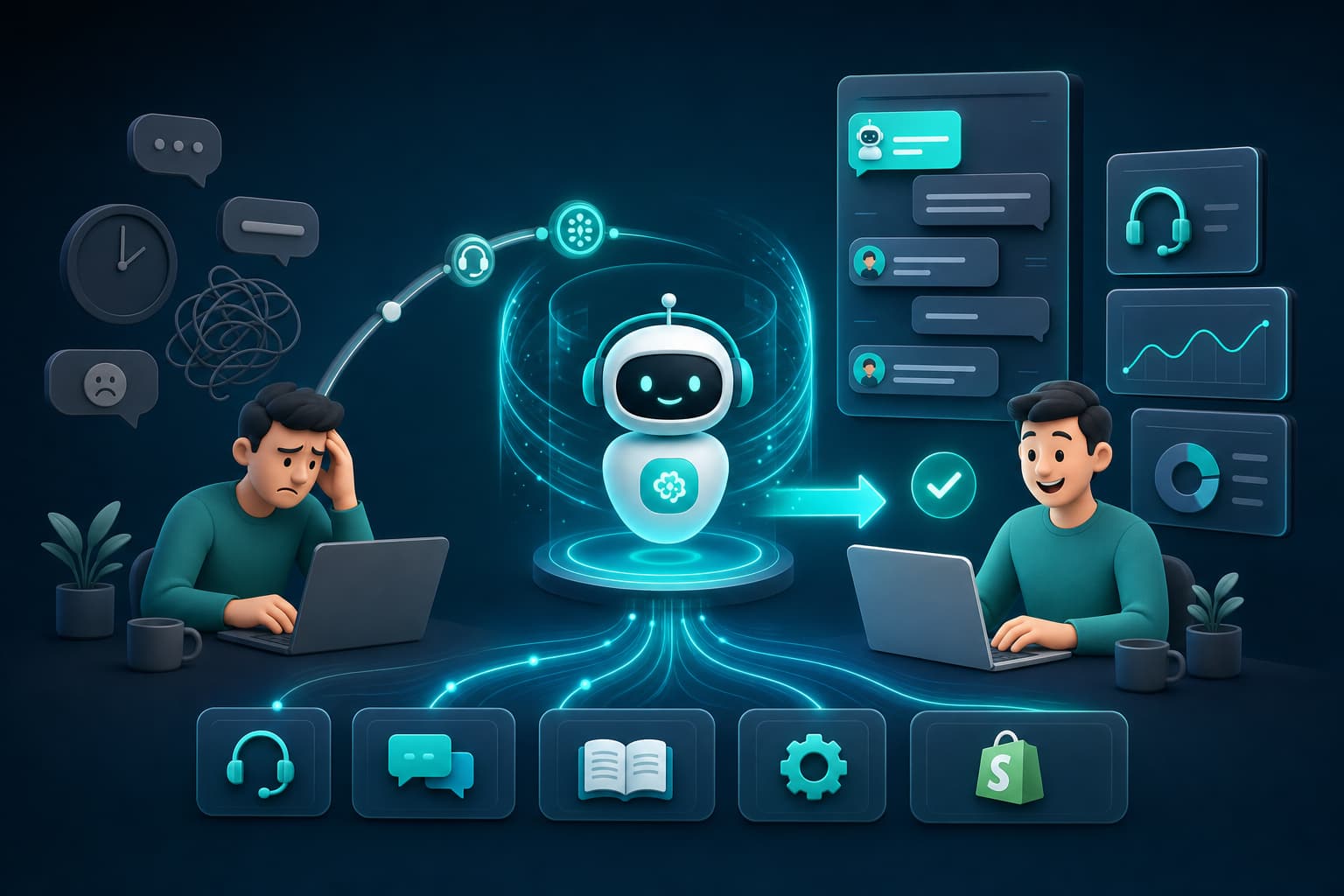
An AI agent eliminates this friction. Instead of "Have you checked our FAQ?", your customer gets a direct answer on your website in real time. The AI reads your Notion pages, Google Docs, PDFs, or Confluence instances—your existing knowledge—and responds conversationally. If it doesn't have the answer, it hands off to a live agent with full context. The ticket that would have opened in frustration never forms.
How AI Agents Actually Reduce Ticket Volume
A properly deployed AI support agent attacks three sources of incoming tickets simultaneously.
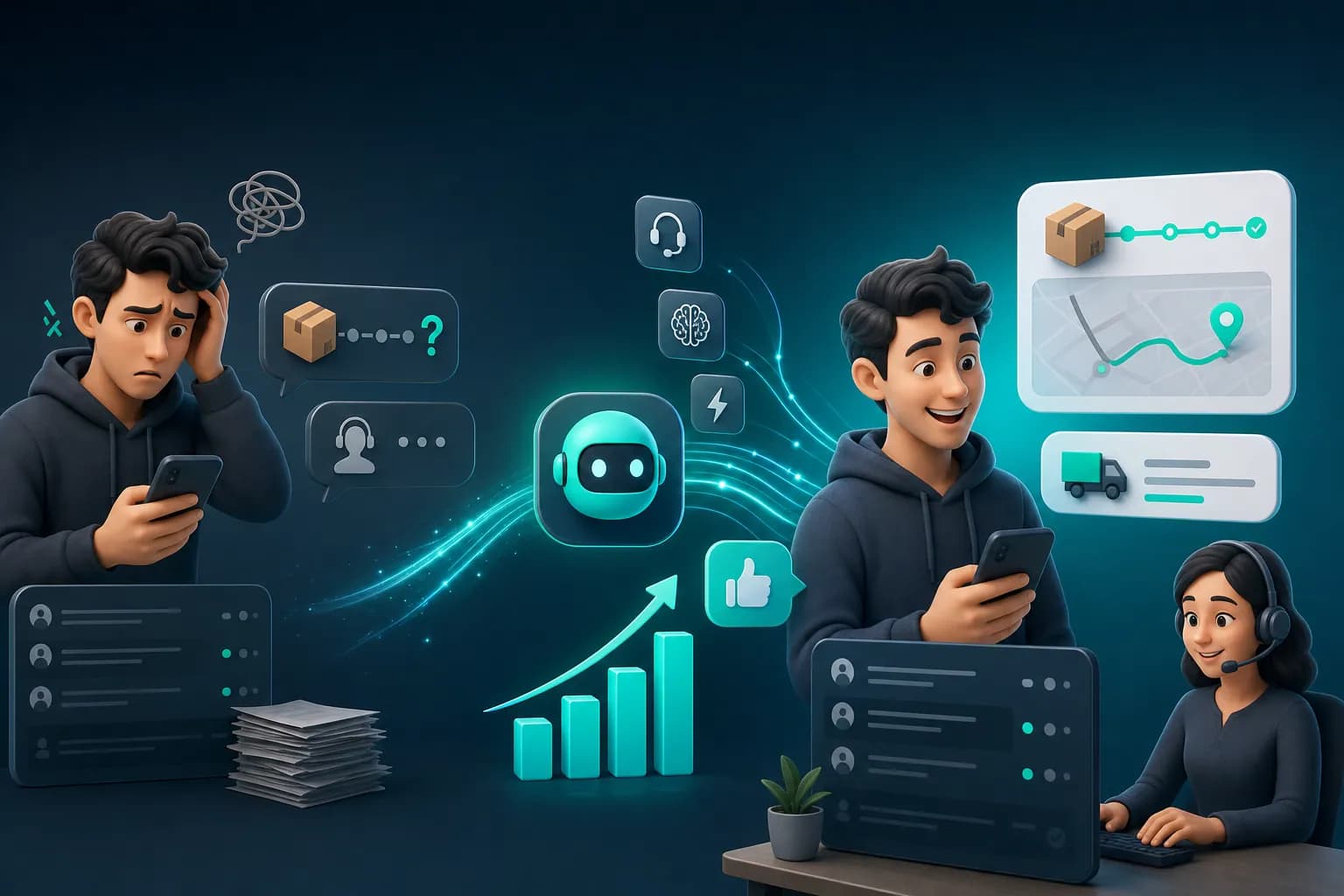
First: WISMO resolution. Your AI agent can access live order data, return statuses, account information, and shipment tracking. When a customer asks "Where is my order?", the agent pulls the real tracking information from your system and answers in seconds. No human involvement. No ticket created. This alone typically reduces incoming volume by 30 to 50%, depending on your business model.
KnowDesk's WISMO agent is purpose-built for this. It connects to your order management system, reads order history, and responds to order-status questions with live data—the customer gets their answer without ever emailing your team. For Shopify stores specifically, Shopify order lookup integrates natively, so your AI agent has instant access to order details without custom coding.
Second: FAQ automation at scale. Your customer has a question about your return policy, shipping costs, or account settings. Your AI agent answers it conversationally, pulling from your knowledge base—Google Docs, Notion, PDFs, Confluence, or plain text. The customer leaves satisfied. No ticket opened. This addresses another 15 to 25% of incoming volume.
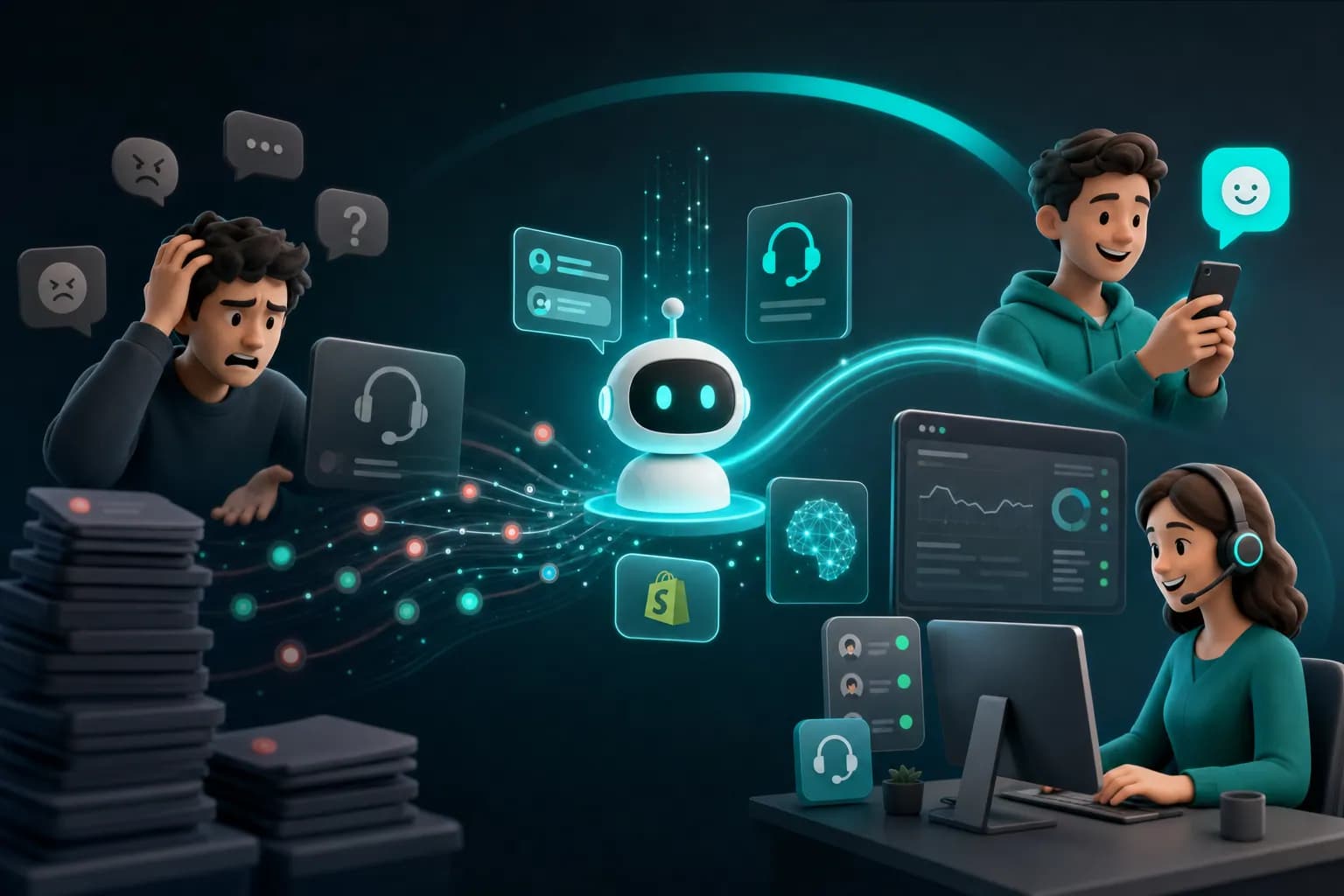
Third: Intelligent triage and context capture. Not every question resolves with AI. When your AI agent encounters a question it can't answer—a complaint, a custom request, a technical issue requiring investigation—it doesn't disappoint the customer. It escalates immediately to your live team, but it hands over full context: what the customer asked, what the AI found or didn't find, and any relevant account history. Your live agents start with answers, not questions. First-contact resolution improves. Ticket resolution time drops.
The combined effect is substantial. Teams report 40 to 65% reductions in inbound ticket volume after deploying AI agents—measured over 30 days, not projected in marketing decks.
The Practical Setup That Actually Works
The reason many teams fail with AI support is complexity. They build custom chatbots. They hire integrators. They spend months on deployment. By the time it's live, support has already moved on, and the tool sits unused.
The fastest path to results is a no-code AI agent that deploys in minutes, not months.
KnowDesk is built on this principle. You connect your knowledge sources—Notion workspace, Google Doc folder, PDF directory, Confluence space—by granting read access in your browser. You define your brand guidelines and customer tone. You set up a live agent inbox for escalations. In under two minutes, your AI agent is live on your website, answering questions in your brand voice.
This speed matters. It means you test the impact immediately. Within days, you see how many tickets your AI agent deflects. You identify which questions it answers well and which need refinement. You iterate fast. No six-month pilot. No vendor lock-in while you're still learning.
The technical integration happens through KnowDesk's Mission Control, which lets you manage your agent's responses, review quality, set escalation rules, and monitor performance—all without coding. You can adjust what your AI agent does without waiting for a development team.
For multi-language support, KnowDesk handles translation automatically. Your customer visits your website in French, Spanish, or Japanese, and your AI agent responds in their language. You don't manage multiple knowledge bases. One source. Many languages. This expands your ticket reduction across international customers.
Real-World Impact: What Ticket Reduction Looks Like
Consider a Shopify store with 2,000 monthly transactions and a three-person support team. Without AI, they field roughly 400 to 600 tickets per month. About 60% of these are order-status questions, refund inquiries, and policy clarifications.
When the store deploys an AI agent capable of accessing live Shopify order data and pulling from their product FAQ PDF, the AI handles 240 to 360 tickets in the first month alone—just from WISMO requests and policy questions. The three-person team now manages 150 to 200 tickets per month instead of 400 to 600.
The impact compounds over time:
- Immediate cost savings: If the average ticket costs $35 in labor (fully loaded), this store saves $8,400 to $14,000 in month one, just from deflated tickets. Annualized, that's $100,800 to $168,000.
- Reduced overtime and burnout: Your support team isn't working weekends to clear the queue. Ticket backlog disappears. Agent satisfaction improves.
- Better first-contact resolution: Your live agents now spend time solving genuinely complex issues—chargebacks, product defects, lost shipments. They solve each one better because they're not exhausted from answering the same question 20 times a day.
- Faster customer response times: Your AI agent responds in seconds. Your live team now has time to spend on each ticket they receive. Total resolution time often drops even though fewer tickets hit your team.
- Improved customer satisfaction: Customers get instant answers to straightforward questions. They only wait for live support when they have a real problem. NPS scores typically rise because the friction is gone.
Here's what this looks like in data: A SaaS company with a 1,500-customer base and 250 monthly support tickets reported a 58% ticket deflection rate within six weeks of deploying KnowDesk. Their peak daily ticket volume dropped from 15 to 8. Average first-response time improved from 8 hours to 2 hours because their team now handled fewer, higher-complexity tickets. Customer satisfaction scores rose from 4.2 to 4.7 out of 5.
Integration Options That Fit Your Workflow
Your knowledge lives in different places. Your product FAQs are in Notion. Your refund policy is a PDF. Your account troubleshooting is in Confluence. Your order process is documented in Google Docs. Building a unified AI agent usually requires custom engineering.
With KnowDesk, you don't choose one system and abandon the others. You connect all of them. The AI reads across your entire knowledge base—Notion, Google Docs, PDFs, Confluence—in a single deployment. No manual consolidation. No recreating documentation.
For e-commerce, native Shopify integration means the AI agent automatically accesses your product catalog, customer order history, and payment status. When a customer asks about a product they purchased, the agent knows exactly which product they mean, what they paid, and when it ships. Context is automatic.
For email-heavy teams, KnowDesk's live agent inbox consolidates all escalations. Tickets escalated from your AI agent appear in your inbox alongside emails from customers who contacted you directly. You manage one queue, not multiple tools.
For brand consistency, the brand gate feature lets you lock down the AI agent's tone and the information it can share. You set boundaries. Your brand voice stays intact across every customer interaction. The agent can't make unauthorized offers or misrepresent policy.
Measuring Success: What Metrics Matter
You'll know ticket reduction is working when you can measure it. The baseline metric is simple: count your tickets before and after.
But deeper metrics reveal whether your AI agent is actually solving problems or just frustrating customers:
| Metric | What It Means | Target After AI Deployment |
|---|---|---|
| Ticket Deflection Rate | % of potential tickets resolved by AI before escalation | 40–65% |
| AI Resolution Rate | % of AI interactions that end without human escalation | 70–85% |
| Average First Response Time | Time between ticket open and first agent response | 30 min or less (AI instant; escalated tickets get faster follow-up) |
| Escalation Rate | % of AI interactions handed to live agents | 15–30% (higher rate = AI correctly identifies hard problems) |
| Customer Satisfaction (CSAT) | % of customers satisfied with support experience | 85%+ (often rises because fast answers reduce frustration) |
| Agent Capacity Per Hour | Number of complex tickets each agent resolves daily | Increases 20–40% (fewer interruptions, higher focus) |
KnowDesk's Mission Control dashboard shows you all these metrics in real time. You don't need to manually pull data from multiple systems. You see ticket deflection rate, resolution rate, and customer satisfaction from one place. You can drill into individual interactions to see which questions your AI handles well and which ones need refinement.
QA reviews are built in. You can flag specific AI responses for quality assurance, making sure the agent isn't giving bad answers or overstating what's possible. This prevents the "AI went rogue and promised something impossible" scenario that derails many deployments.
Common Mistakes That Kill Ticket Reduction Success
Not every AI deployment delivers results. Here's why most fail, and how to avoid it:
Mistake 1: Deploying the AI agent but not maintaining the knowledge base. Your AI is only as good as the information you feed it. If your knowledge base is outdated—three-month-old docs, conflicting information, broken links—your AI agent gives outdated answers. Customers escalate. Tickets don't decline.
Fix: Assign one person to own knowledge base quality. Update it when policies change, products launch, or processes shift. Set a monthly review cadence. Stale information is worse than no information because it looks authoritative but misleads the customer.
Mistake 2: Not training your AI agent on the specific language and tone of your customers. An AI trained only on generic FAQ templates sounds corporate and unhelpful. Your customers don't respond to "Please escalate your inquiry to a human representative." They respond to "I can't answer that—let me get someone who can."
Fix: Provide KnowDesk's brand gate with your actual customer language. Use examples of good support interactions from your team. Let the AI learn your actual tone, not a generic one.
Mistake 3: Setting an AI agent live but not monitoring what it does for the first two weeks. Without active review, your agent makes mistakes. It answers a question wrong, upsets a customer, gets routed a complaint, and derails your whole project because leadership loses confidence.
Fix: Enable QA reviews in Mission Control from day one. Spot-check your AI's responses daily in the first two weeks. Flag errors for refinement. After two weeks, drop to twice-weekly review. Most issues surface fast and are fixable in minutes—a knowledge base clarification or a prompt adjustment.
Mistake 4: Building the AI agent but not integrating it with your live team's workflow. Your AI escalates a ticket to your inbox, but the structure is confusing or missing context. Your live agents don't know what the AI tried or what the customer already tried. They start from scratch, wasting time.
Fix: Use KnowDesk's live agent inbox, which packages all escalated tickets with full AI-captured context. Your live agents know exactly what the AI agent attempted and what the customer's exact question was. No re-asking. No context rebuilding.
Getting Started Without the Setup Headache
You can start a free trial of KnowDesk without a credit card, engineering team, or long onboarding call. The setup is fast because no-code is the only option—you're not waiting for developers.
Here's what your first hour looks like:
- Connect your knowledge: Point KnowDesk to your Notion workspace, Google Docs folder, PDF storage, or Confluence space. Grant read access. Done. It takes five minutes total.
- Customize your brand voice: Write a brief description of your brand tone and values. Upload your logo. Set escalation rules—when should the AI hand off to a human? (This takes 10 minutes.)
- Deploy the widget: Grab an embed code and paste it into your website header. No code changes required. It works on any website. KnowDesk handles all the hosting and updates. (Five minutes.)
- Test and monitor: Ask your AI agent questions as your customer would. See the response. Flag anything that needs refinement in Mission Control. Make adjustments in minutes, not days.
- Launch to customers: Once you're confident, release the widget to your full customer base. Start tracking ticket reduction immediately in the dashboard.
No waiting for vendors. No vendor discovery calls that drag for weeks. No custom integrations. This is why KnowDesk deploys in under two minutes while traditional chatbot platforms take 60 to 90 days.
You can also see pricing to understand costs. KnowDesk charges per widget, not per ticket deflected, so your cost is predictable. Larger teams and higher deflection volumes don't trigger surprise bills.
The Financial Case: Why This Saves Money Immediately
Let's build a realistic financial model for a mid-sized support operation.
Baseline: Your team has five agents. Each costs $50,000 per year (salary + benefits + tools). Monthly operational cost is about $20,833. You handle 3,000 tickets per month. Your average cost per ticket is $6.94.
Scenario: You deploy an AI agent and achieve a 50% ticket deflection rate (realistic for teams with decent FAQs). Your ticket volume drops to 1,500 per month. You can now handle the same load with three agents instead of five. Your two-agent reduction saves $100,000 per year.
KnowDesk costs between $299 to $999 per month depending on usage and features, or roughly $3,600 to $12,000 per year. The math is stark: even in year one, you save $88,000 to $96,400 net of KnowDesk fees.
But there's more. With fewer tickets, your remaining agents resolve them faster. Your time-to-resolution drops. Your customer satisfaction rises. You get fewer escalations, fewer chargebacks due to poor support, and better retention because customers feel helped, not frustrated. These indirect benefits often exceed the direct cost savings.
For smaller teams (two agents), the math still works. You save one agent's salary ($50,000 per year) minus KnowDesk fees ($5,000 per year) = $45,000 net savings. For very small teams, the value is often retention and scale—you can grow to 2x the customer volume with the same staffing, which is more valuable than cost reduction.
What Happens After Deployment
The real benefit unfolds over time. In month one, you see dramatic ticket deflection. In month two, your team refines the AI agent based on what it's learning. In month three, you're managing at a new baseline—fewer tickets, higher complexity, faster resolution.
By month six, your AI agent has learned your business. It understands edge cases. It escalates correctly. Your team has time to pursue proactive support—reaching out to at-risk customers, improving product documentation, building features that reduce friction. Support shifts from reactive to strategic.
And you're not locked in. KnowDesk's documentation and support are accessible anytime. You can adjust your AI agent's behavior in seconds. If a product launches or policy changes, you update your knowledge base, and the AI agent reflects that change immediately. No vendor waiting. No service tickets. Your system evolves as fast as your business does.
The compound effect: Every ticket you don't handle frees up your team to improve operations. Lower ticket load means more time to fix root causes, improve onboarding, and simplify your product. Better product experience means fewer support questions downstream. It's a virtuous cycle that most support teams never reach because they're too busy fighting fires.
Start Reducing Tickets Today
Your support team doesn't need more people. It needs friction removed. It needs to stop answering the same question 20 times a day. It needs time to solve the problems that matter.
An AI agent does this in minutes of setup time, not months of engineering. Start a free trial of KnowDesk and see your ticket volume decline within days. You'll watch your AI agent deflect questions in real time while your team focuses on customers who genuinely need help. No credit card required. No commitment. Just results.