Shared Inbox for Customer Support Teams 2026
Learn how a shared inbox streamlines customer support collaboration. Manage tickets, reduce response times, and improve team efficiency with KnowDesk.

Quick answer
A shared inbox centralizes all customer messages in one place, enabling support teams to collaborate seamlessly, track conversations, and resolve issues faster without duplicating
On this page
- The Problem: Fragmented Support Channels Cost Time and Revenue
- How a Shared Inbox Fixes This: The Mechanism
- Concrete Benefits That Show Up in Your Metrics
- KnowDesk's Shared Inbox: Live Agent Inbox With Pre-Solved WISMO
- Multi-Team and Multi-Channel Shared Inboxes
- Comparison: Shared Inbox Approaches in 2026
- Building Shared Inbox Workflows That Scale
- Shared Inbox as Your Foundation for AI-First Support
- Getting Started With a Shared Inbox: From Zero to Fast
- Real Numbers: What Shared Inboxes Actually Deliver
- Why a Shared Inbox Fails (And How to Avoid It)
- The Multi-Language and Global Shared Inbox
- Shared Inbox and Your Support Technology Stack
- Ready to Move Your Team to a Shared Inbox
A shared inbox for customer support teams centralizes all incoming customer messages—emails, chats, tickets—into one workspace where multiple agents can collaborate, claim tickets, and track resolution in real time. It replaces the chaos of individually monitored email accounts with a single source of truth, eliminating missed messages, duplicate replies, and accountability gaps.
The Problem: Fragmented Support Channels Cost Time and Revenue
Before shared inboxes became standard, support teams managed customer inquiries across scattered channels. One agent monitored email. Another handled chat. A third received tickets through a separate system. Customers fell through the cracks.
In a real example, a customer emails [email protected] at 9 AM. The message sits unread because Sarah, who usually handles email, is on vacation. Meanwhile, the same customer posts on Twitter, where they get a response in 90 minutes. The email never gets answered.
This fragmentation creates measurable waste. Teams spend time asking "Did anyone respond to this?" instead of solving problems. Customers get different answers from different agents because there's no unified conversation history. Resolution times stretch. Frustration compounds. The business watches repeat contacts spike and CSAT scores drop.
How a Shared Inbox Fixes This: The Mechanism
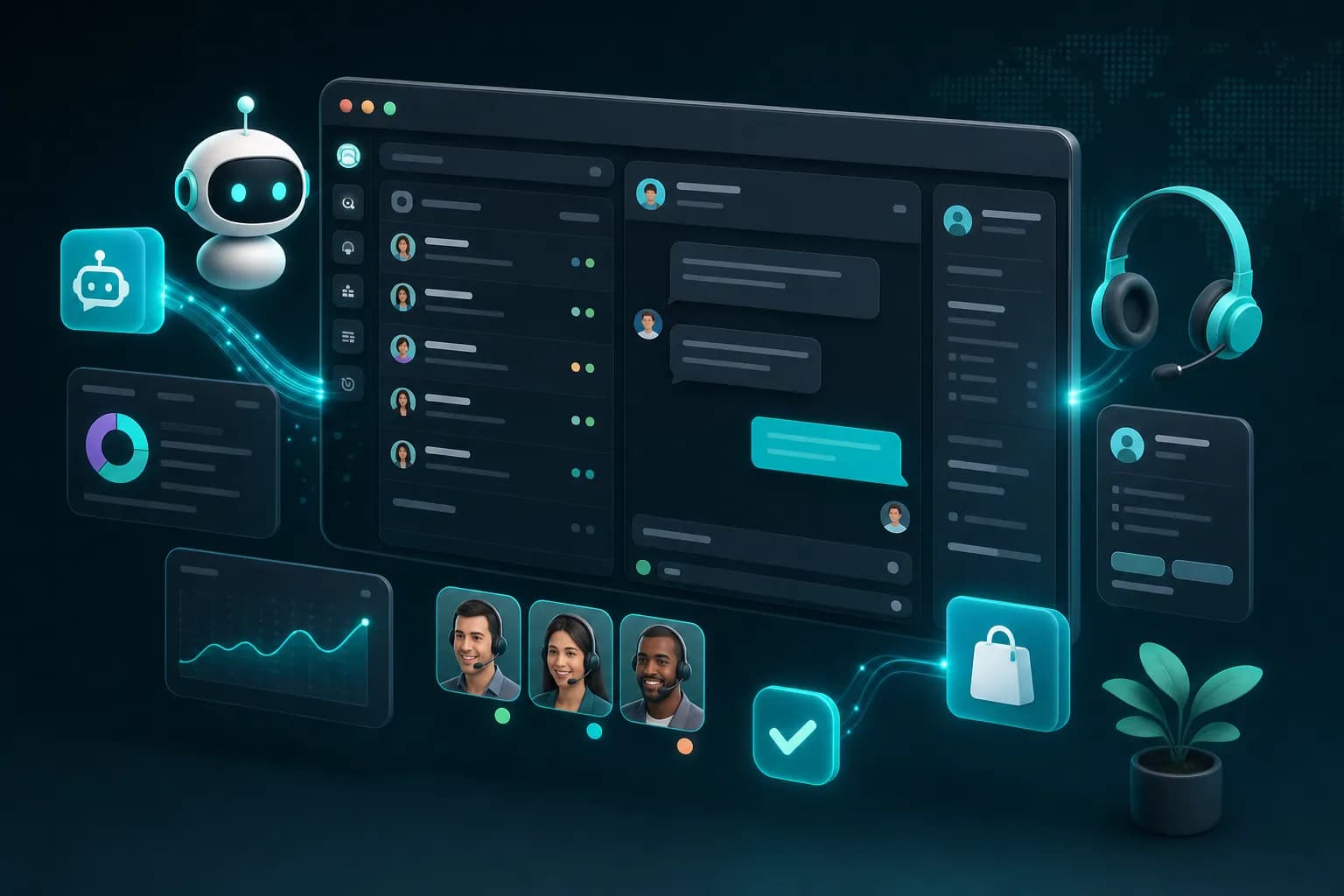
A shared inbox aggregates all customer communications into one dashboard. Every message appears once. Every agent sees the same queue. When someone claims a ticket, it locks for that agent so no one else wastes time on it.
Here's how it works in practice. Your customer submits a support request via email, chat, and contact form—all from different channels. Instead of creating three separate tickets, the system recognizes they're the same person and threads the conversation together. The queue shows: "Customer: John Chen | Issue: Order not arriving | Status: Unclaimed | Last message: 4 minutes ago."
Sarah clicks "Claim." The ticket is now hers. Tom sees it's locked and moves to the next one. Sarah reviews the full conversation history—emails, chats, order lookups, previous interactions—in one place. She responds. The customer sees the answer in their email and in the chat window where they also reached out. No one else needs to touch this ticket.
When Sarah resolves it, the ticket closes. Tom spots an uptick in complaints about shipping delays and marks three related tickets as a trend. The team lead pulls a report showing that trend and escalates it to operations. All of this happens because the shared inbox creates visibility and accountability at every step.
Concrete Benefits That Show Up in Your Metrics
Shared inboxes don't just feel better to use—they measurably improve how support teams perform. The efficiency gains compound quickly.
First response time drops. Instead of a customer waiting for Sarah (on vacation) to answer an email, the ticket enters a queue visible to seven agents. The fastest available person claims it. Response within 2 hours, not 24.
Duplicate replies disappear. When two agents can't see that a ticket is already claimed, both respond. The customer gets confused. The customer gets annoyed. In a shared inbox with live visibility, this cannot happen. One agent, one conversation, no waste.
Accountability becomes automatic. Every ticket has an owner. Every message is timestamped. Every resolution is logged. When a customer complains "I never heard back," the team pulls the shared inbox record and shows exactly what happened—or identifies that the message was genuinely missed and routes it immediately.
Collaboration becomes real. If Sarah needs help on a complex ticket, she tags Tom right in the shared inbox. Tom adds a note. Sarah sees it and responds to the customer. The ticket stays in Sarah's queue but Tom's knowledge is captured in the thread. Next time a similar issue comes up, any agent can search and find the solution.
KnowDesk's Shared Inbox: Live Agent Inbox With Pre-Solved WISMO
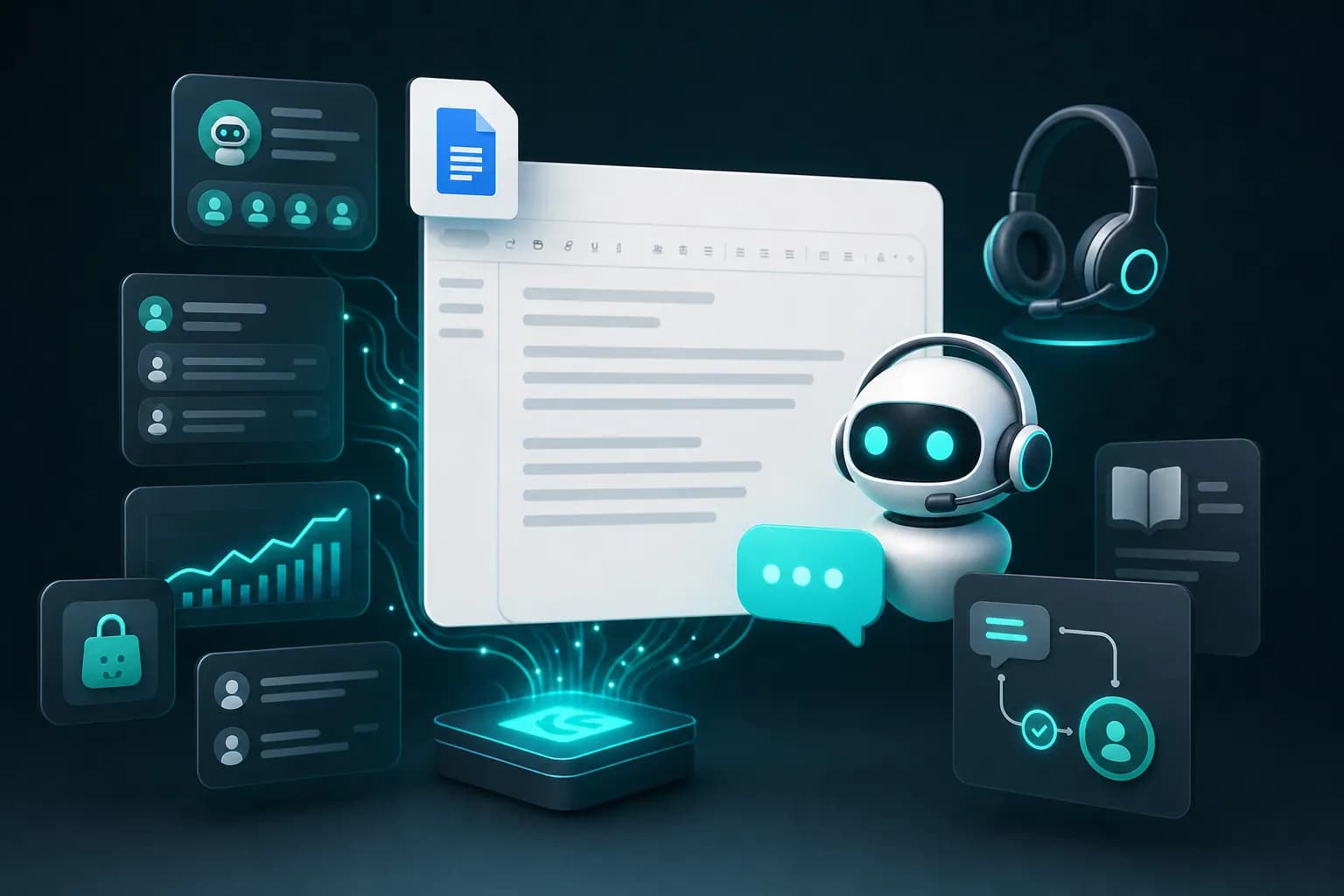
KnowDesk takes the shared inbox concept further than basic ticket aggregation. Its live agent inbox does the foundational work—centralize all customer messages into one workspace—but then layers on automation that solves entire categories of questions before they ever reach a human agent.
Most customer inquiries are status updates. "Where is my order?" "Can I change my delivery address?" "What's my refund status?" These questions waste agent time on repetitive answers. KnowDesk's WISMO agent (Where Is My Standing Order) intercepts these queries and answers them automatically using real-time order and account data. The customer gets an instant response. The agent workload drops.
One e-commerce customer deployed KnowDesk and immediately saw 47% of incoming support tickets resolve automatically through the WISMO agent, without any agent involvement. The same shared inbox that routes complex questions to the team now has far fewer interruptions to route. Agents focus on revenue-impacting work: retention, upsells, problem-solving that requires judgment.
The live agent inbox then lets your remaining team collaborate on what's left. Tag a teammate. Add notes. Claim tickets. Transfer between departments. Move at the speed of your team's actual workflows.
And critically, setup takes minutes. No custom development. No six-week implementation project. You connect your email, your knowledge base, your order system, and your support agents log in to the shared inbox. Done. This matters because every month you delay deployment is a month your team is still stuck with fragmented, slower support.
Multi-Team and Multi-Channel Shared Inboxes
Real support organizations often need more than one shared inbox. You might have a billing team separate from technical support. A sales team that handles presales inquiries. A compliance team that monitors regulatory requests.
Enterprise shared inbox solutions let you spin up separate queues for each function, then route tickets automatically. A customer emails asking about pricing. It lands in sales' shared inbox. A billing dispute arrives. It goes to finance. A product defect comes in. It goes to technical support.
The router works by rule. If the email contains "refund," send it to billing. If it matches keywords like "crash" or "error," send it to tech. If it's from a VIP account, send it to the priority queue. These rules reduce manual sorting and get tickets to the right people faster.
But here's what separates KnowDesk: it uses actual conversation context and customer intent—not just keywords. The WISMO agent understands what the customer is really asking. Is this a status question that needs automated resolution, or a genuine problem that needs human judgment? Is this customer in their first order or a repeat buyer? Should this go to tier-1 support or escalate to specialist team immediately?
That's why a customer question that looks like "Why hasn't my order shipped?" resolves automatically through KnowDesk's AI, while a question that looks like "I ordered this three weeks ago and now I need it—help" gets flagged as urgent and lands in front of a human agent in the shared inbox within minutes. The same inbox. Smarter routing. Faster resolution.
Comparison: Shared Inbox Approaches in 2026
Not all shared inboxes are built the same. Some are basic ticket queues. Some add automation. Some add native integrations that matter for e-commerce and SaaS.
| Capability | KnowDesk | Generic Ticket Tools | Email Management Only |
|---|---|---|---|
| Setup time | Under 2 minutes, no code | 2–5 days with IT involvement | 1–2 hours, self-serve |
| AI automation (WISMO) | Yes, solves ~47% of tickets | Add-on, requires separate setup | No |
| Live agent inbox | Yes, with tagging and transfers | Yes, standard feature | Limited (email only) |
| Shopify order lookup | Native, one-click | Via API integration | No |
| Knowledge base integration | Google Docs, Notion, Confluence, PDF | API-based, manual setup | No |
| QA reviews for agents | Built-in, with AI coaching | Add-on, separate tool | No |
| Multi-language support | Yes, 28+ languages | Limited, manual translation | No |
| Brand customization | Full white-label (brand gate) | Limited branding | No |
KnowDesk's advantage is not just the shared inbox—it's that every surrounding component is optimized to reduce actual work. You get the inbox. You get automation that solves the inbox. You get integrations that prevent customers from having to ask questions in the first place. You get quality controls so your team improves over time.
Building Shared Inbox Workflows That Scale
As your support team grows, the shared inbox can either become more powerful or more chaotic. The difference is in how you configure workflows.
Start with visibility rules. Every agent sees a list of unclaimed tickets filtered by their skillset or availability. New agents work on tier-1 questions. Specialists work on escalations. Night shift sees tickets that arrived after day shift closed. Everyone knows what to work on next.
Add routing automation. When a customer reports a billing error, the ticket automatically lands in the finance team's inbox with a "billing" tag and higher priority. When it's resolved there, it routes to engineering if needed, then back to the customer. The ticket moves through departments—all in one shared system—rather than requiring forwarding emails.
Set SLA visibility. The shared inbox shows how long each ticket has been open and whether it's approaching or past the SLA deadline. Red flags appear on aging tickets. Managers know instantly which tickets are at risk of missing commitments.
Enable team notes. When Sarah claims a ticket and sees it's complex, she adds an internal note: "Customer is in EU, check GDPR compliance before refunding data." Tom, if he ever needs to take over, sees this context immediately. The institutional knowledge stays with the ticket, not locked in Sarah's head.
Finally, measure what matters. The shared inbox becomes your source of truth for metrics: average response time, average resolution time, agent productivity, ticket volume by category. Use these numbers to staff correctly, spot bottlenecks, and recognize top performers.
KnowDesk's Mission Control feature gives you this visibility without manual reporting. Your dashboard shows real-time queue status, SLA health, and team workload across all your shared inboxes—departments, time zones, channels. You see where tickets are bottlenecking and route resources there before customers complain.
Shared Inbox as Your Foundation for AI-First Support
In 2026, the shared inbox is no longer just an organizational tool. It's the interface between your customer-facing AI and your human team.
Before automation handles a question, it lands in your shared inbox as a candidate for resolution. Your knowledge base has an answer? The AI solves it and logs it. No human time spent. The customer never enters your queue.
The AI doesn't have enough information? The ticket routes to your shared inbox with a note: "Customer asked about refund but I don't have their order status. Needs human lookup." Your agent has context. They pull the order in 30 seconds. Problem solved.
The AI detects a complaint—angry language, refund request, account closure threat? It escalates to the shared inbox with "URGENT" flag and routes to your best agent. That agent gets the ticket before it becomes a churn event.
This workflow is why KnowDesk combines the live agent inbox with the WISMO agent. One system. One queue. One source of truth about what's automated and what's not. Your agents aren't juggling multiple tools. They're not checking AI dashboards and ticket systems separately. They open the shared inbox and see the full picture: which tickets resolved themselves, which need human attention, and which need escalation.
The result: your team spends less time on routine work and more time on moments that matter. A customer who's thinking about leaving gets a human who cares, not a bot. A billing error gets investigated properly, not deflected. Your support cost per ticket drops while your CSAT rises.
Getting Started With a Shared Inbox: From Zero to Fast
The barrier to implementing a shared inbox used to be high. You needed IT involvement. You needed custom integrations. You needed training. Implementation took months.
In 2026, that's no longer true. Most solutions, and especially KnowDesk, run on no-code setup. You sign up. You connect your email account or ticketing system. You invite your team. You start routing tickets. Hours, not months.
But there's a difference between "working" and "optimized." Here's how to move fast and avoid common mistakes:
- Start with email. If your team currently uses a shared email inbox or forwards everything to a single account, move that directly into your new shared inbox. No data loss. Immediate improvement in visibility.
- Define your first routing rule. Most teams start with just two categories: "new ticket" and "follow-up." Get the basics working before you add complexity.
- Set one SLA. Most teams pick "first response within 4 hours." Measure it. Meet it. Then optimize.
- Integrate your knowledge base. If you have docs in Google Docs, Notion, or Confluence, connect them so agents can search and link answers without leaving the inbox.
- Enable one automation. If you have repetitive questions, turn on AI deflection for the top 5 question types. Watch what resolves automatically. Expand from there.
- Review one ticket per week with the team. Take a closed ticket, discuss what went well, what could be faster. Build a culture of continuous improvement without creating extra work.
KnowDesk handles all of this in the first hour. The documentation walks you through each step. Your first shared inbox is live before lunch. Your first automation starts running before your team leaves for the day.
And because setup is fast, you can experiment. Try different routing rules. See what works. Change it. Most teams spend months "designing the perfect system" before launching. By the time they launch, requirements have changed. With KnowDesk, you launch imperfect and improve every week based on actual traffic, not theoretical projections.
Real Numbers: What Shared Inboxes Actually Deliver
Numbers matter. They cut through marketing and show what's real.
Companies using shared inboxes typically see first response time drop 30–50%. Not because anyone works faster, but because no one sits idle waiting for an email. The next claim is instant.
Resolution time improves 20–35%. Fewer delays due to miscommunication. Fewer "I didn't see that email" moments. Fewer duplicate answers that confuse customers.
Repeat contacts drop 25–40%. When the first answer is complete and you have visibility into the full conversation history, the customer doesn't call back asking the same thing.
Agent utilization rises 15–25%. Idle time disappears. Everyone has something to work on. No queue management overhead.
And when you add WISMO automation on top of the shared inbox, as you do with KnowDesk, you see another layer: approximately 47% of incoming tickets resolve without any agent involvement. That's not 47% of simple questions. That's 47% of all incoming support volume. Your shared inbox becomes 53% smaller, and the remaining 53% are genuinely complex issues that deserve human attention.
One Shopify merchant who implemented KnowDesk's shared inbox plus WISMO went from responding to customers in 8+ hours to under 2 hours—because fewer tickets needed human review. Their CSAT jumped from 72% to 91% in three months. Volume doubled, but headcount stayed flat.
Why a Shared Inbox Fails (And How to Avoid It)
Not every shared inbox implementation succeeds. Teams that struggle usually make one of these mistakes.
First mistake: no clear ownership. If every agent can claim every ticket, no one claims anything. "I assumed you got it." Tickets age and go unanswered. Fix this by requiring claims and showing SLA status publicly. Make it obvious who's responsible.
Second mistake: poor routing. Tickets go to the wrong team repeatedly. A billing question lands in tech support. A presales question lands with the retention team. Agents waste time moving tickets instead of solving them. Spend a day setting up routing rules correctly. It pays off immediately.
Third mistake: no integration. The shared inbox exists, but agents still have to copy information from other systems. They look up orders in Shopify, paste into the ticket, respond. Time waste. Context gaps. Errors. Integrate your knowledge sources directly. Agents should never leave the inbox to find information.
Fourth mistake: no visibility into automation. If you have AI deflection running, but no one knows which tickets were auto-resolved or why, you can't improve it. Track what resolved automatically. Learn from patterns. Double down on the categories that work. Fix the ones that fail.
Fifth mistake: no coaching loop. Agents get faster at their job organically. But with a shared inbox, you can actually review tickets, spot improvement opportunities, and coach without it feeling like surveillance. One ticket per week, 10 minutes of feedback, compounds into strong teams. Skip this and growth plateaus.
KnowDesk's QA reviews feature handles the coaching piece automatically. It flags tickets that could have been answered faster or with better tone. Suggests coaching moments. Tracks agent improvement over time. This prevents your shared inbox from becoming just a faster way to do the same old work.
The Multi-Language and Global Shared Inbox
If your customers are anywhere but a single English-speaking country, your shared inbox needs to handle language barriers or you haven't actually solved the problem.
A customer writes in Spanish. An English-speaking agent claims the ticket. Confusion. Slow progress. Either you hire multilingual agents (expensive) or you find another way.
The other way is built-in translation. The shared inbox receives a message in Spanish. It translates for display. The agent responds in English. It translates for the customer. They each see their own language. The conversation flows.
But there's a second layer: not all support needs are the same across languages. If your knowledge base exists only in English, you're asking Spanish-speaking customers to guess what to do. Better systems connect translated knowledge bases automatically. A Spanish customer gets answers in Spanish from your documentation.
KnowDesk supports 28+ languages natively. Customers write in Portuguese, French, German, Mandarin—your inbox translates in real time. Your knowledge base (Google Docs, Notion, Confluence, PDF) gets indexed across all languages. An agent in the US can help a customer in Japan without delays or hire complications.
This matters because 2026 companies serve global customers. Your shared inbox either handles this invisibly or it becomes a bottleneck in every non-English interaction. KnowDesk assumes global from day one.
Shared Inbox and Your Support Technology Stack
A shared inbox doesn't exist alone. It connects to your CRM, your knowledge base, your order system, your data warehouse.
The question is: how smoothly? Do agents have to context-switch between five different windows, or is everything they need accessible from the shared inbox?
Basic shared inboxes can integrate with popular tools via Zapier or custom webhooks. You can build the connections, but they're fragile. When the webhook breaks, you don't know until a ticket gets stuck. When you need to change logic, you need a developer.
KnowDesk takes a different approach. It has native integrations with the tools that actually matter for customer support: Shopify (for order data and fulfillment), Google Docs (for knowledge bases), Notion (for internal processes), Confluence (for documentation), PDFs (for technical specs or policies). One click to connect. One click to enable. No custom code. No fragile webhooks.
This is why setup takes under 2 minutes. You're not building integrations. You're just connecting what already exists.
And critically, these integrations work inside the shared inbox. When an agent is looking at a ticket from a Shopify customer, they can pull that customer's order history without leaving the inbox. See what they bought. See shipping status. See refund history. Resolve the issue in context. No data copying. No back-and-forth with other systems. One place to work.
Ready to Move Your Team to a Shared Inbox
A shared inbox is not a luxury. It's the baseline for any support team that wants to move faster than your competitors and deliver better results than your current setup.
If your team is currently spread across email accounts, separate ticketing systems, or chat platforms with no unified view, you're losing time every single day. Every missed message. Every duplicate answer. Every moment an agent spends wondering "Did someone already help this customer?" is wasted motion that a shared inbox eliminates.
The choice isn't whether to move to a shared inbox. It's which one. And that choice should be based on three things: how fast you can set it up, how much work it eliminates through automation, and how well it integrates with the systems you actually use.
KnowDesk wins on all three. Deployment in under 2 minutes with no code. WISMO automation that solves roughly 47% of support tickets before they ever reach an agent. Native integrations with Shopify, Google Docs, Notion, Confluence, and PDFs—the tools your team actually uses every day.
Your shared inbox isn't just an organizational upgrade. It's your foundation for AI-first support in 2026. Fewer repetitive questions for humans to answer. More complex and valuable work for your team to focus on. Faster resolution. Better CSAT. Lower costs.
The fastest way forward is to start a free trial of KnowDesk and see it in action with your own team. Set up your shared inbox. Connect your knowledge base. Watch the WISMO agent start resolving tickets in the background. See how much faster your team works when they're looking at one unified inbox instead of scattered email accounts and tickets.
You'll understand in the first day why a shared inbox is now non-negotiable for support teams. The question is when you're going to implement one. Start your free trial today and find out how much faster support can actually be.